Tesla automations: your car does things on its own
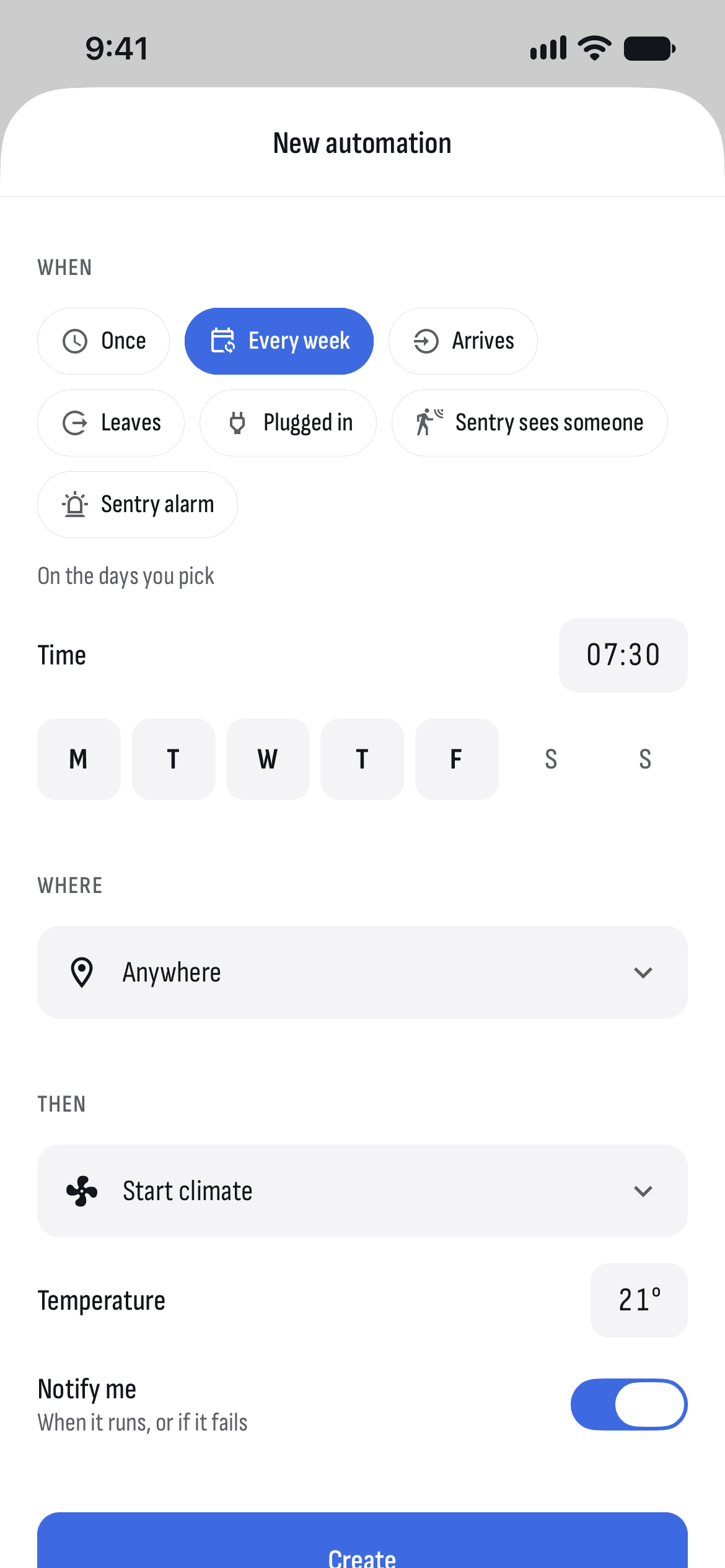
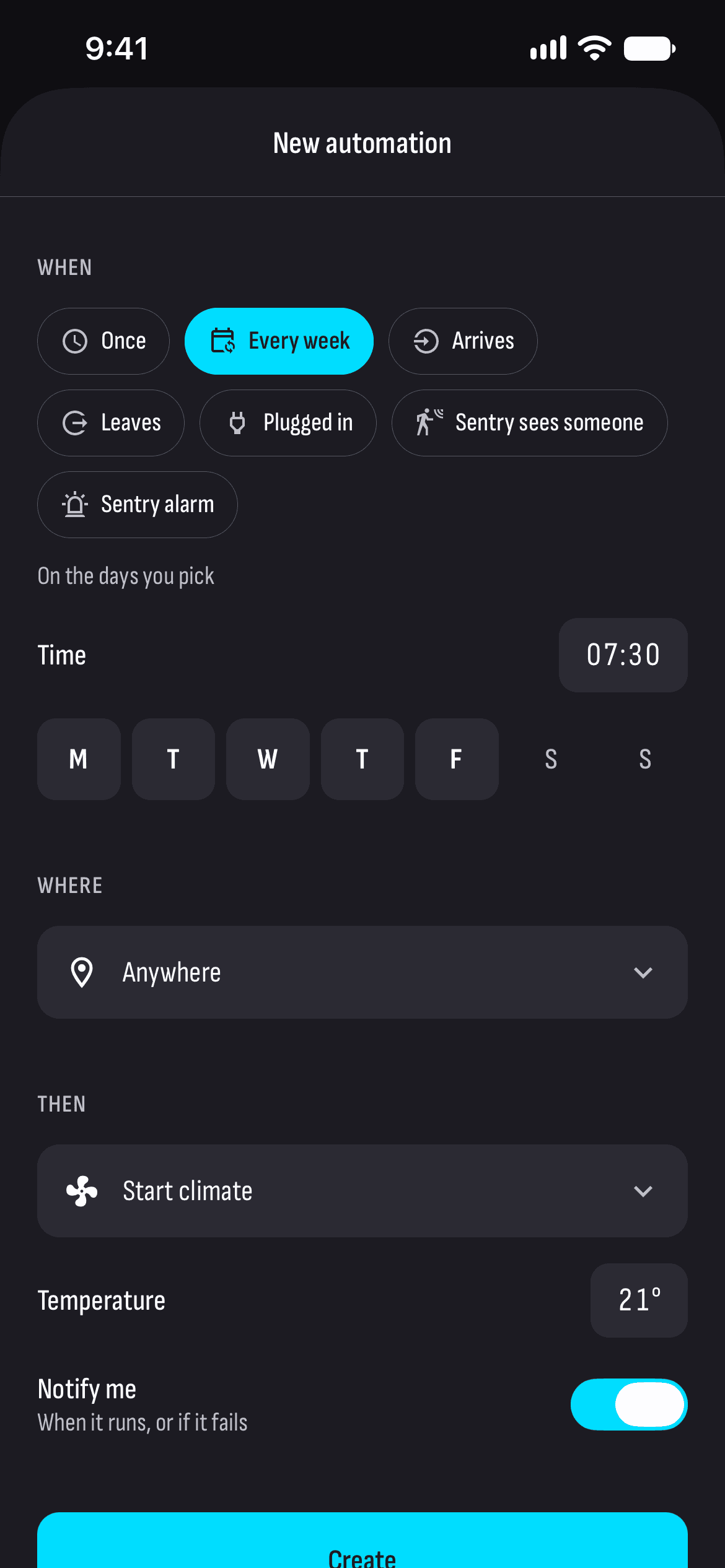
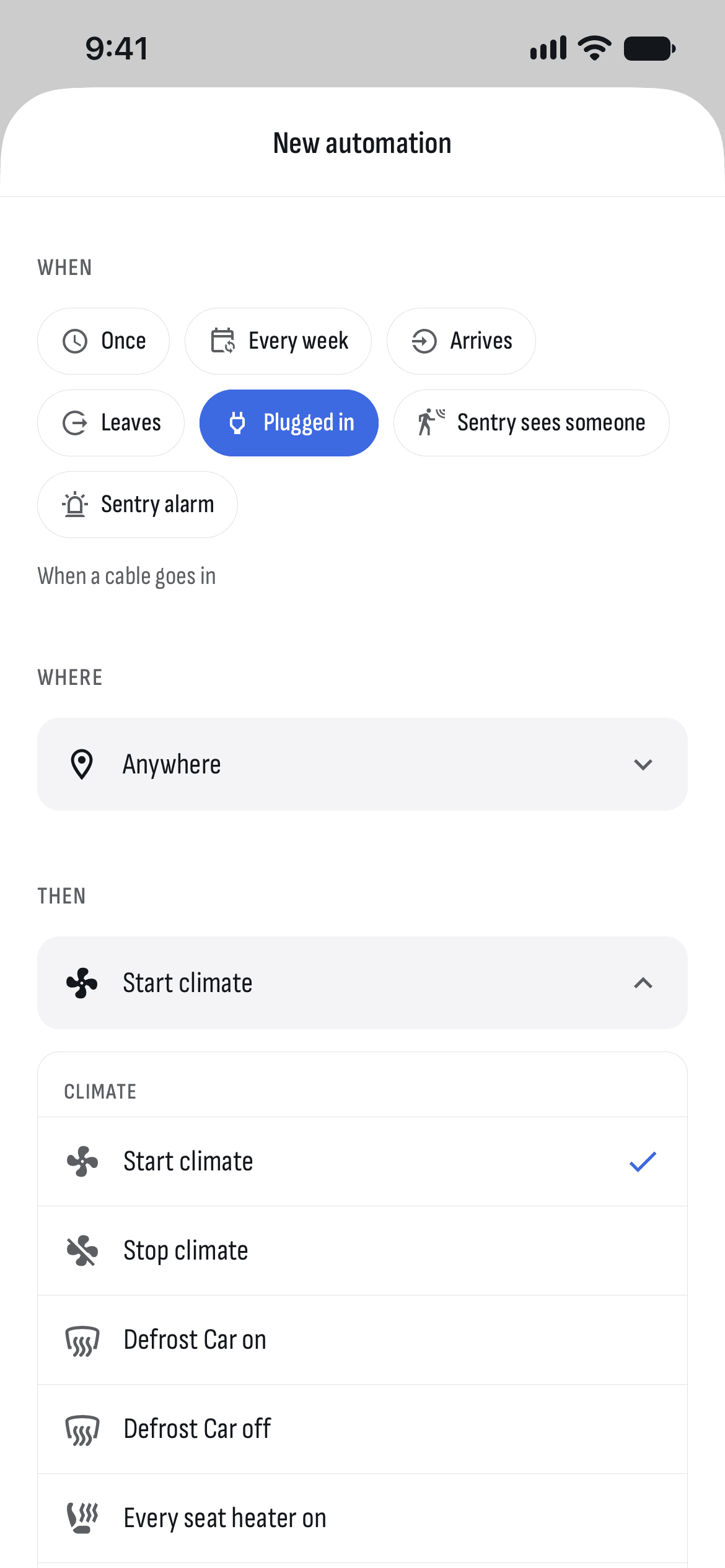
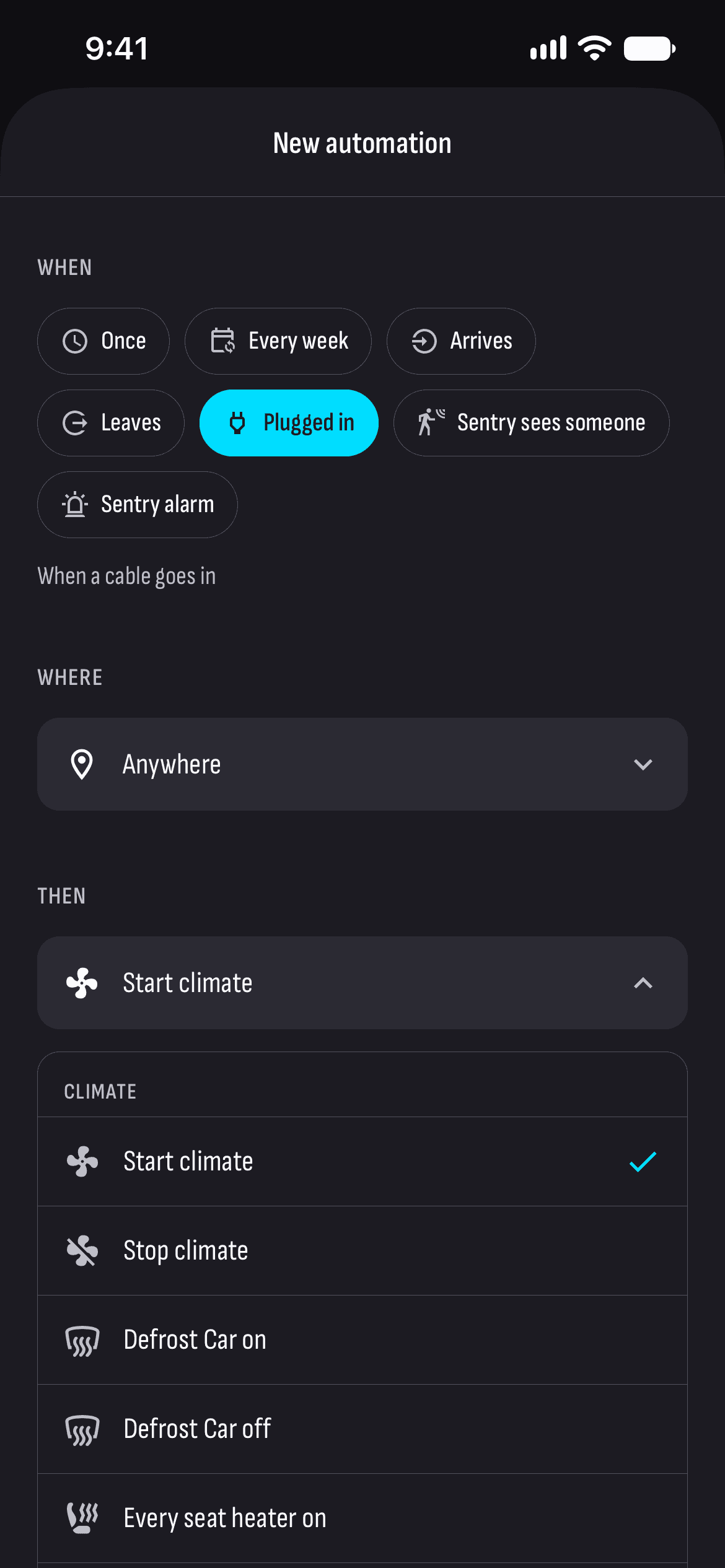
An automation is a rule: when, and what the car should do. When can be a time and days of the week, or an event — the car parks, drives off, gets plugged in, or Sentry sees someone. Rules run on TesHub’s server, so they don’t depend on your phone.
What you get
By the clock
Once, or on the days you pick every week — say the climate on weekday mornings.
When something happens
When the car parks or drives off, when you plug it in, when Sentry sees someone or sounds the alarm.
In one place only
Any rule can work in one place only — at home, for example.
Charging at an exact time
The idea: the car doesn’t charge until the time you pick, then starts — on the night rate, for example.
Lots of actions
Climate, defrost, seat heaters, charging and its limit, the charge port, locks, Sentry, windows, HomeLink, Low Power Mode, a software update — or just a notification.
With your phone off
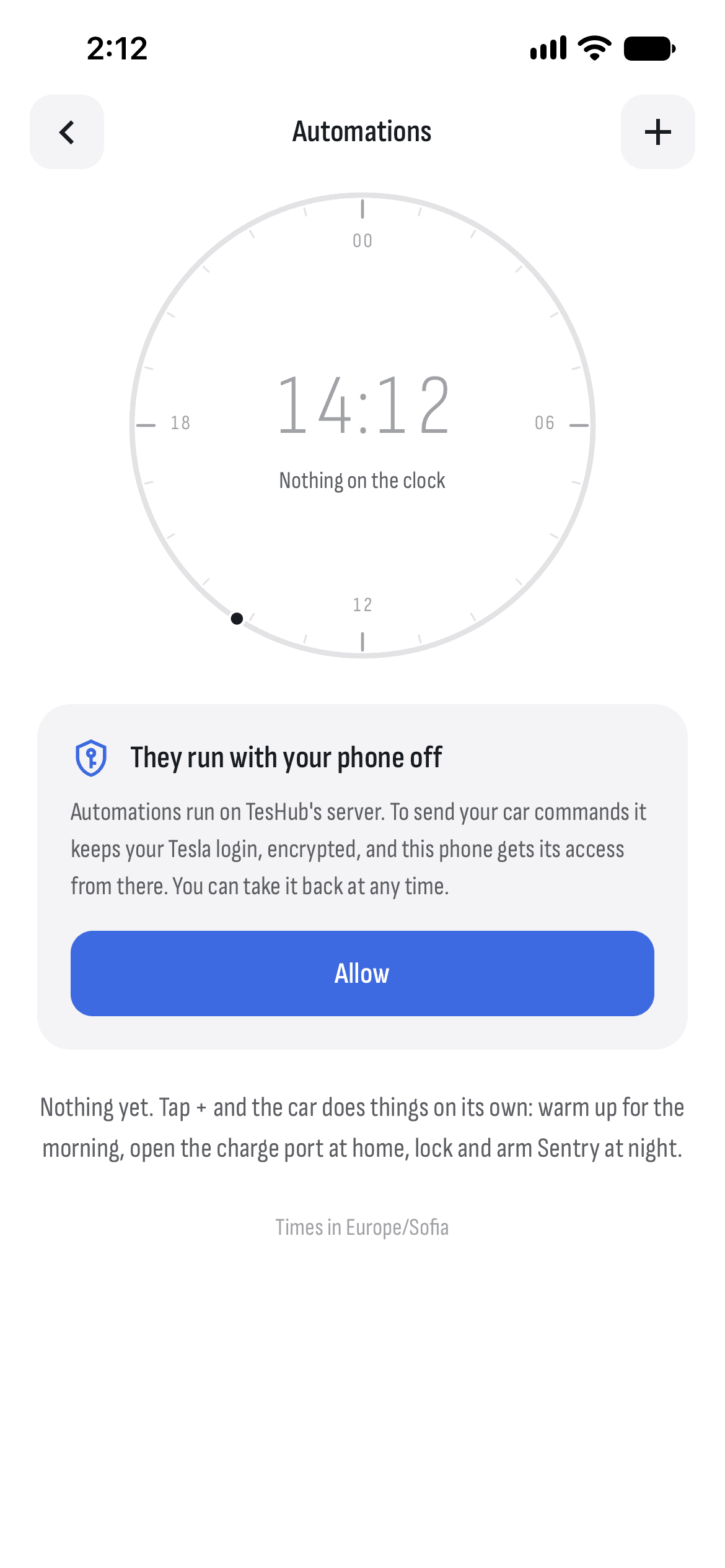
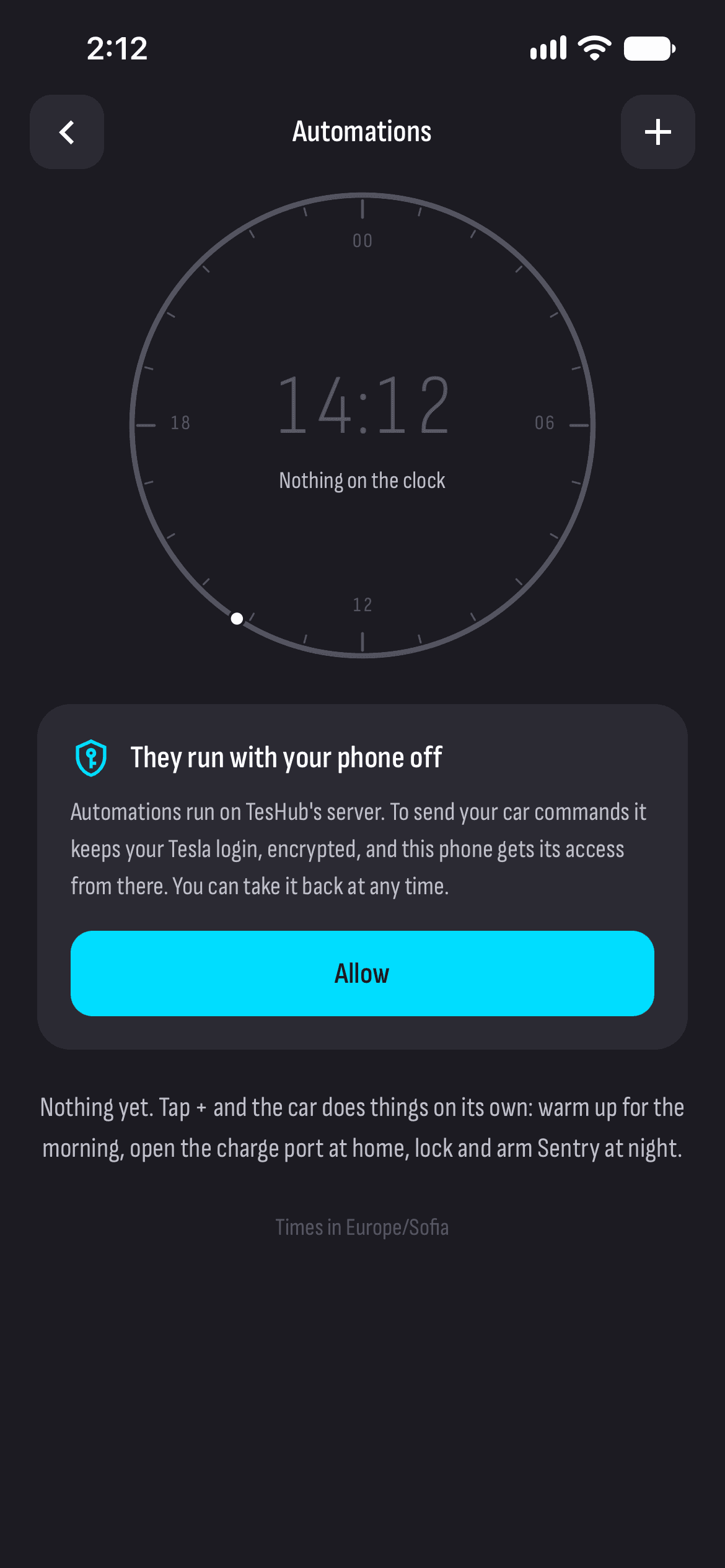
They run on TesHub’s server, which keeps your Tesla login encrypted. Stop them any time.
How it works
- 1
Allow automations
TesHub keeps your Tesla login encrypted, so it can send commands with your phone off.
- 2
Make a rule
When, where and what the car should do.
- 3
Keep an eye on it
The latest runs are on the page, and you can get a notification too.
Questions and answers
How do I start charging my Tesla at an exact time?
Make an automation that runs when the car is plugged in, with the action Start charging, and pick At a set time. The car then waits until that time; plugged in up to 6 hours after it, it starts at once.
Is it safe for TesHub to keep my Tesla login?
It’s kept encrypted with AES-256-GCM, and only while automations are allowed. Stop them and it goes back to your phone, and nothing runs until you allow them again. You never give TesHub your Tesla password: you sign in on Tesla’s own page.
How are they different from schedules?
Schedules are in the car itself and are only for charging and preconditioning. Automations run on TesHub’s server, react to events too and can do much more.
Do I need TesHub Pro?
Yes, automations are part of TesHub Pro: €7.99 a month or €72 a year, with 14 days free, or €249 for life in one payment.
More features
Get TesHub. Your Tesla, always at hand.
For iPhone and Android. Scan the code with your phone or pick your store.