Everything about your Tesla. In one place.
Every charge at what it really cost, every drive, your battery’s health and control of the car. Plus a marketplace, discussions and TesAI — the helper that knows everything about Tesla.


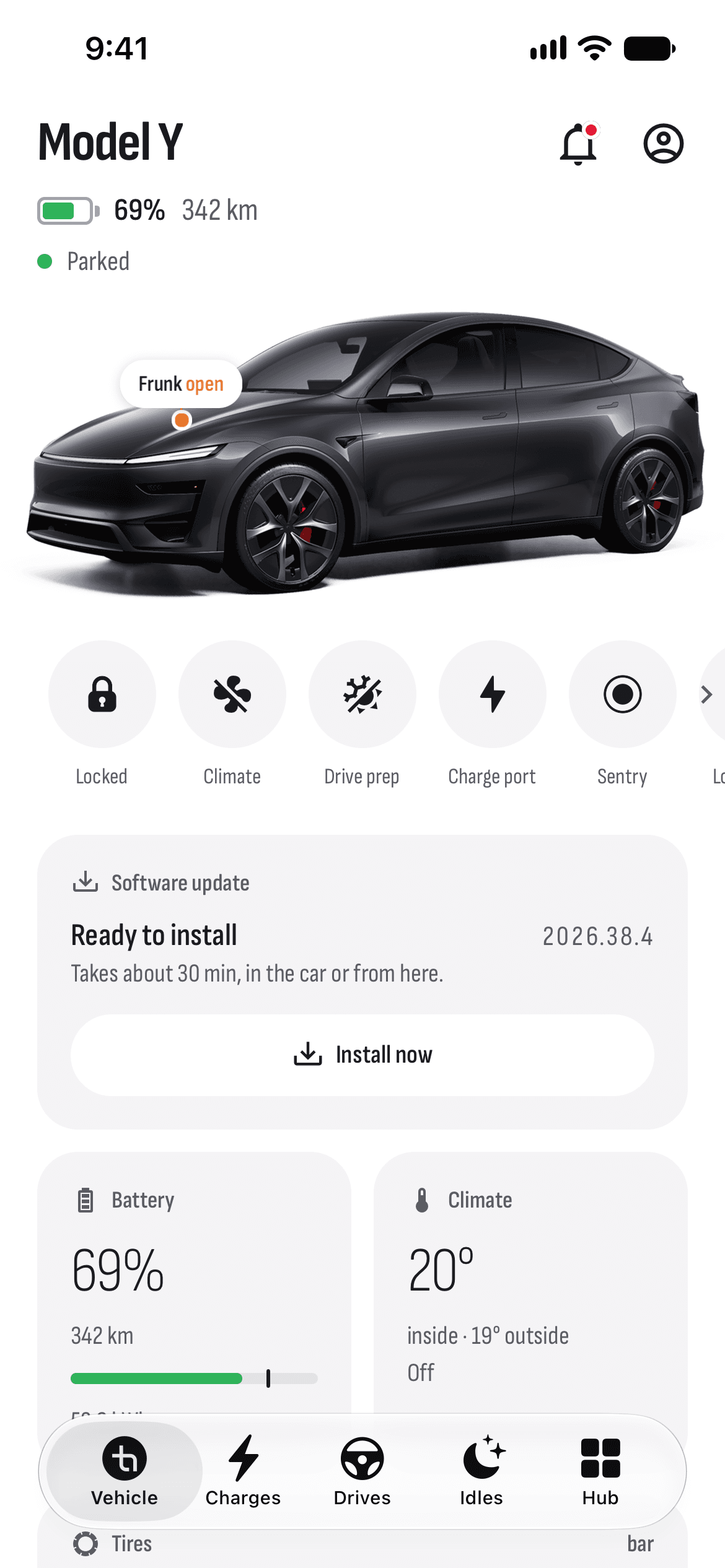
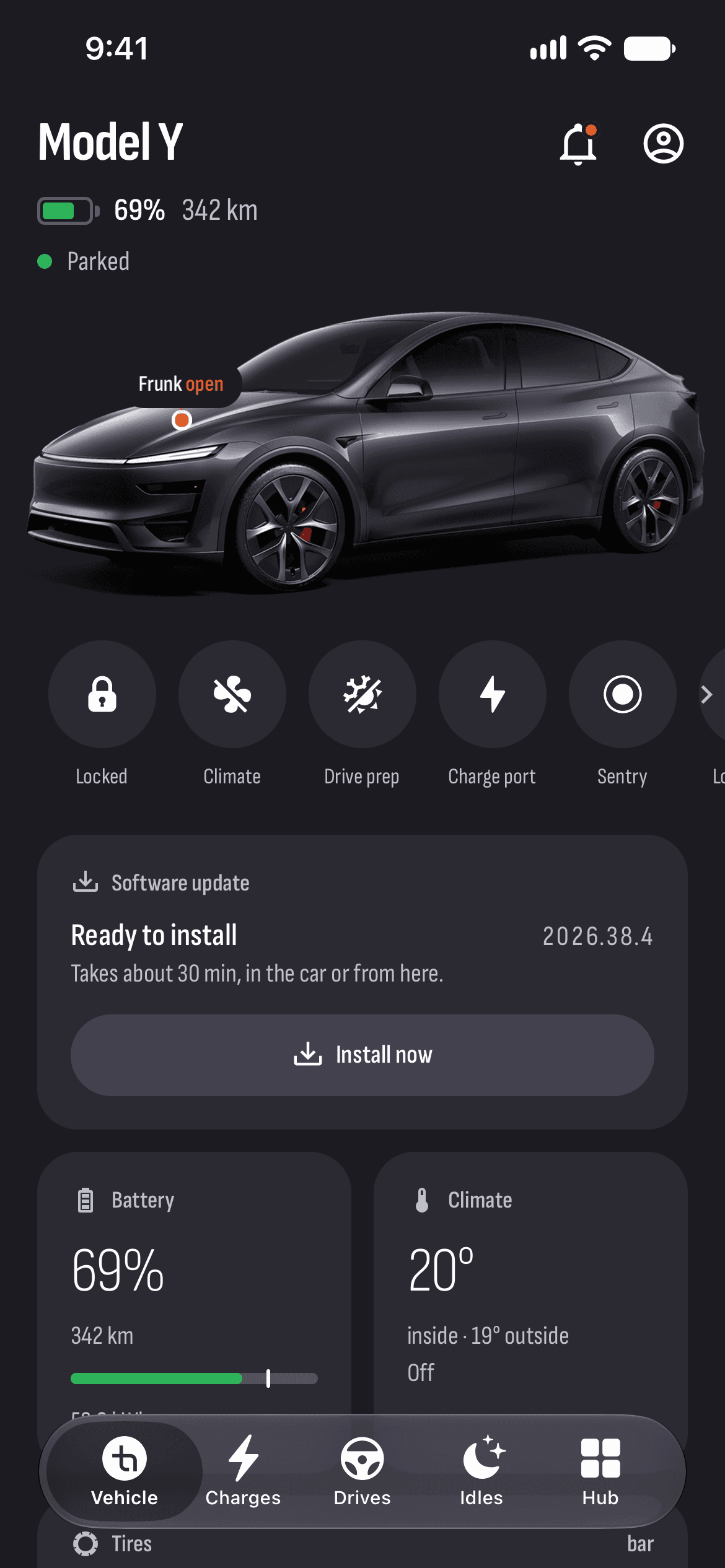
Everything you need.
Nothing you don’t.
Your car, its data and the community around it — in one app.
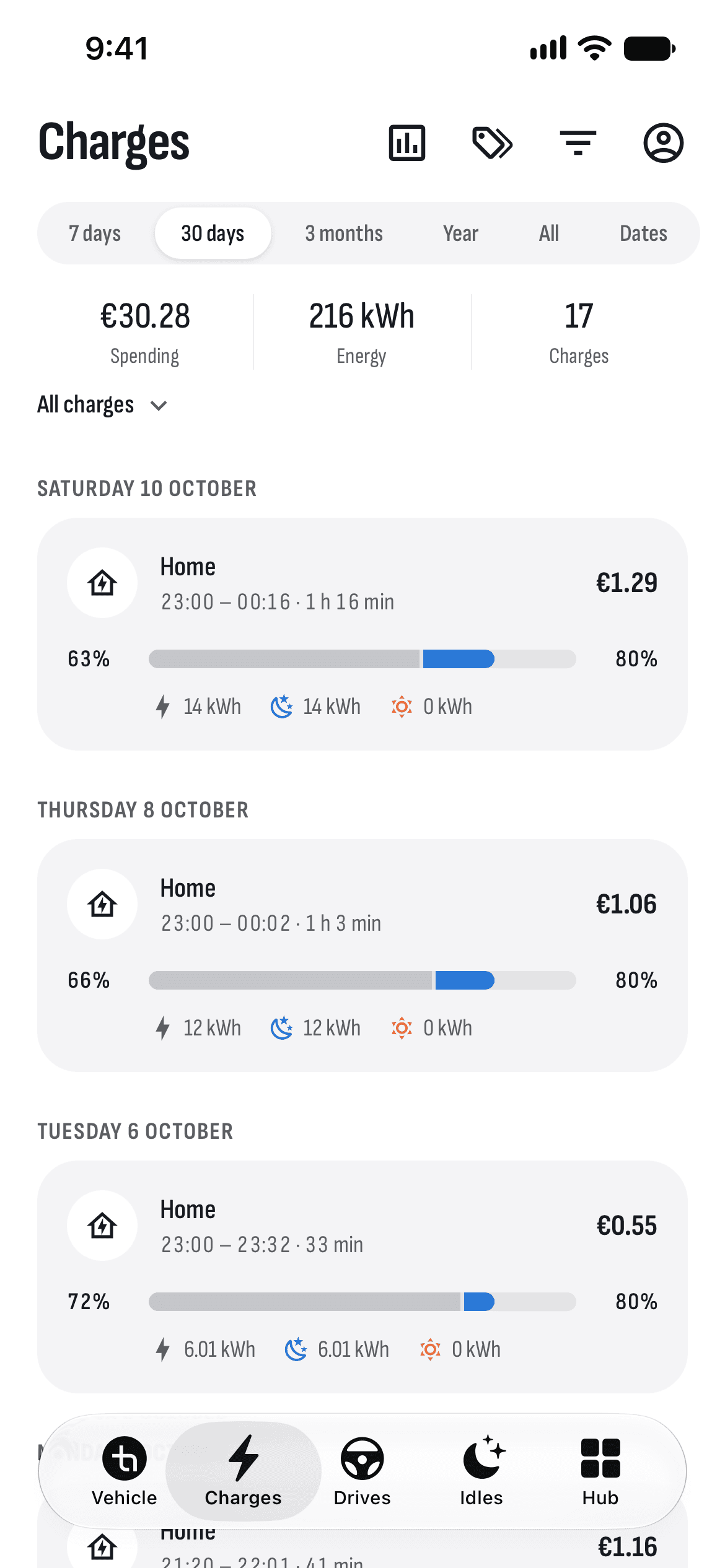
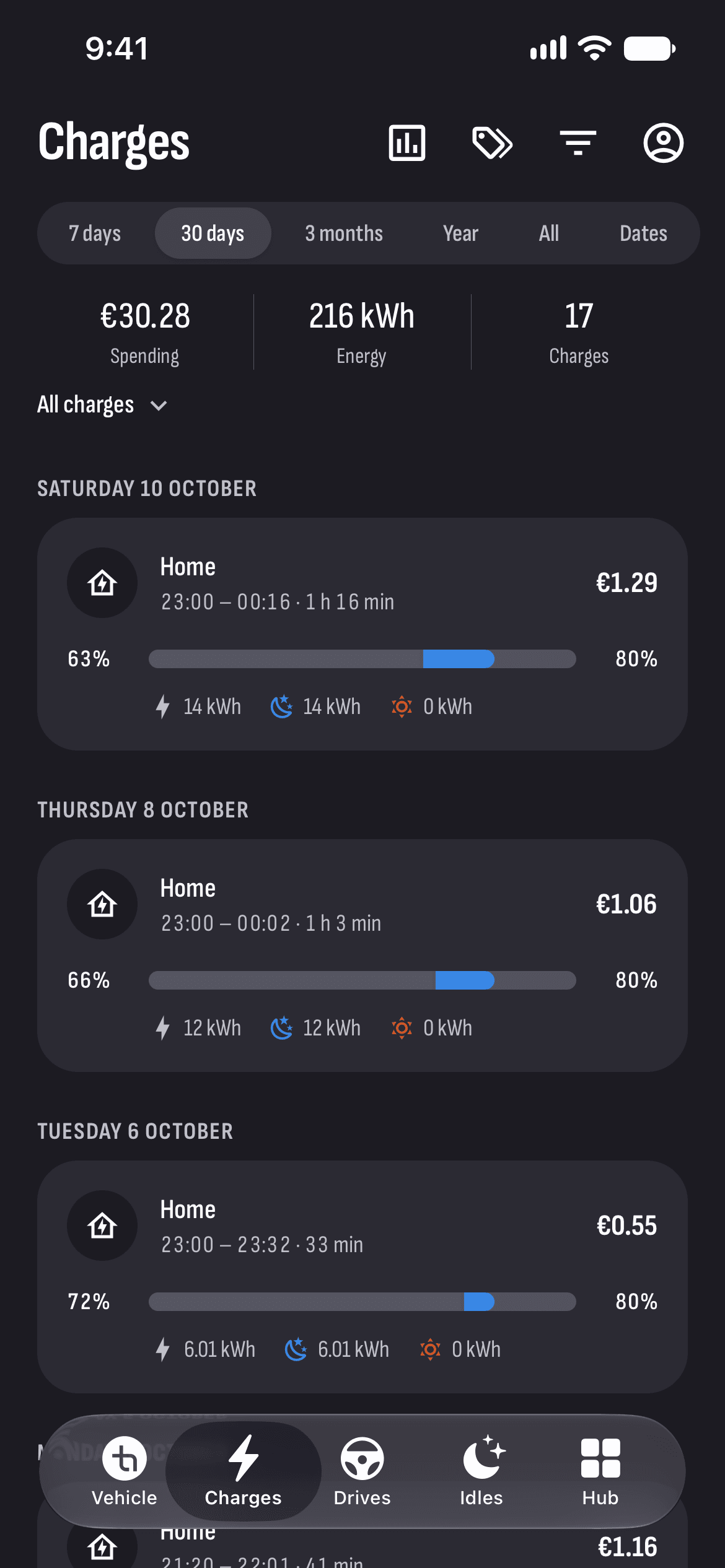
Charging
Every charge at what it really cost: at home at your tariff, out and about by network.
Learn moreThe Hub: news, marketplace, chat
Bulgaria’s Tesla community, in your pocket.
Drives
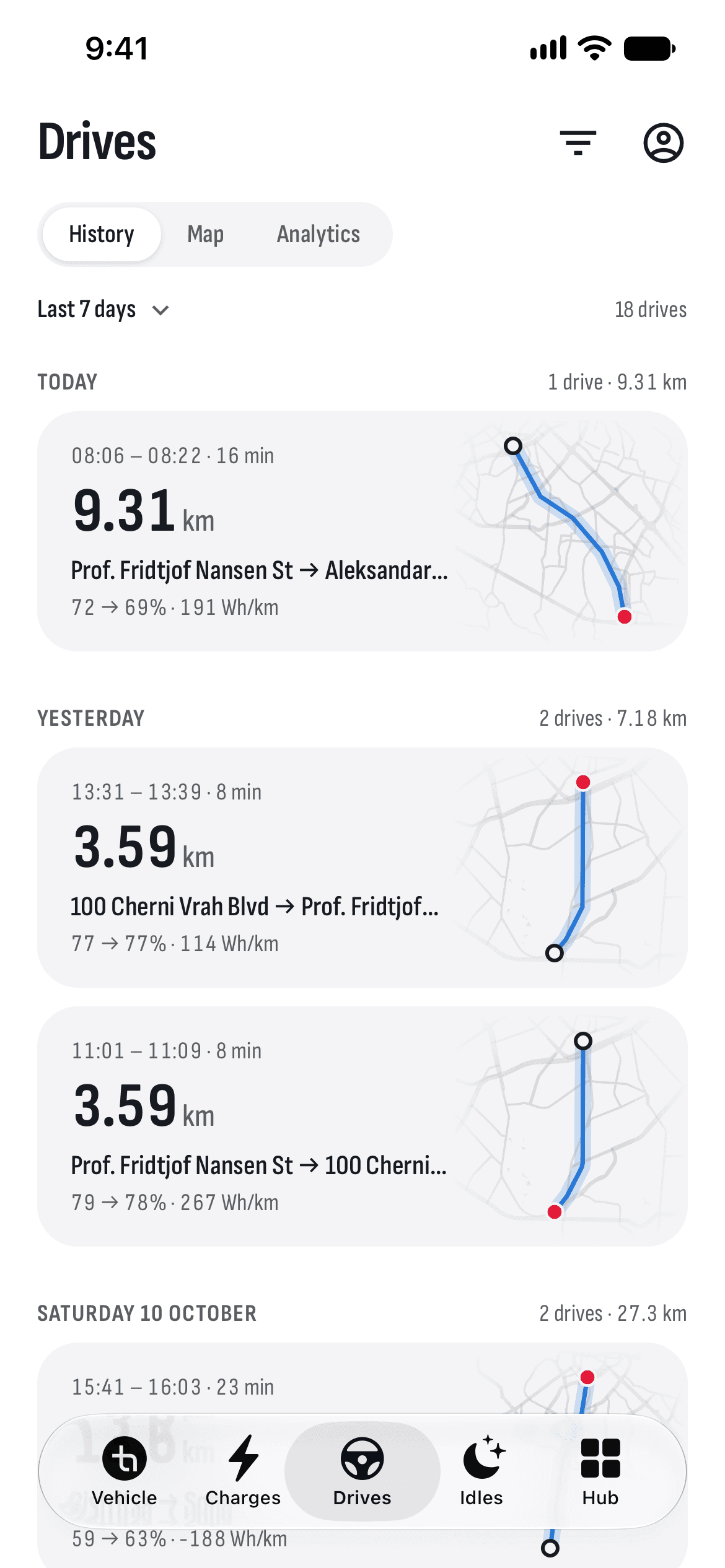
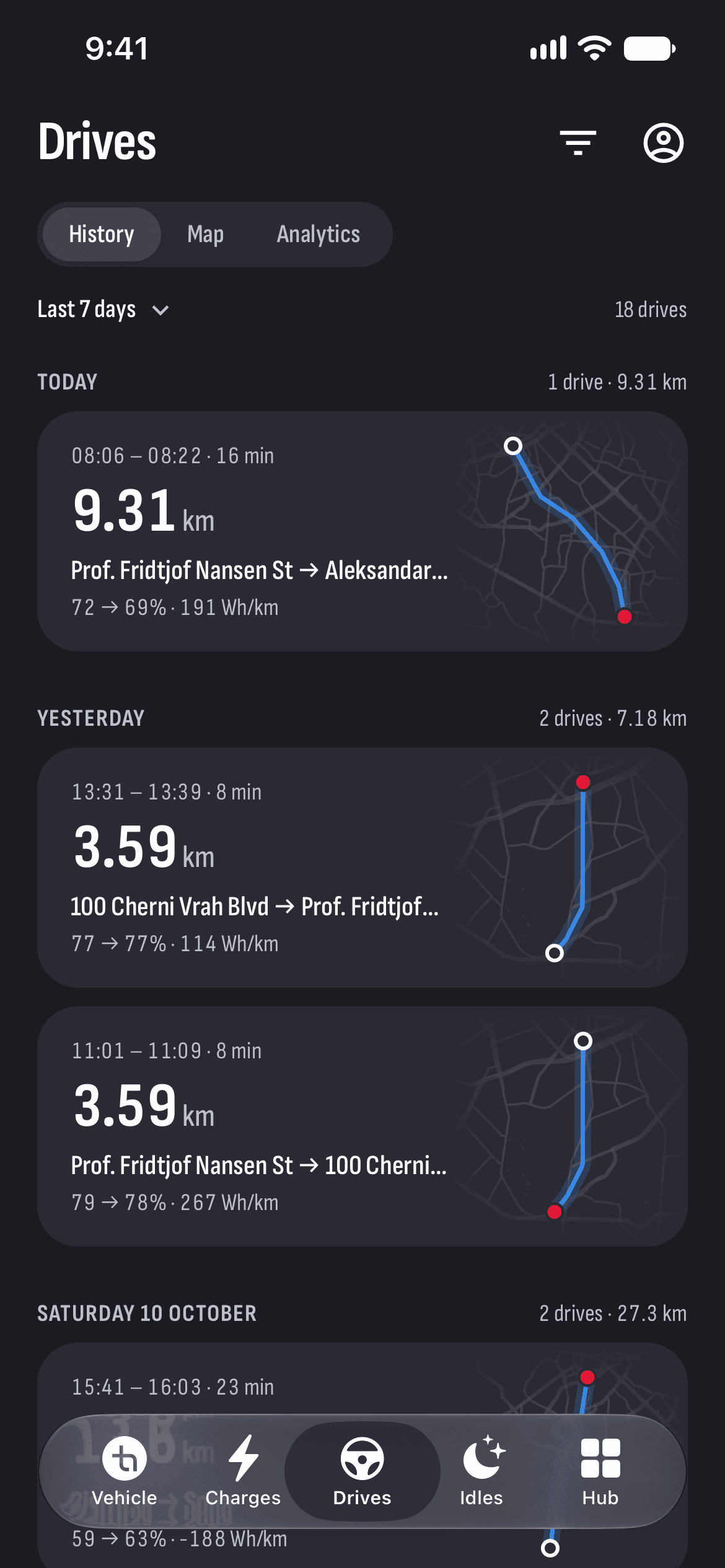
Every drive recorded on its own: route, speed, elevation and consumption.
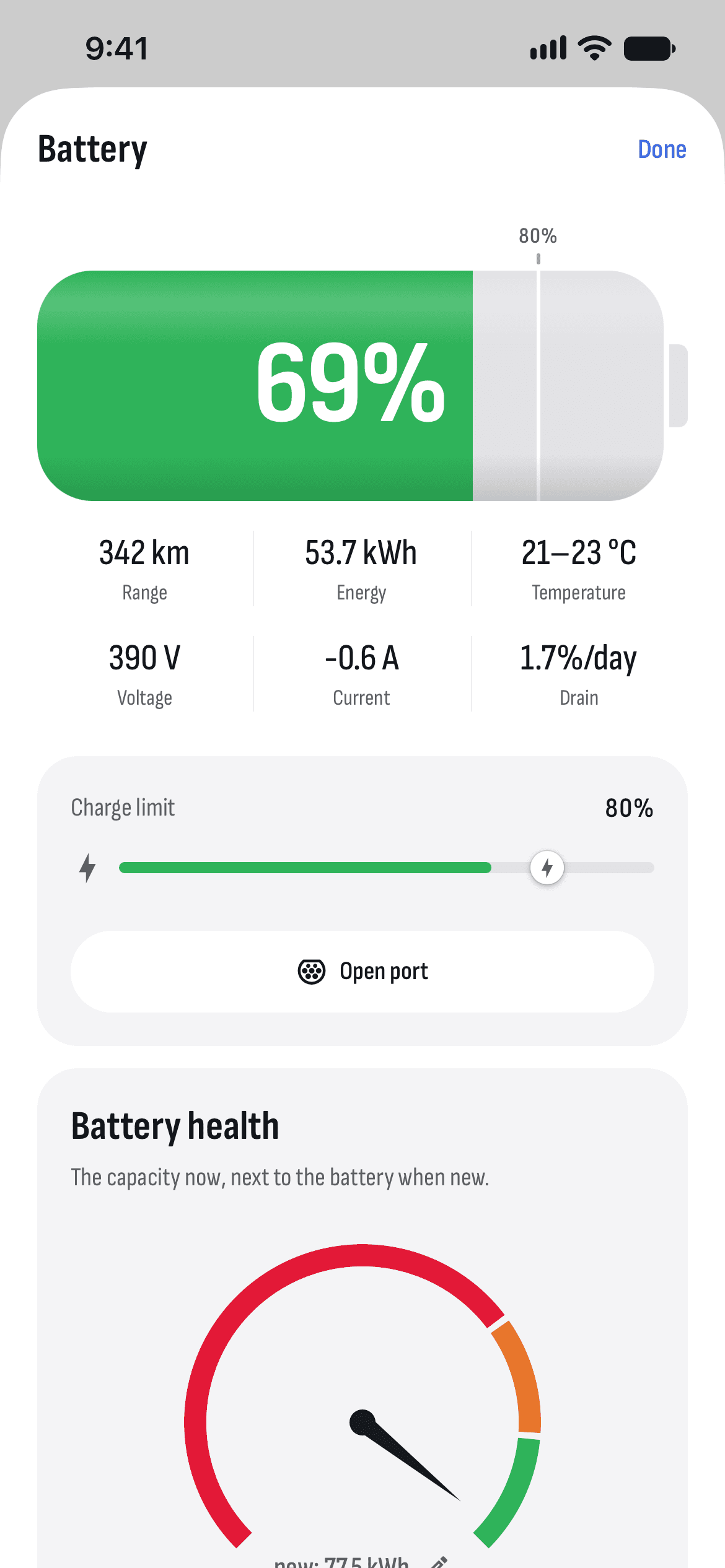
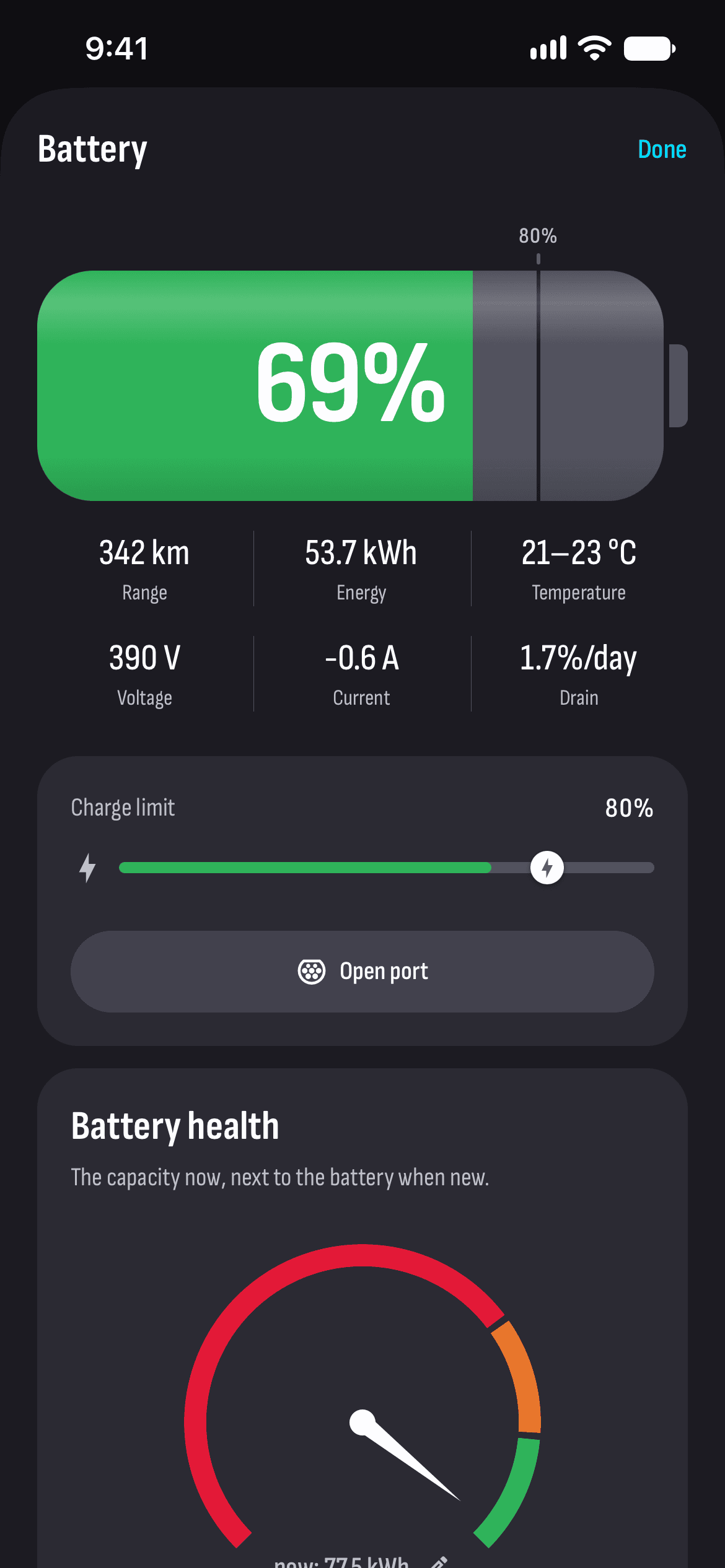
Learn moreBattery
Its capacity after every charge, and how it changes over time.
Learn moreAlerts
A notification when charging ends or Sentry sees something, and every alert explained.
Learn moreControls
Locks, climate, trunks, windows, Sentry and the charge port.
Learn moreTrips
Plan a trip, send it to the car and see the chargers on the way.
Learn moreWeb dashboard
Your charges, drives and battery on a big screen, in the browser.
Learn moreClean. Fast. Yours.
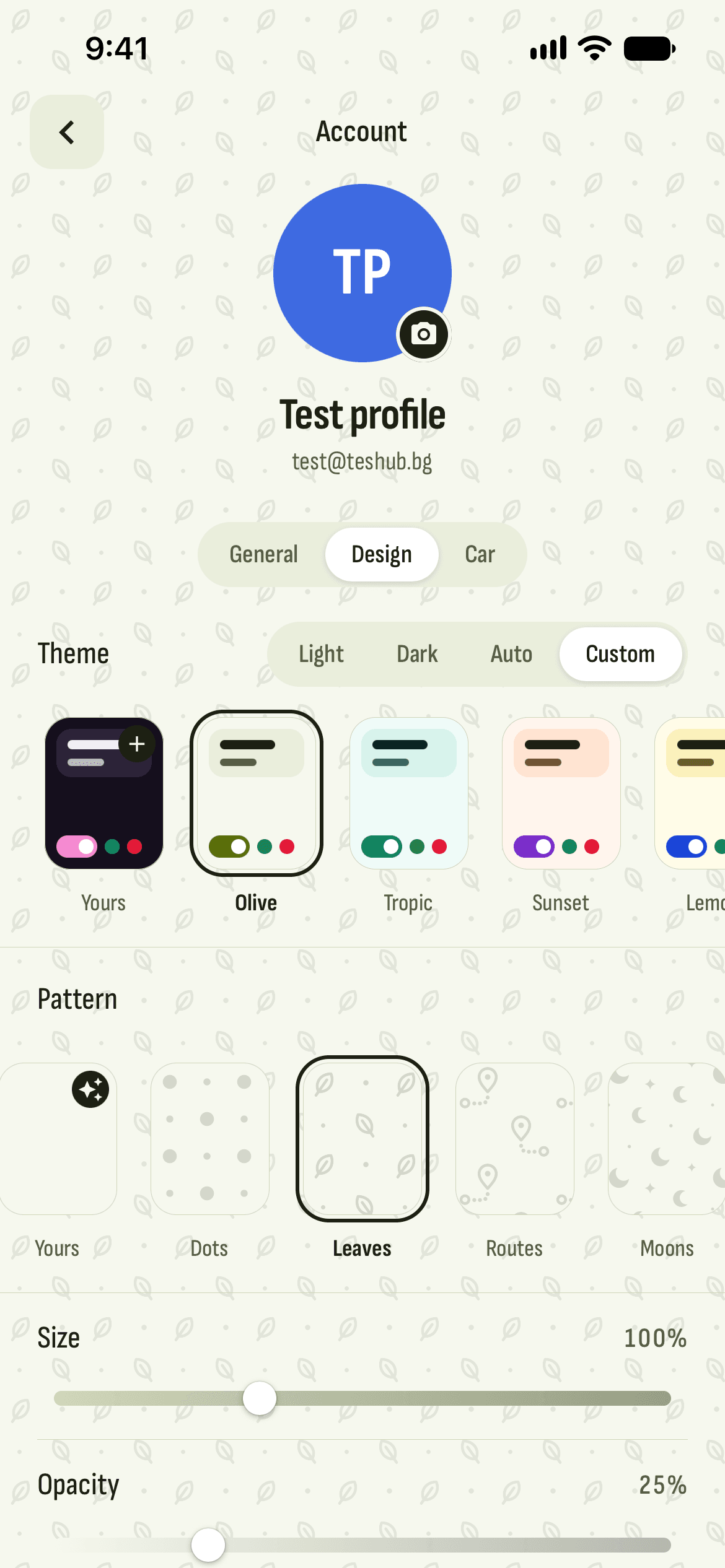
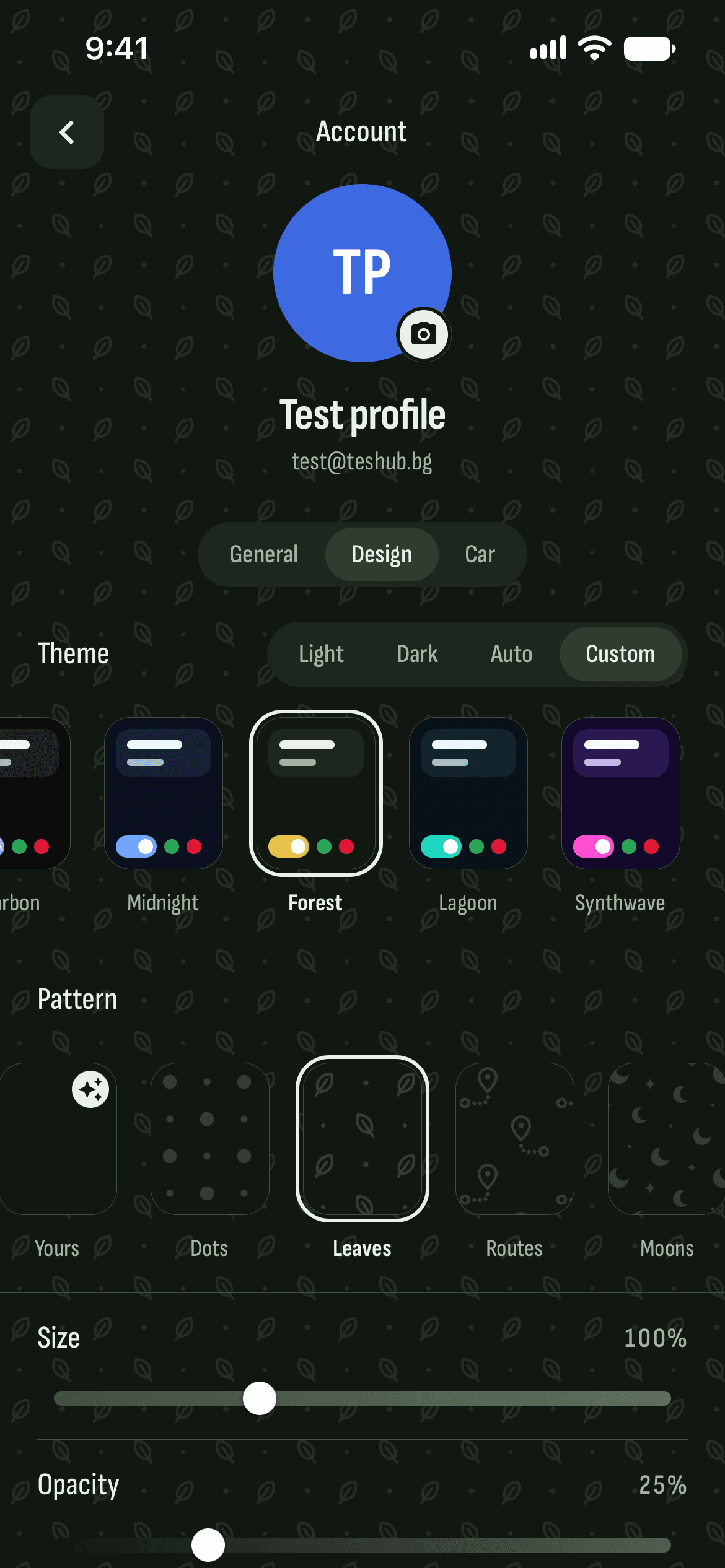
Light and dark, more than twenty color themes and a background of your own.
Ask TesAI. It knows Teslas inside out.
An alert on the screen, an odd noise or a charging question — TesAI answers from Tesla’s manuals and support pages.
- 5 questions a day free, 50 with Pro
- Answers from Tesla’s manuals and support pages
- Knows Bulgaria’s chargers, workshops and rules too
How often should I charge to 100%?
Depends on your battery 🙂 LFP (most Standard Range cars): to 100% at least once a week, so the car knows exactly how much is left. NCA/NMC (Long Range and Performance): 80–90% every day, 100% only before a long trip. Which one is yours?
Buy, sell, ask.
Listings for cars, wheels, chargers and parts, and discussions with people who drive a Tesla in Bulgaria.
Discussions
Questions, tips and experience from owners. Read without an account, write with a free one.
Free for everyone. Pro for your car.
The community and TesAI are free. Pro connects your Tesla.
Free
€0forever
The community and the helper.
- Marketplace and discussions
- Chat with drivers
- News, tips and workshops
- TesAI — 5 questions a day
Pro yearly
Best value€72a year
€6 a month · 14 days free
- Everything in Free
- Control your car
- Charges at their real cost
- Drives, battery and idles
- Notifications, widgets and Siri
- TesAI — 50 questions a day
Pro monthly
€7.99a month
14 days free
- Everything in Free
- Control your car
- Charges at their real cost
- Drives, battery and idles
- Notifications, widgets and Siri
- TesAI — 50 questions a day
Or Pro for life — €249, paid once.
Pro is bought in the app, through the App Store or Google Play, and cancelled any time.
Questions & answers
What people ask before they install TesHub.
Does TesHub wake my car?
No. It reads the car when you open the app, when you pull down to refresh, and every 10 seconds while the Vehicle tab, Battery, Climate or Controls is open. A sleeping car is only looked up in Tesla's list, which doesn't wake it, and you see its last known state. Only Wake up or a control wakes it.
How is a charge's cost worked out?
At a tag on the day/night tariff (e.g. Home), from your supplier’s prices set by KEVR: the night tariff runs 22:00–06:00 in winter and 23:00–07:00 in summer. At your other tags, from the price per kWh you gave the tag. A household socket anywhere (AC up to 3 kW) is on the day/night tariff too, as at home. Anywhere else, the app finds the public station there by its location, the nearest within 1 km: at Fines Charging with that station’s own price, at Tesla, Eldrive, Electrip or Lidl with the network’s usual price (AC or DC). A cost you type in for a charge always wins. A tag’s price is under Charges → Tags (the pencil by it), and the supplier under Charges → Statistics → Electricity supplier.
Where is my data kept?
Your Tesla sign-in stays in the phone's secure storage, and the app renews it by itself. Charges, drives and idles are kept on TesHub's server in Europe and shown only to the car's owner in Tesla's account; chat messages are kept there encrypted. Your charges' tags, places and prices and your electricity supplier go to your account, encrypted, so the website shows them too; drive tags and your TesAI conversation stay on the phone. Addresses come from OpenStreetMap and komoot by their coordinates, and the faint maps under the drives from OpenFreeMap. The full list is in the Privacy Policy (Account → General).
Does TesHub see my Tesla password?
No. You sign in on Tesla's own page, and the app only gets a token from Tesla for your car, which stays on the phone; our servers use it only to check with Tesla that the car is yours, and keep it (encrypted) only while Automations are on. Signing out deletes it from the phone; to cut TesHub off completely, remove it from the third-party apps in your Tesla account.
Why does charging slow down past 80%?
A battery takes power fastest when it's low and warm. Past about 80% the car slows charging down to protect the cells, so on a trip it's usually quicker to charge from 10% to 70–80% and stop again than to wait for 100%.
Your data stays yours.
You sign in to Tesla on Tesla’s own page. Your password never passes through us.
The car’s data sits on our own server, and only your account sees it.
Delete your account in one tap, photos and messages included.
Get TesHub. Your Tesla, always at hand.
For iPhone and Android. Scan the code with your phone or pick your store.
