Tessie import: bring your Tesla’s history over
If you’ve been using Tessie, there’s no need to start from scratch. The import is there to bring your car’s history over from Tessie into TesHub: charges, drives and idles. All it takes is a token you make in Tessie in a minute.
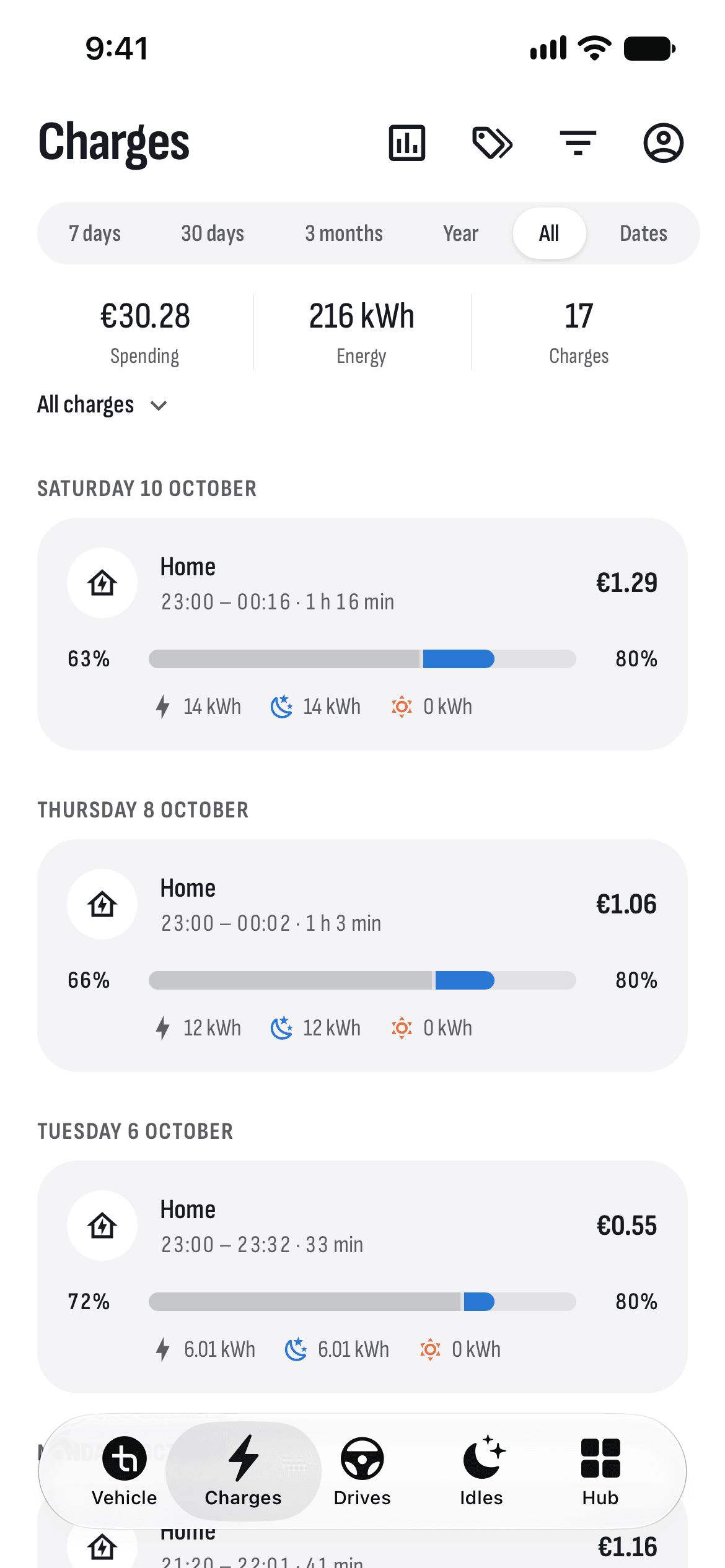
What you get
No files
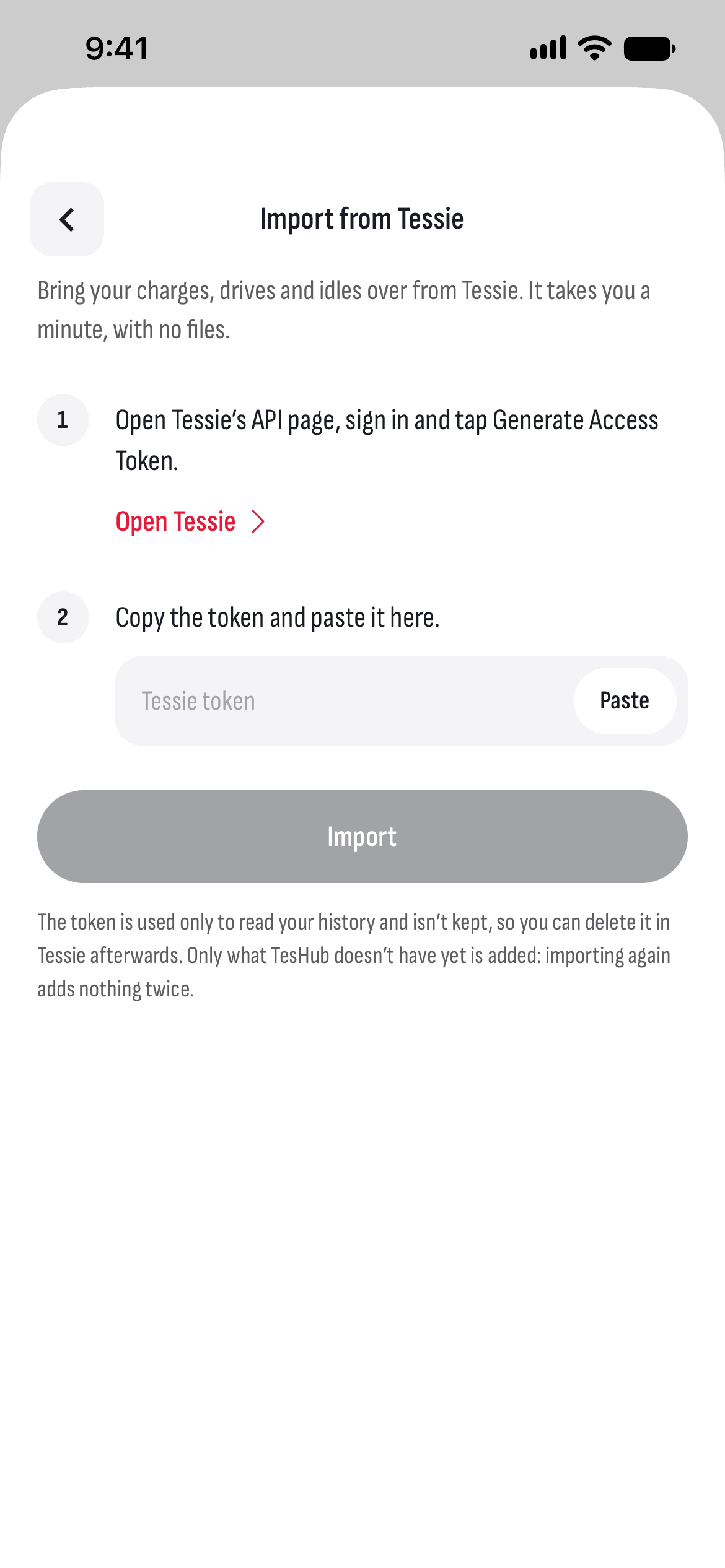
No exports or spreadsheets to download: paste the token from Tessie, and TesHub’s server reads the history itself.
Charges, drives and idles
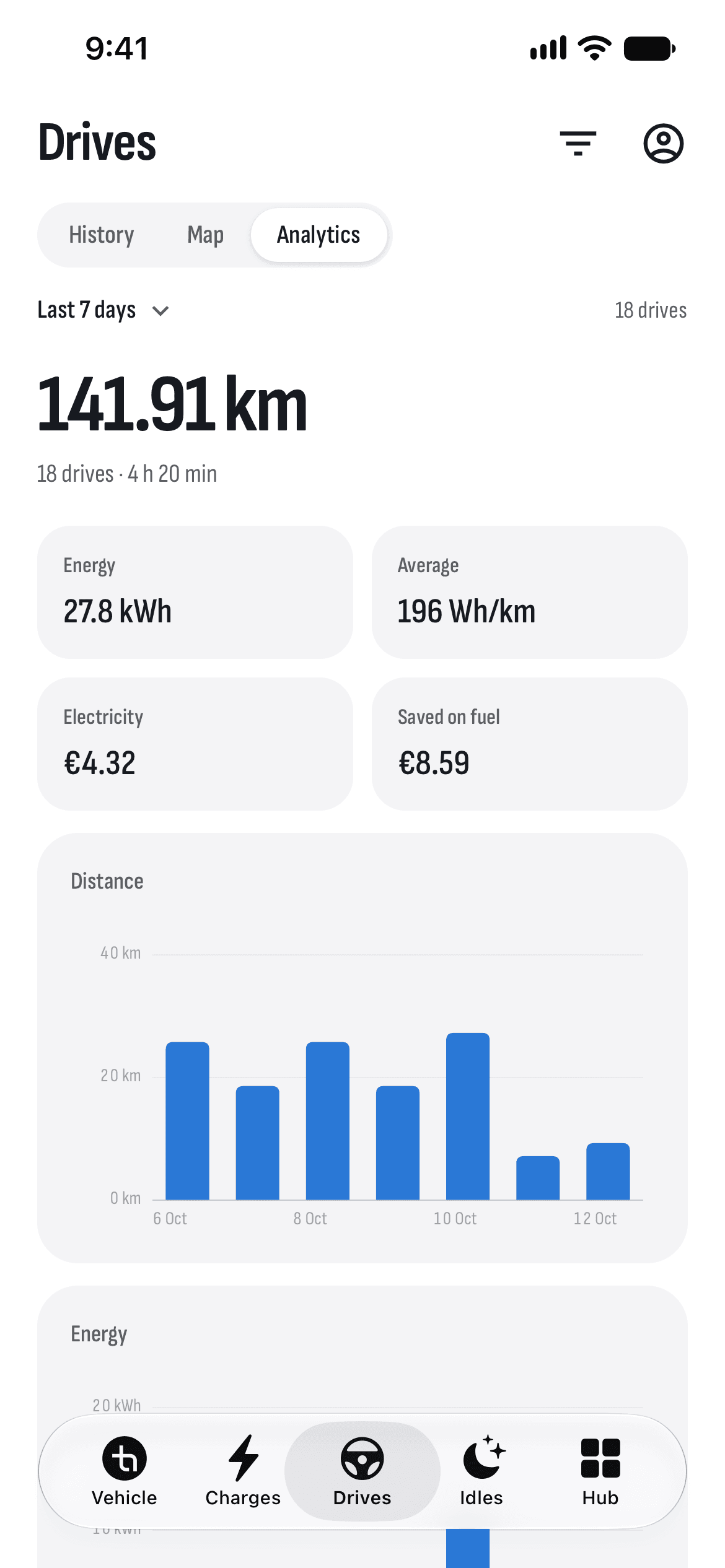
Your history lands in the same tabs as new records, with the places’ addresses.
Nothing twice
Only what TesHub doesn’t have yet is added, so importing again adds nothing twice.
The token isn’t kept
The token is used only to read your history and isn’t kept, on the phone or on the server.
No waiting with the app open
The import runs on TesHub’s server, so you can close the app.
How it works
- 1
Make a token in Tessie
Open Tessie’s API page, sign in and tap Generate Access Token.
- 2
Paste it into TesHub
Under Account → Car → Import from Tessie, paste the token and tap Import.
- 3
Look back
Your old charges, drives and idles show up in their tabs.
Questions and answers
What comes over from Tessie?
The car’s charges, drives and idles, with their addresses. It’s the history of the car connected in TesHub, so that car has to be on your Tessie account too.
Does TesHub keep my Tessie token?
No. The token is used only while your history is read and isn’t kept, so you can delete it in Tessie afterwards.
When should I import?
While your Tessie subscription is still running. After that, the history is in TesHub and you don’t need Tessie for it.
Can I import again?
Yes. Only what TesHub doesn’t have yet is added, so nothing is saved twice. If Tessie stops answering partway, import again for the rest.
Do I need TesHub Pro?
Yes. The history is added to the car connected in TesHub, and connecting the car is part of TesHub Pro: €7.99 a month or €72 a year, with 14 days free, or €249 for life.
More features
Get TesHub. Your Tesla, always at hand.
For iPhone and Android. Scan the code with your phone or pick your store.