Tesla climate from your phone: warm up or cool down
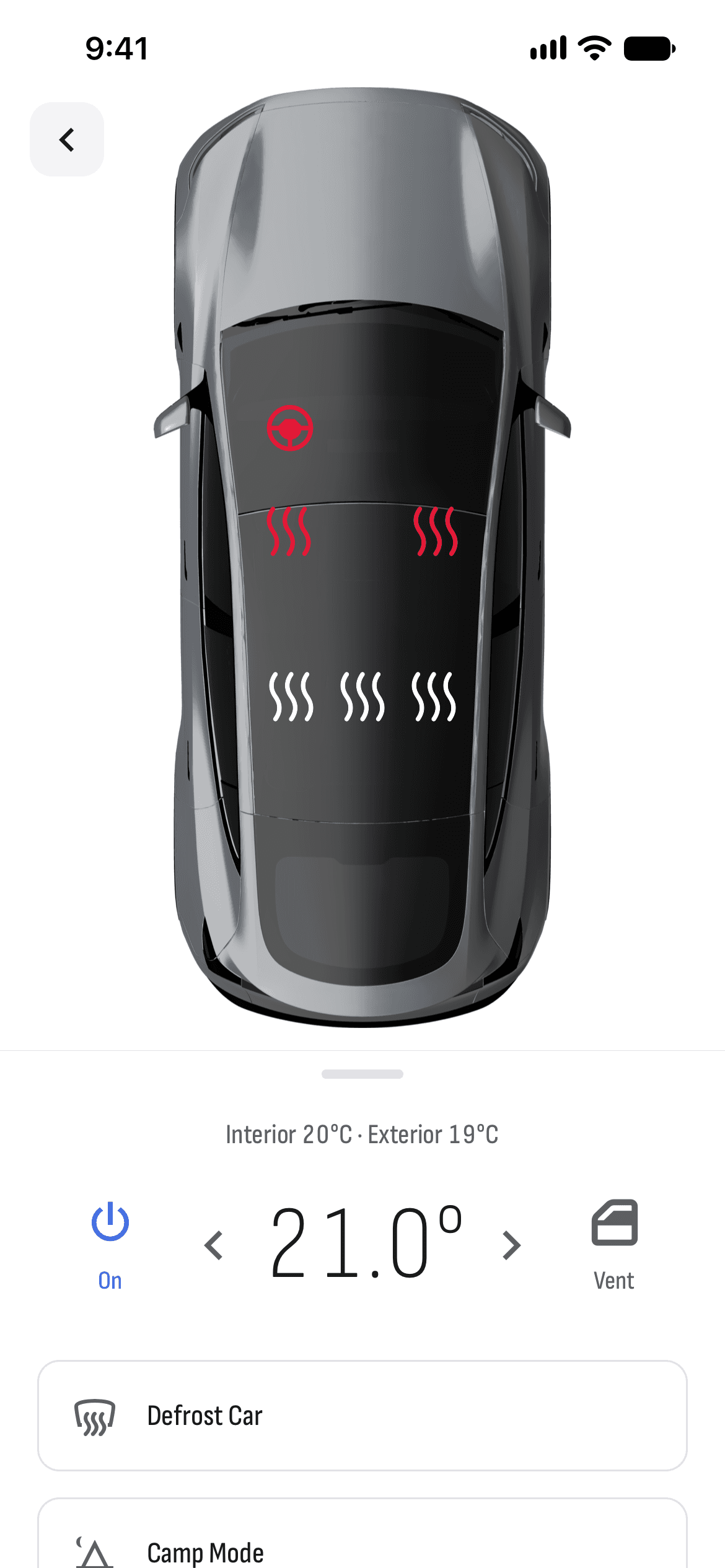
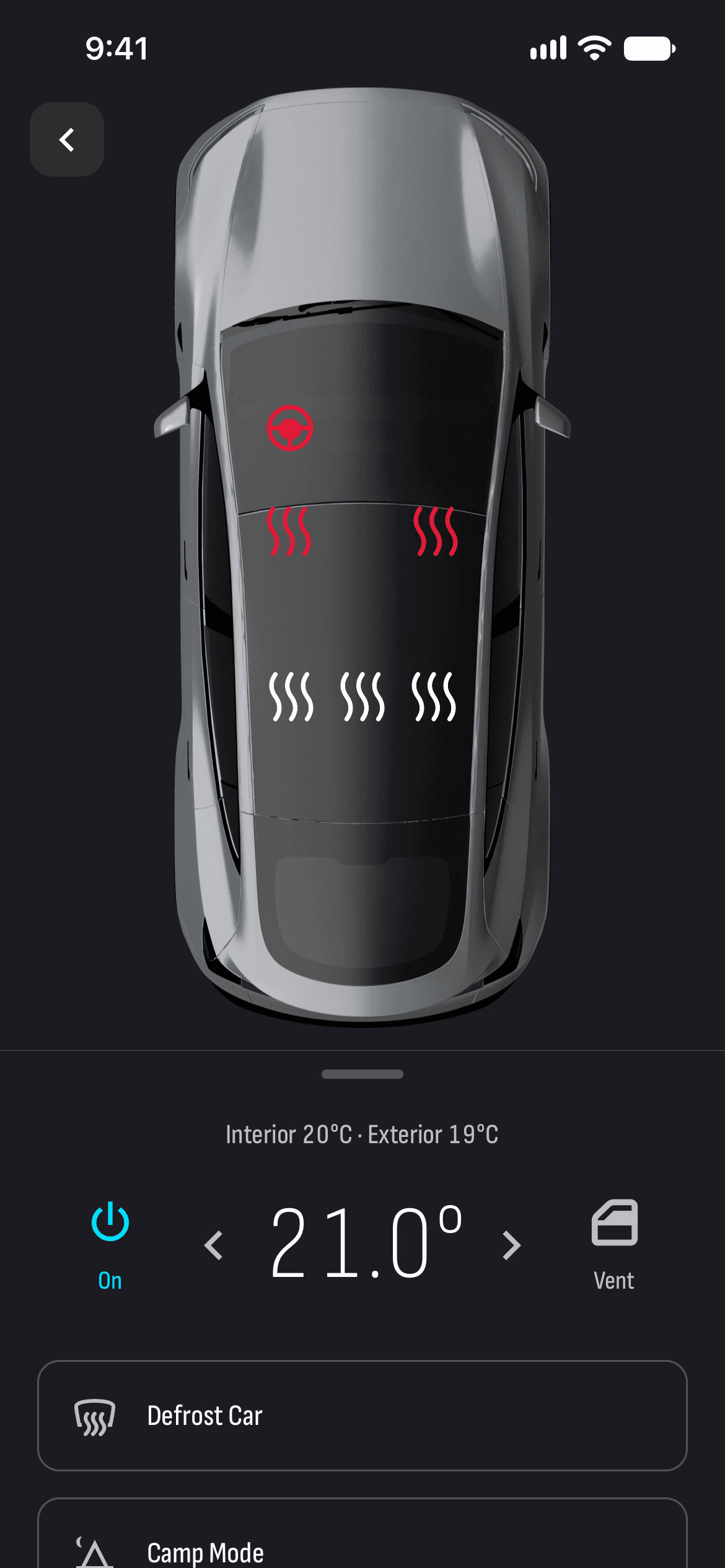
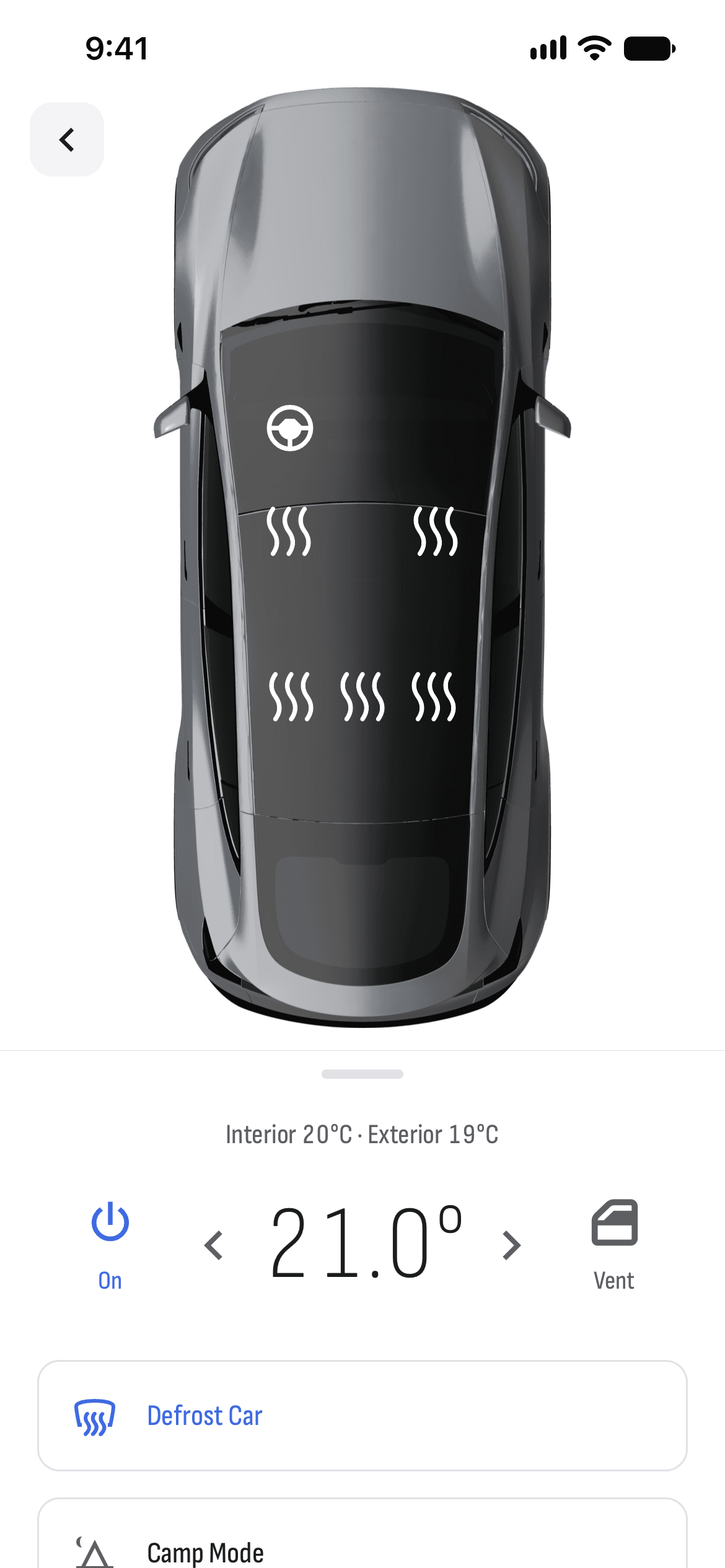
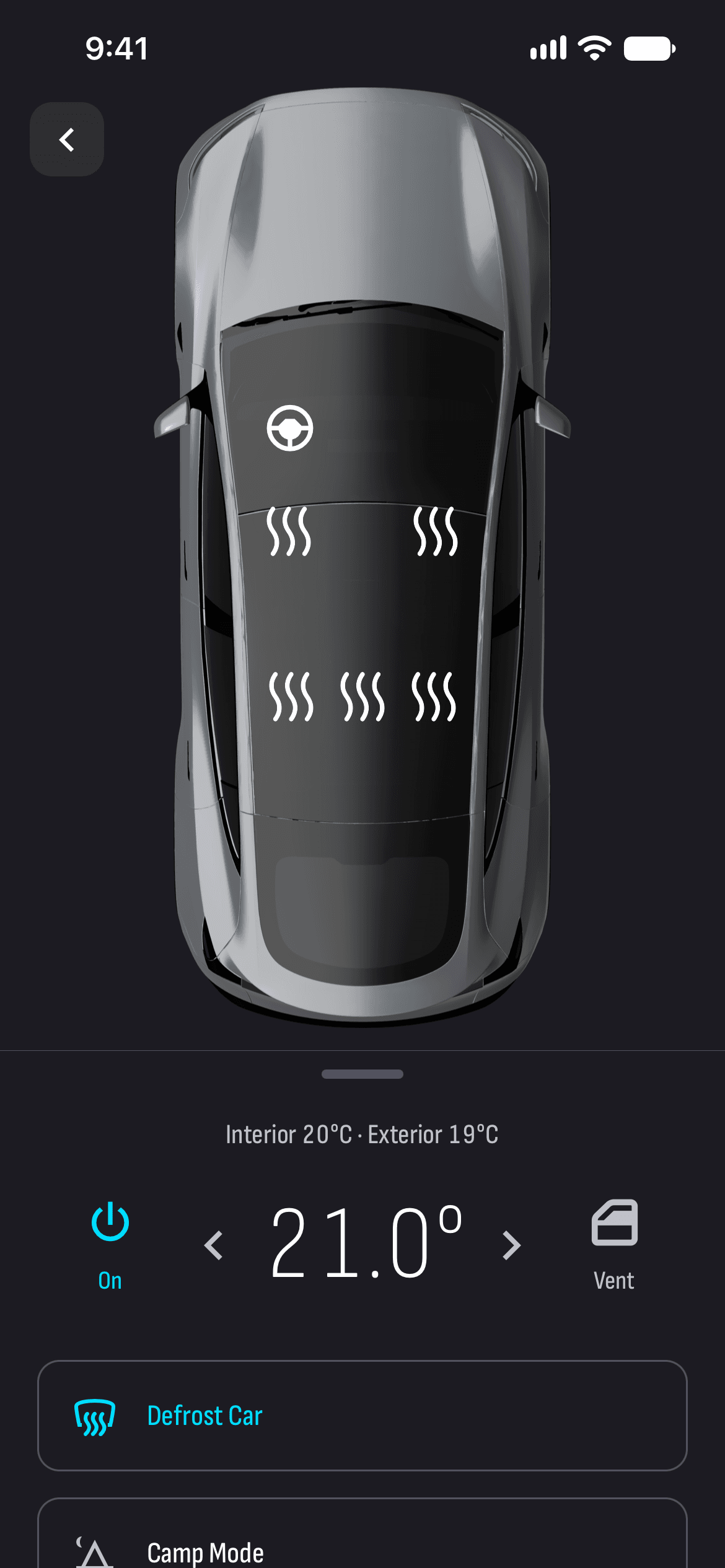
Step into a warm car in winter and a cool one in summer. From TesHub you start the climate at the temperature you want, heat the seats and the steering wheel and defrost the glass. It’s all on one screen, on a picture of your car.
What you get
Temperature in a tap
Start and stop the climate, set the temperature and see how warm it is inside and out.
Every seat heater
Each seat on the picture of your car, at three levels, and the steering wheel heater. Where the car has them, the ventilated seats too.
Defrost
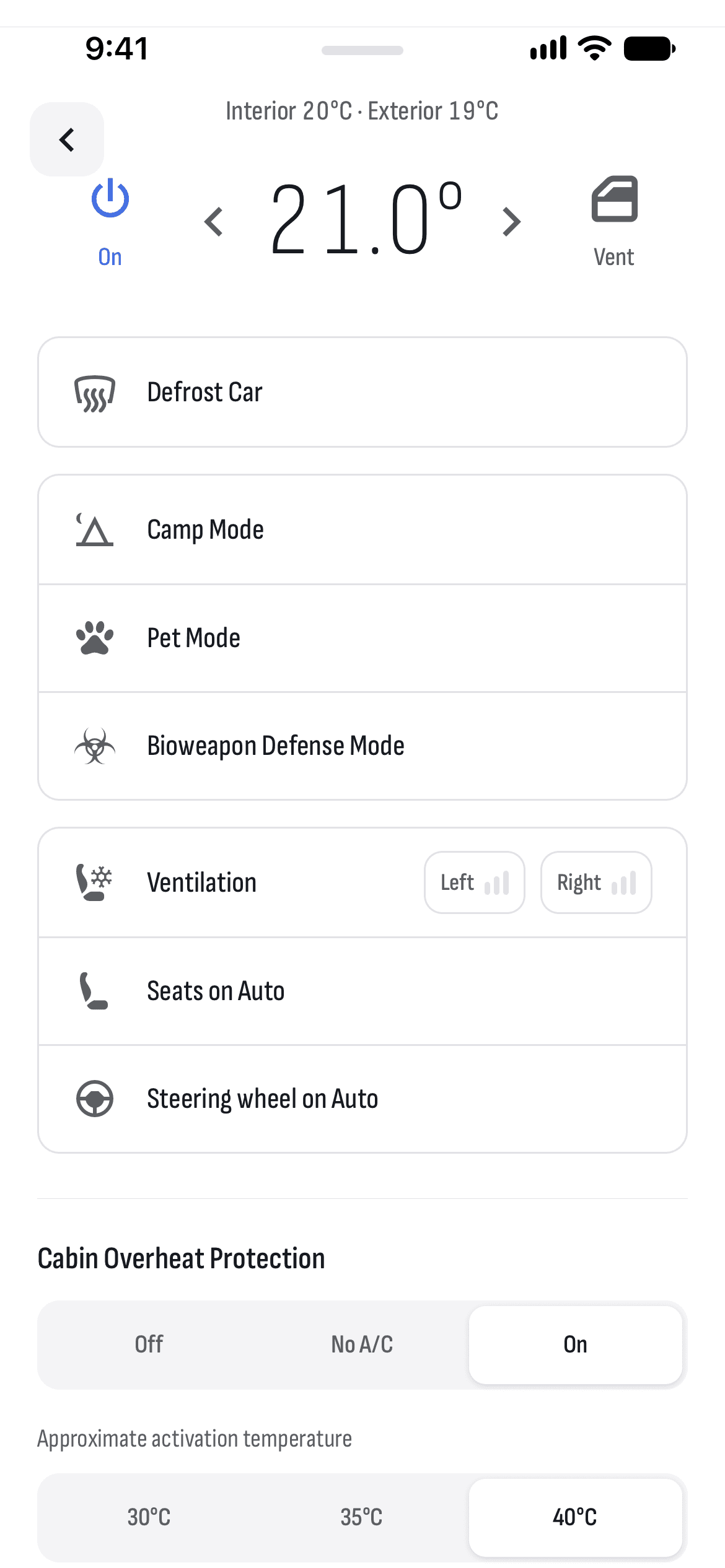
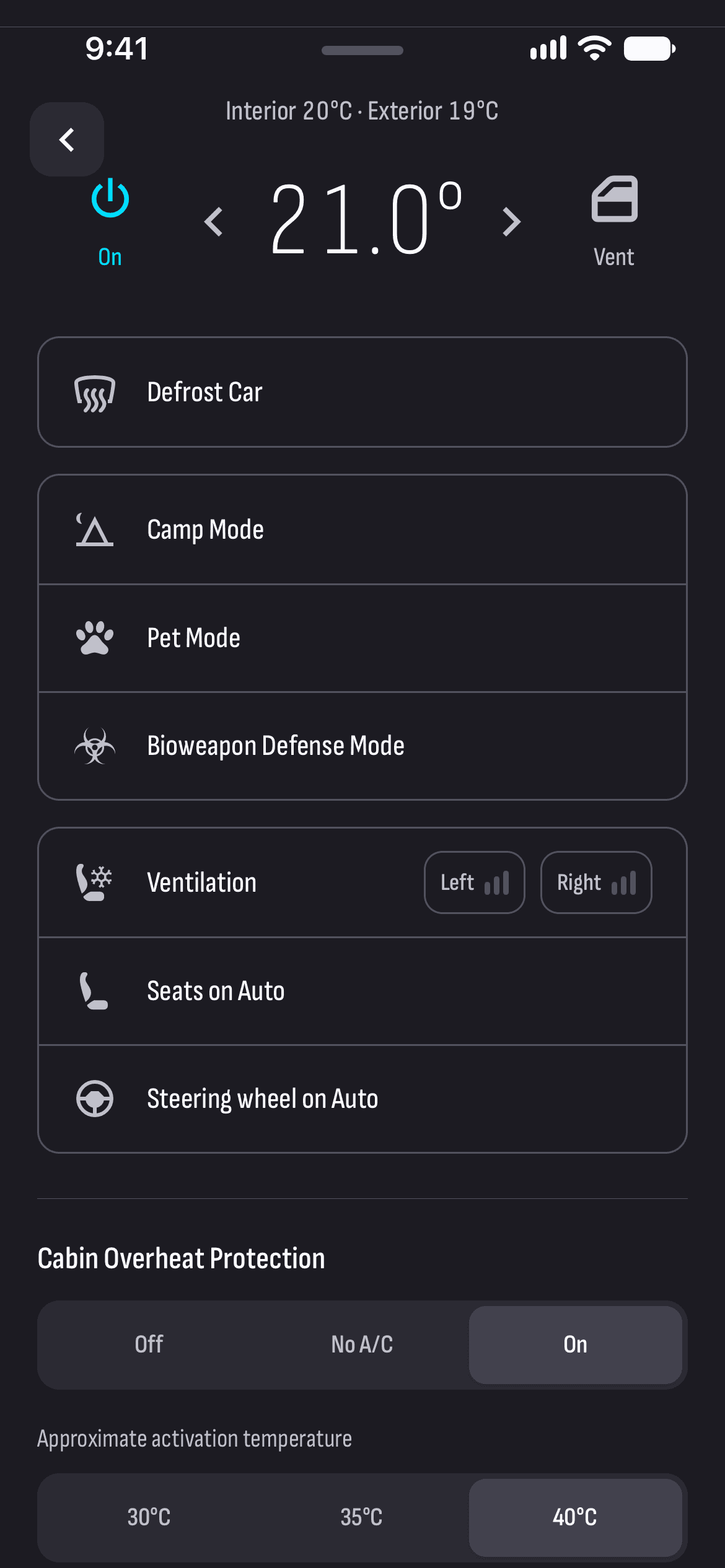
Defrost the car in one tap on cold mornings.
Camp and Dog Mode
Camp Mode keeps the air, the lights and the screen on all night; Dog Mode shows passers-by that your pet is fine.
Cabin Overheat Protection
Turn it on or off, or pick No A/C, and set the temperature it starts at.
Drive prep
The Drive prep button warms or cools the car for driving, and the battery too in the cold.
How it works
- 1
Connect your car
Sign in with Tesla and approve TesHub’s key once in the Tesla app.
- 2
Open Climate
From the button under the car or from the menu.
- 3
Start it in time
15–20 minutes before you leave, ideally while the car is plugged in.
Questions and answers
How long before leaving should I start the climate?
About 15–20 minutes, while the car is still plugged in. The cabin and the battery get ready on power from the charger, and you set off with all the range you charged.
Does Cabin Overheat Protection use a lot of energy?
With A/C, more. If you only want to protect the interior, pick No A/C: the fan alone uses far less energy. It protects a parked car for up to 12 hours after you leave it.
Does the car wake up when I start the climate?
Yes, the command wakes the car if it’s asleep, which takes up to half a minute. Then the climate starts.
Do I need TesHub Pro?
Yes. The climate, like everything to do with your car, is part of TesHub Pro: €7.99 a month or €72 a year with 14 days free, or €249 for life in one payment.
More features
Get TesHub. Your Tesla, always at hand.
For iPhone and Android. Scan the code with your phone or pick your store.