How much a parked Tesla loses: idles and sleep
A Tesla uses energy even standing still: for Sentry, for the climate, or because it won’t go to sleep. TesHub records every stop — from the moment you put it in Park until you drive off or start charging. You see what the car lost, how much of the time it slept and what it cost you.
What you get
Every stop recorded
From the moment the car is in Park until it drives off or starts charging.
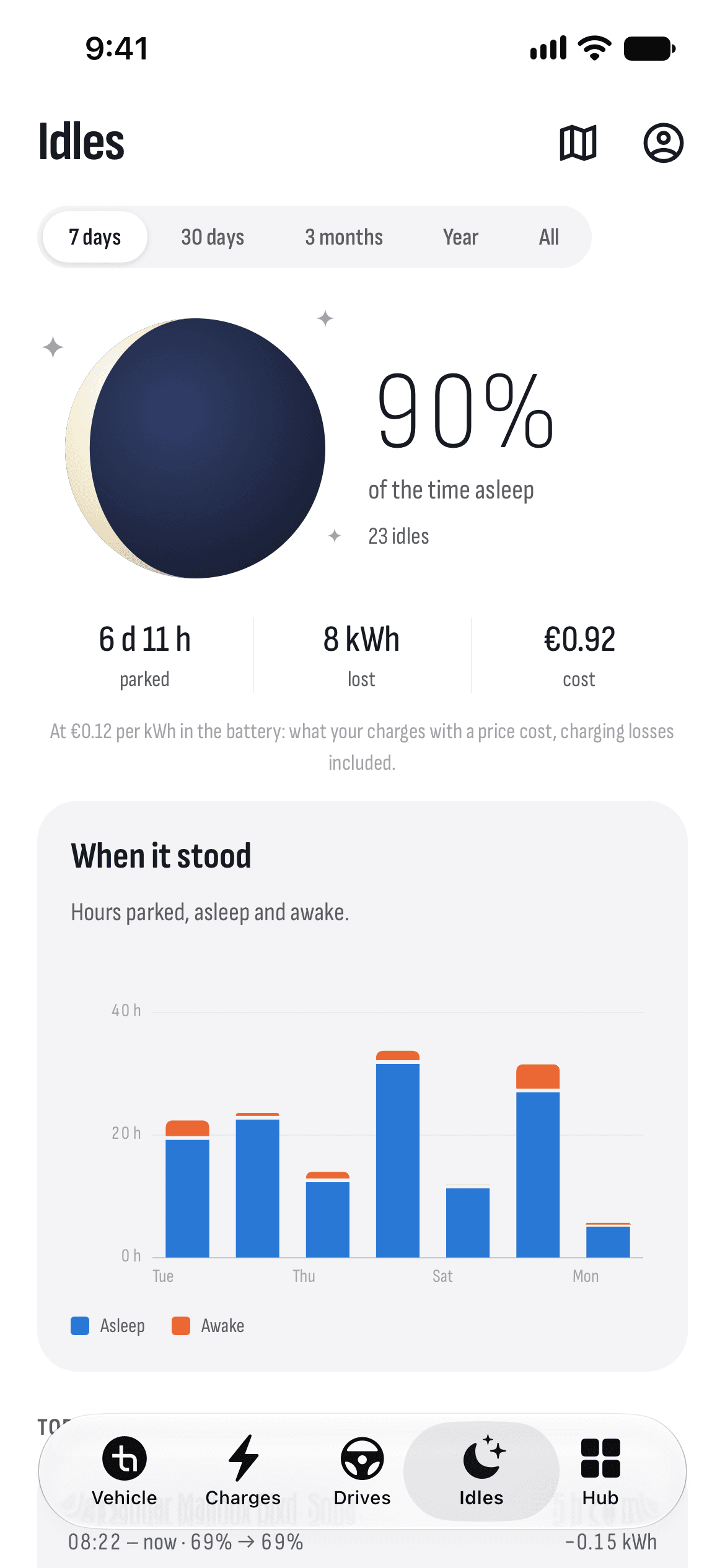
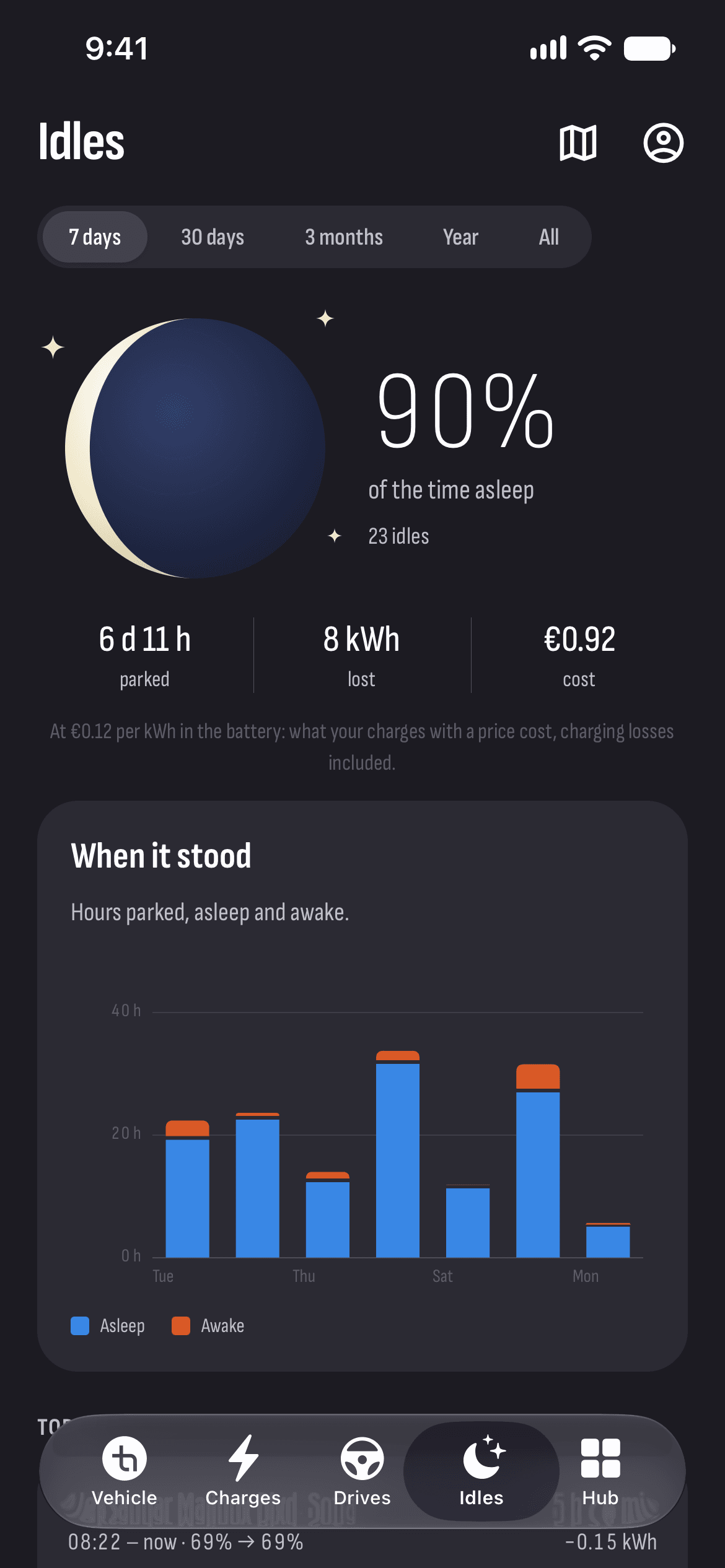
How long it slept
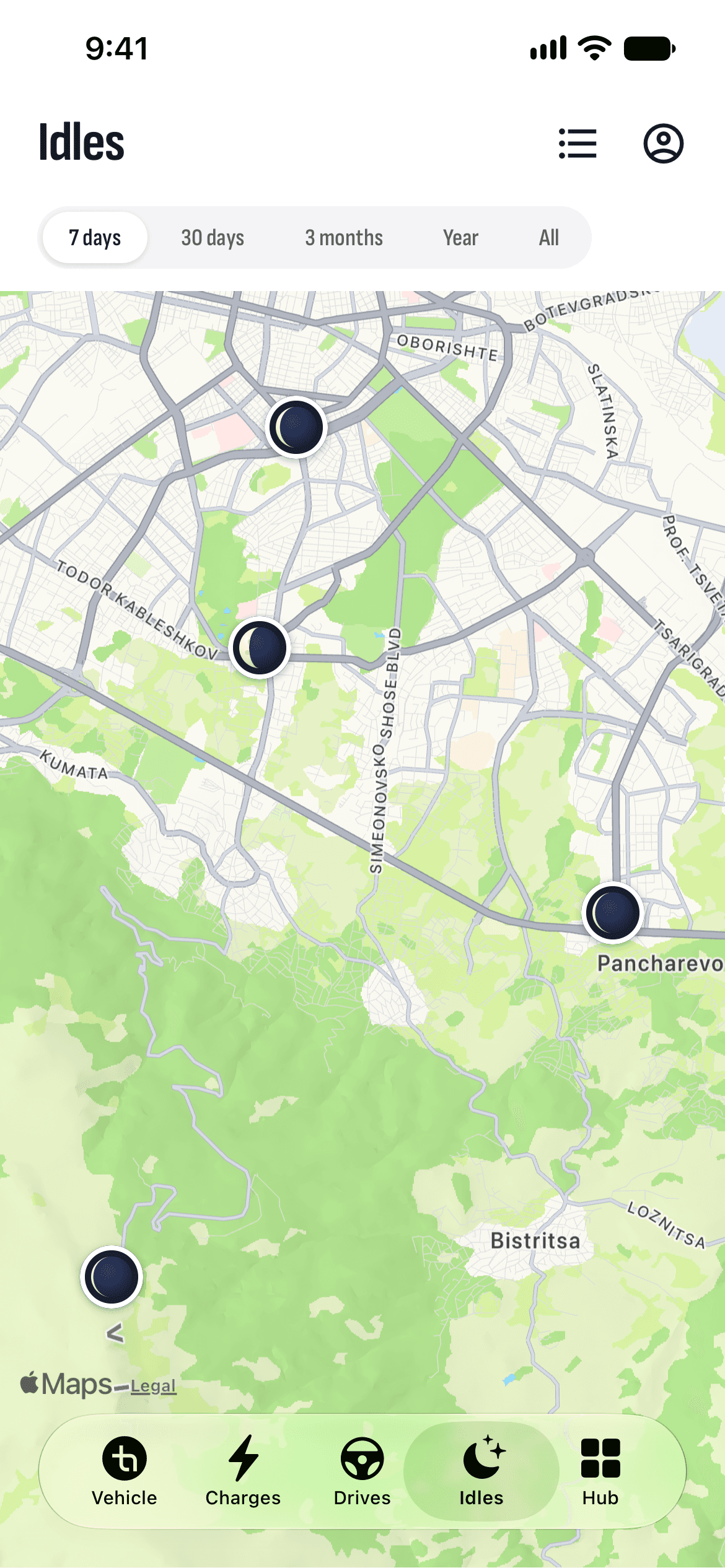
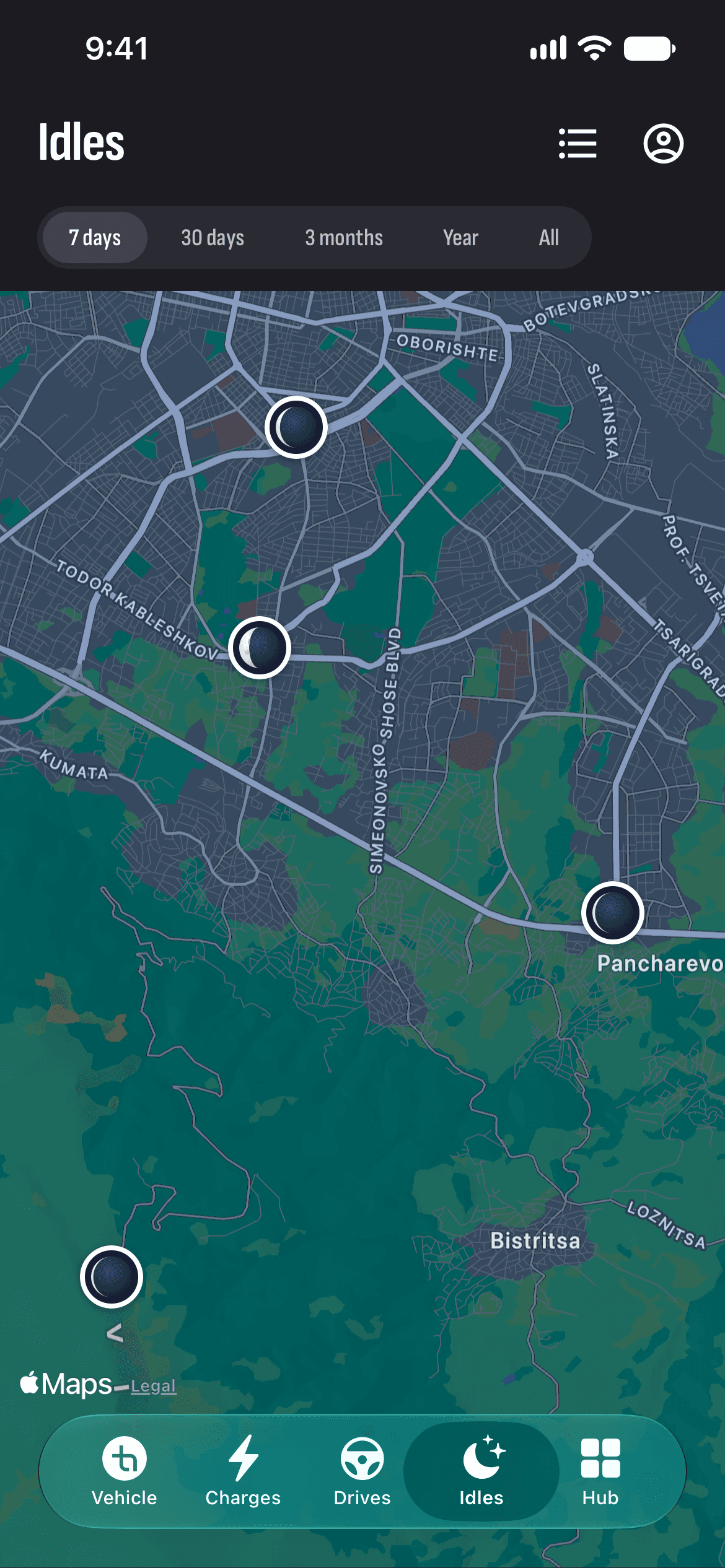
A moon lit for the time the car stayed awake: a thin crescent means it slept nearly all the time.
Energy lost and its cost
How many kWh the car lost while parked, and what they cost at the price of your charges.
Awake or asleep
The hours parked, awake and asleep, over the period you pick.
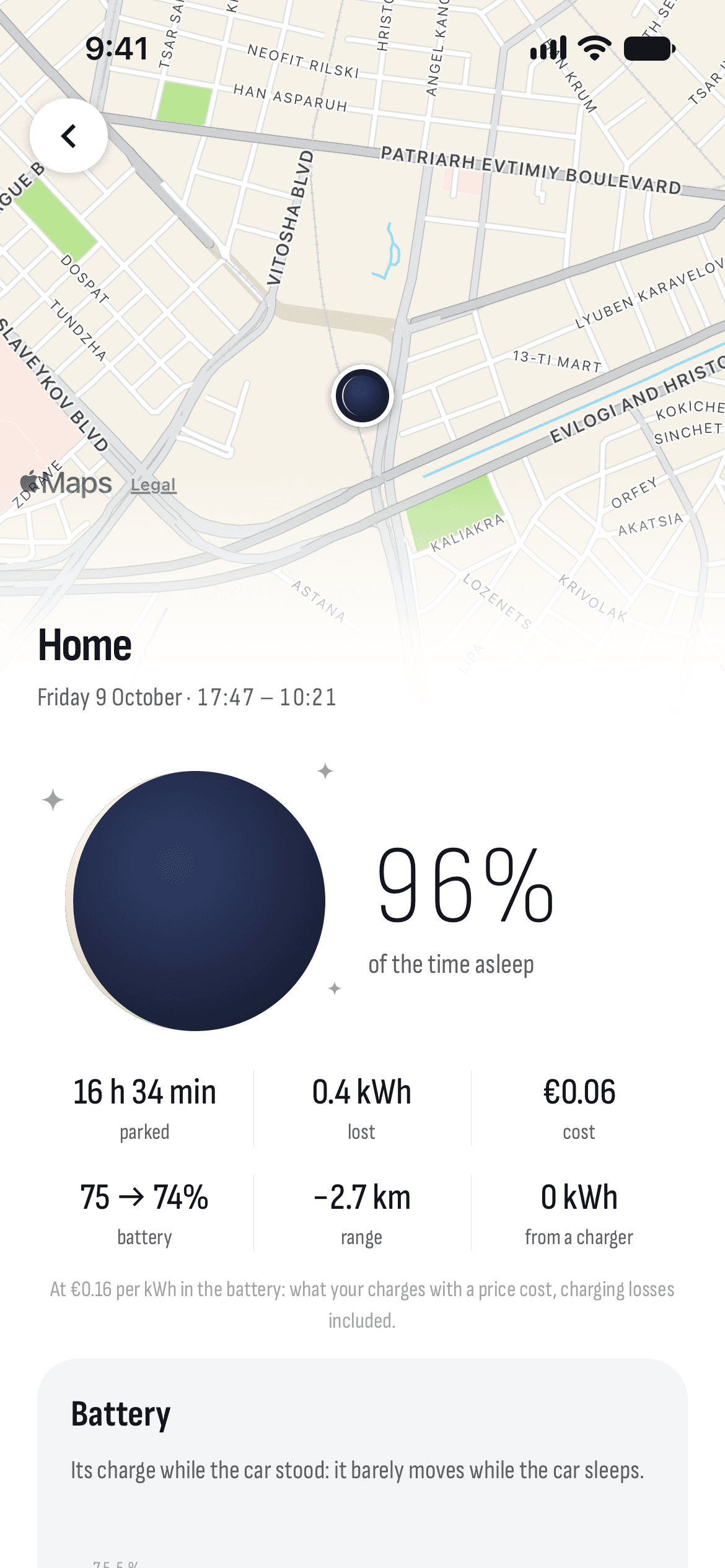
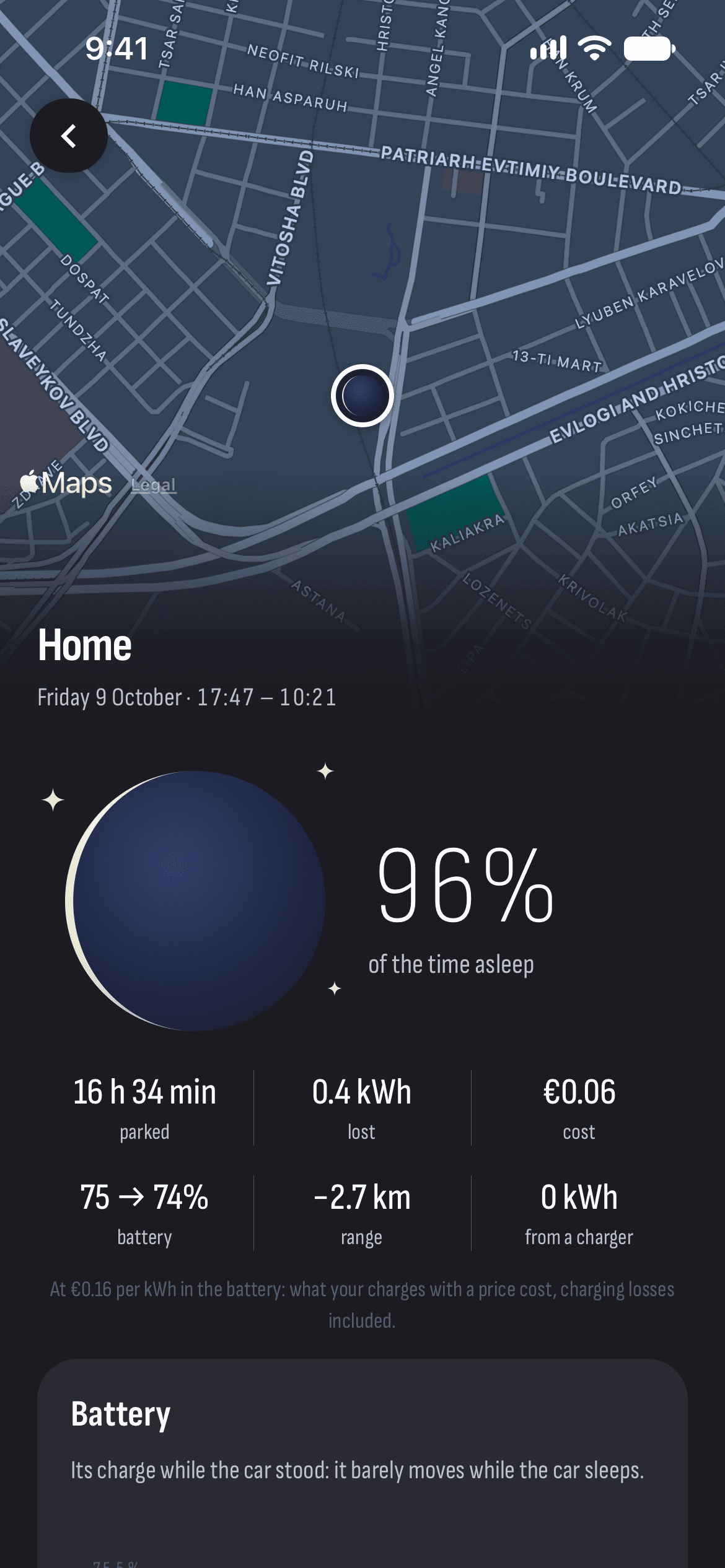
A map of where it stood
Where the car stood and for how long, on a map.
Every stop up close
Charge, battery, cabin and outside temperatures, and what it drew from a charger if it stayed plugged in.
How it works
- 1
Connect your car
Sign in with Tesla and turn recording on once.
- 2
Park
A stop starts when the car is in Park and ends when you drive off or start charging.
- 3
See what it cost
Idles shows every stop with its sleep, the energy lost and the cost.
Questions and answers
How much battery does a Tesla lose while parked?
It mostly depends on whether the car goes to sleep: an awake car uses far more energy. TesHub shows how many percent a day your car loses and how much of the time it slept, so you can see what keeps it awake.
What keeps a Tesla from sleeping?
Sentry, Cabin Overheat Protection, Camp or Dog Mode, an open door, or an app that keeps asking the car for data. TesHub doesn’t wake it by itself: a sleeping car is only looked up in Tesla’s list.
How is the cost of a stop worked out?
At the price per kWh in the battery that your charges with a price cost, charging losses included. So set the prices on the Charges tab first.
Do I need TesHub Pro?
Yes, idles are part of TesHub Pro. It’s €7.99 a month or €72 a year, each with 14 days free, or €249 for life in one payment.
More features
Get TesHub. Your Tesla, always at hand.
For iPhone and Android. Scan the code with your phone or pick your store.