Tesla drive log: route, speed and consumption
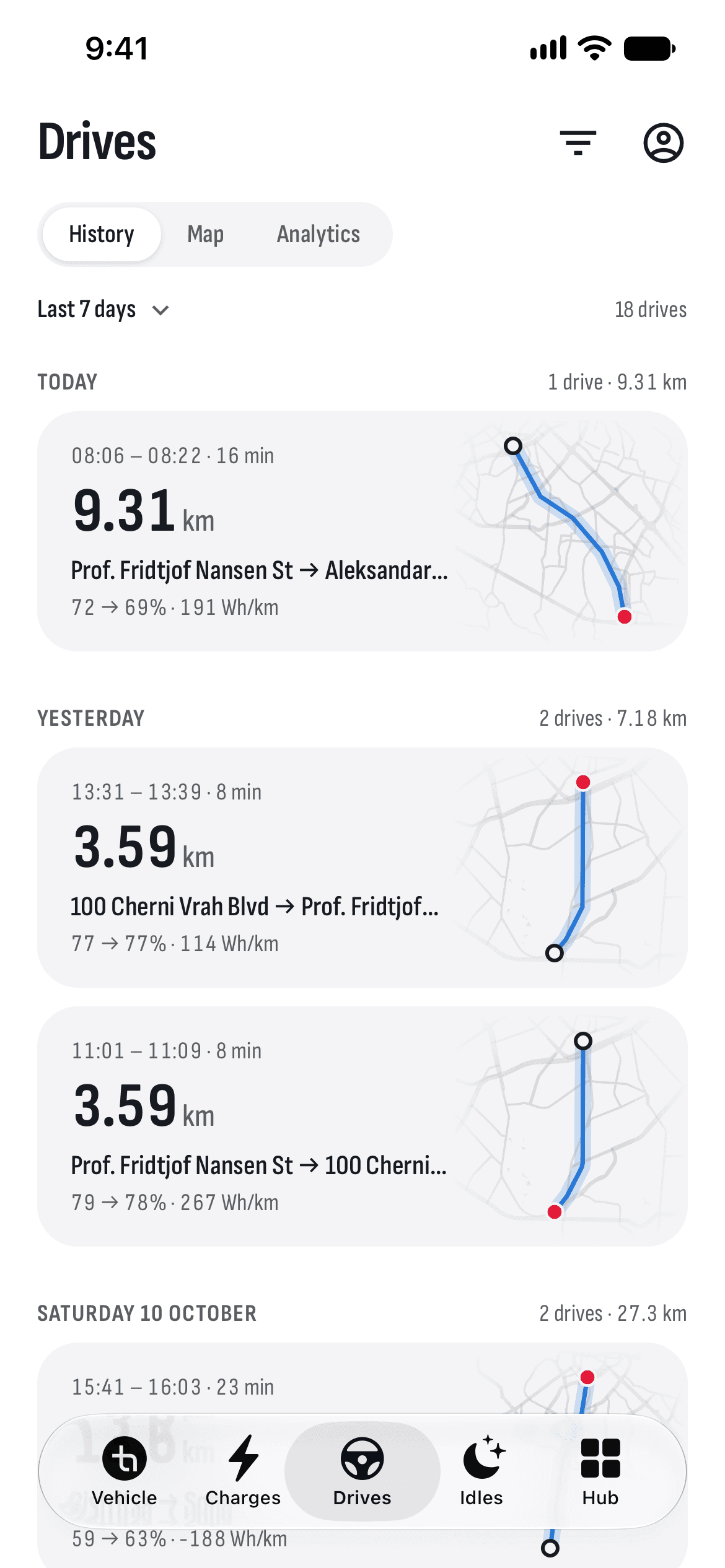
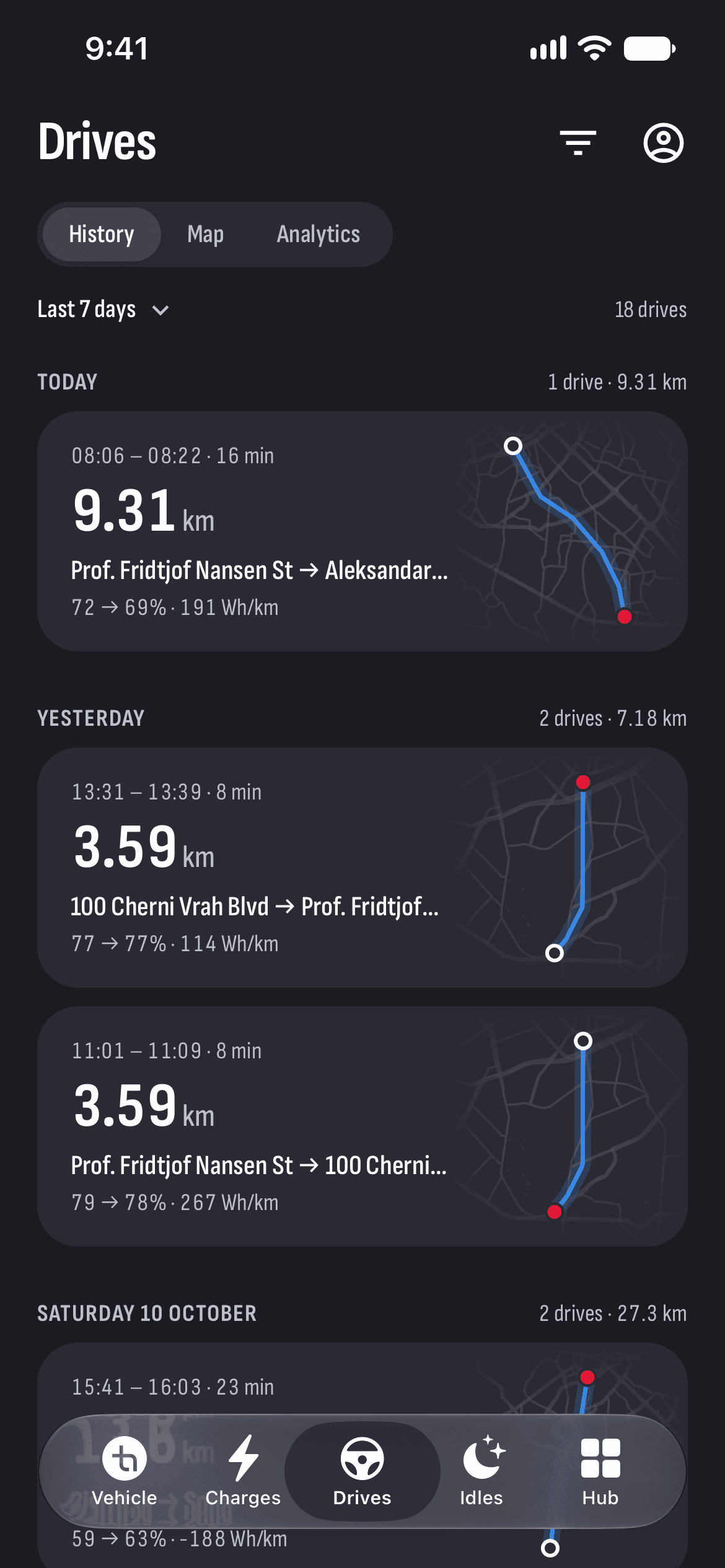
There’s nothing to start before you set off. TesHub records every drive from the data your car sends by itself, without waking it. Afterwards you see where you went, how fast, how much energy it took and what it would have cost in a petrol car.
What you get
Recorded by itself
A drive starts when the car pulls away and ends when you put it in Park. Your phone can stay in your pocket.
A route colored by speed
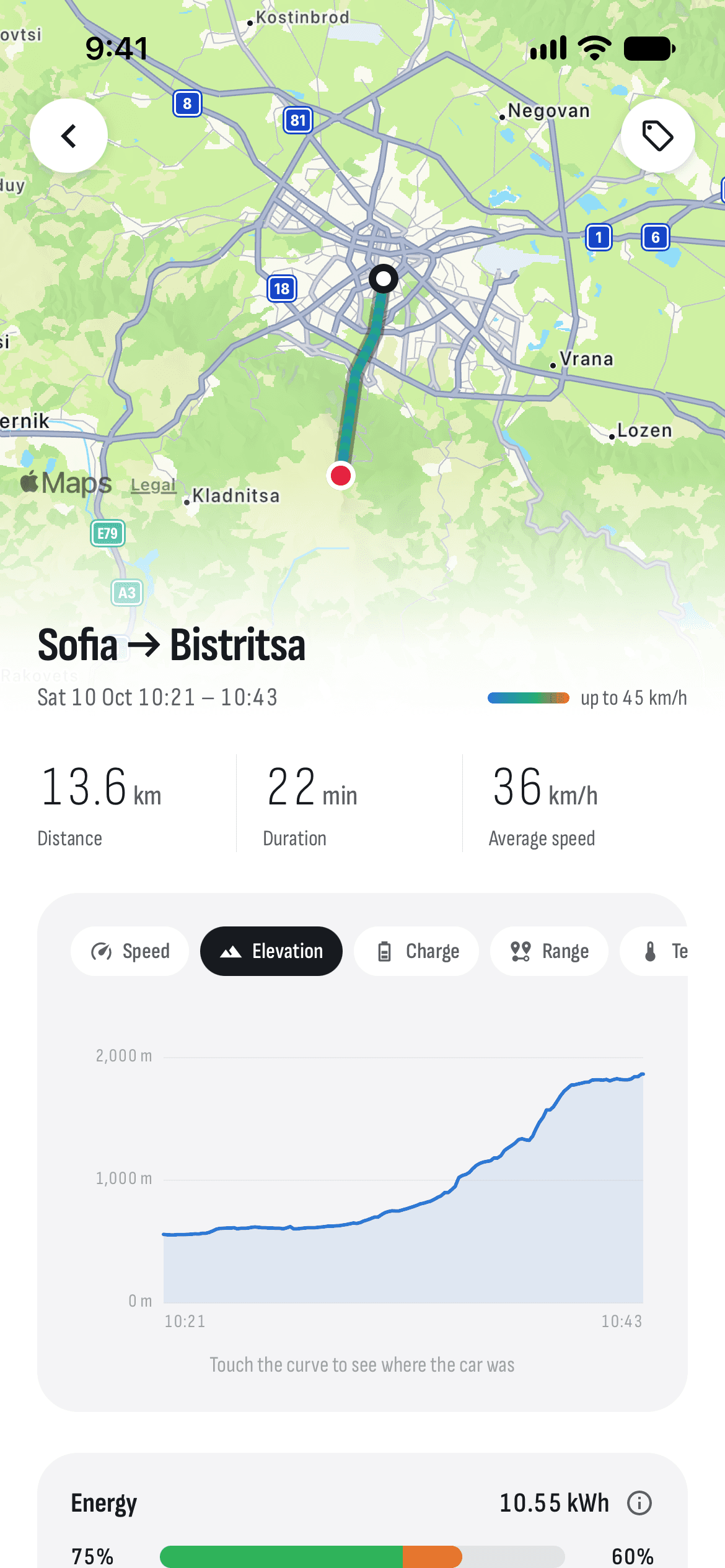
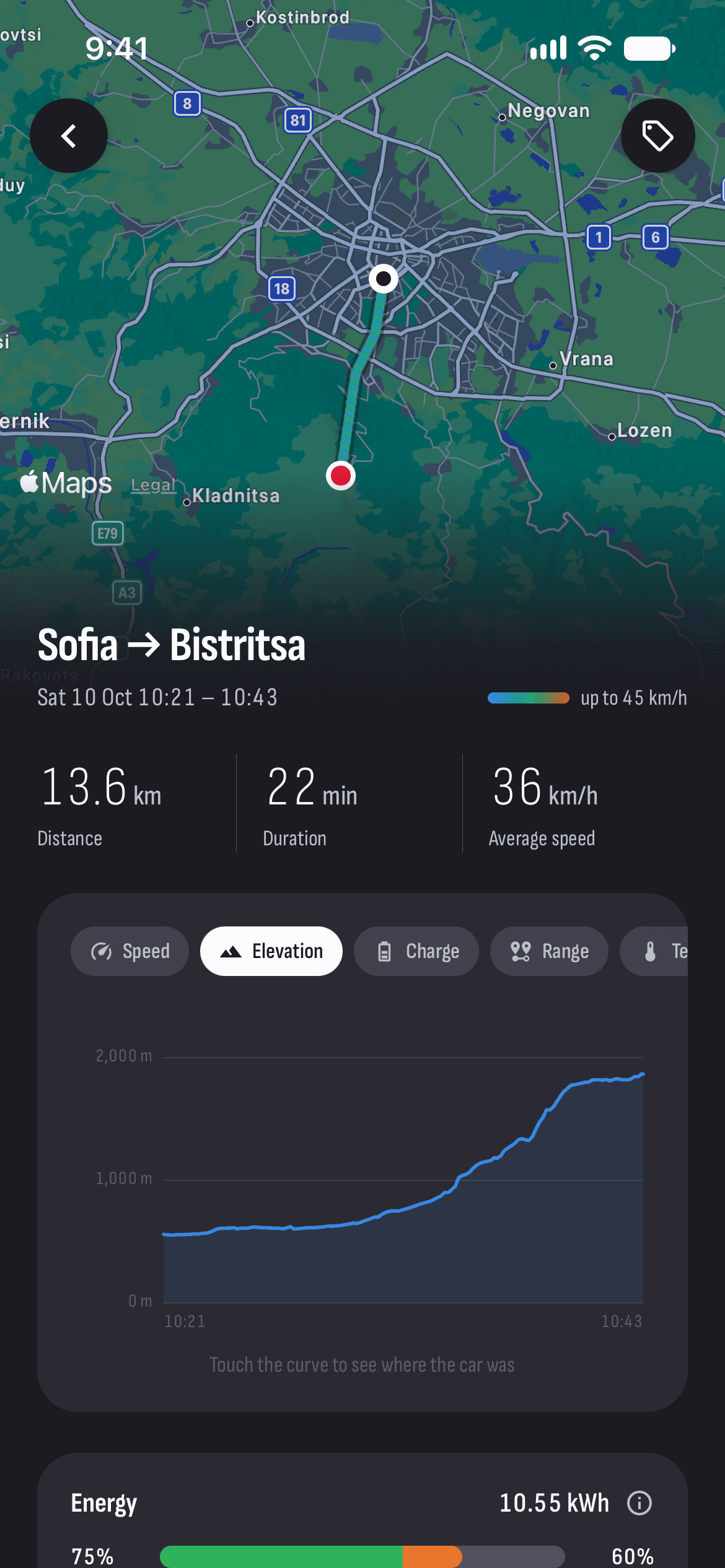
Every drive has a map with its route colored by speed. Touch the chart and the car on the map moves to where it was at that moment.
Charts along the way
Speed, elevation, charge, range and temperatures — in the battery, in the cabin and outside.
Consumption and cost
The energy each drive took, the average in Wh/km and what the electricity cost, next to the same trip in a petrol car.
A map of where you’ve been
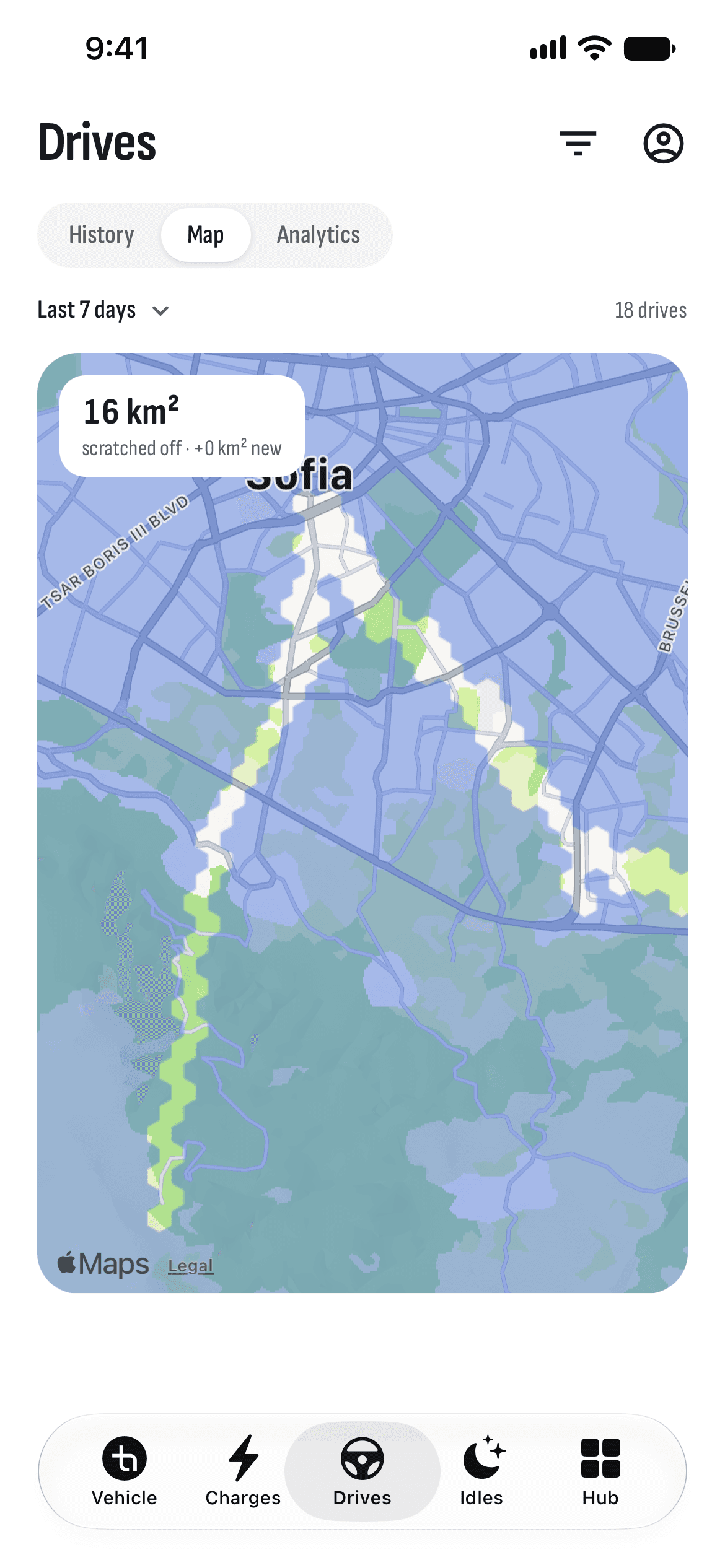
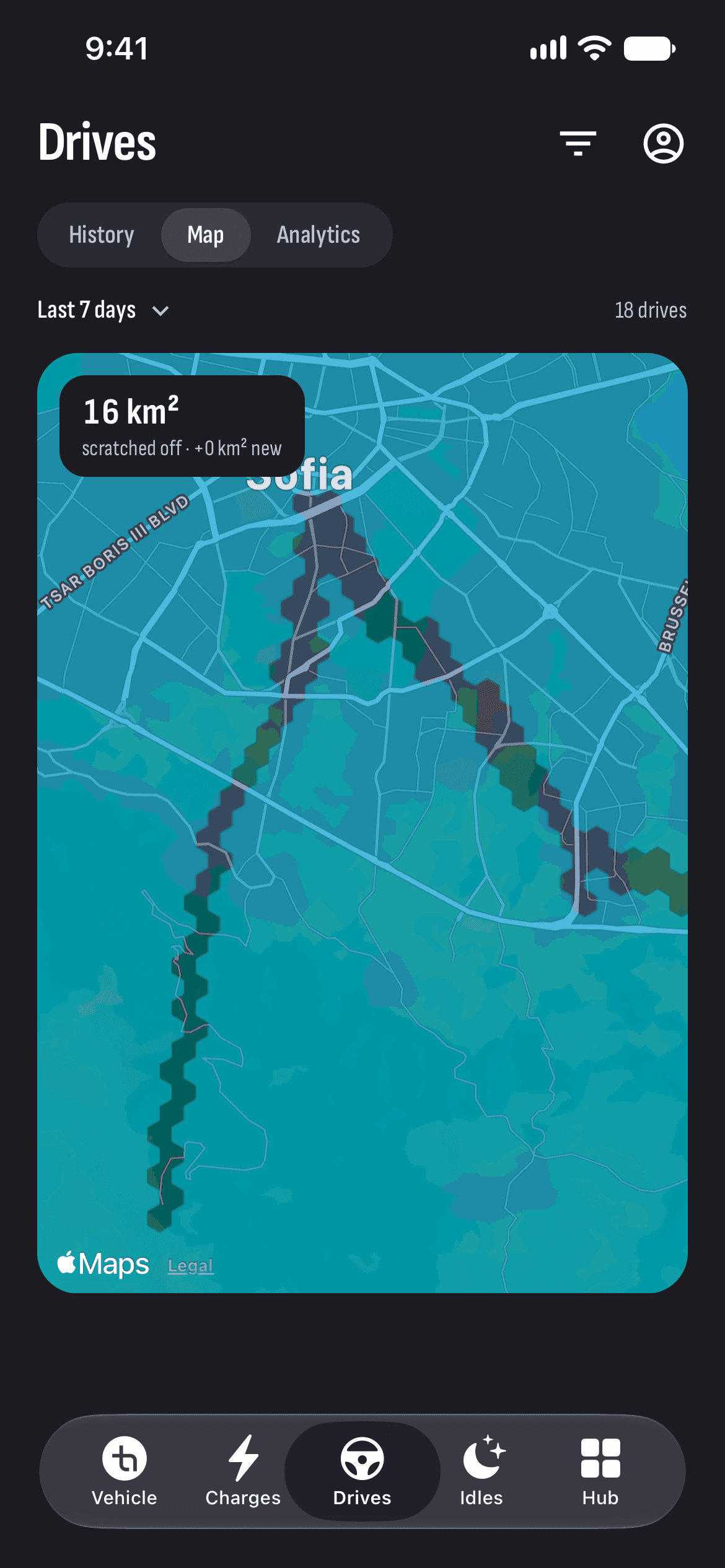
In the Map view, every place you’ve driven is scratched off a covered map. Each new drive uncovers more.
Analytics and tags
Distance, energy, electricity cost and petrol saved for a week, a month or a year. Tag a drive — Work, Holiday — and filter by it.
How it works
- 1
Connect your car
Sign in with Tesla and turn recording on once.
- 2
Drive as always
The car sends its drives to TesHub’s server by itself, with the app closed.
- 3
Look back
On the Drives tab, each drive comes with its map, charts, consumption and cost.
Questions and answers
Do I have to start recording before each drive?
No. Drives are recorded by themselves from the data the car sends to TesHub’s server. You turn recording on once, and the car takes the setting the next time it’s online.
How is consumption in Wh/km worked out?
From the energy the battery gave between the start and the end of the drive, over the distance driven. TesHub also shows your efficiency: how far you went for the rated range the car used.
How is the petrol saving worked out?
The electricity for the drive is compared with a petrol car using 7 litres per 100 km at €1.30 a litre. The electricity price is the average of your charges with a price, so set those on the Charges tab first.
Who can see where I’ve driven?
In TesHub, only the car’s owner sees its history, by their Tesla account. Drivers you’ve added see only how the car is right now.
Do I need TesHub Pro?
Yes, drives are part of TesHub Pro: €7.99 a month or €72 a year with 14 days free, or €249 for life in one payment. You buy it in the app, through the App Store or Google Play.
More features
Get TesHub. Your Tesla, always at hand.
For iPhone and Android. Scan the code with your phone or pick your store.