Tesla battery health: capacity and degradation
The battery is the heart of the car, and TesHub keeps an eye on it for you. Every charge over 5 kWh adds a new point for its capacity, and the chart shows which way it’s heading. You also see how much the car loses while parked.
What you get
Capacity after every charge
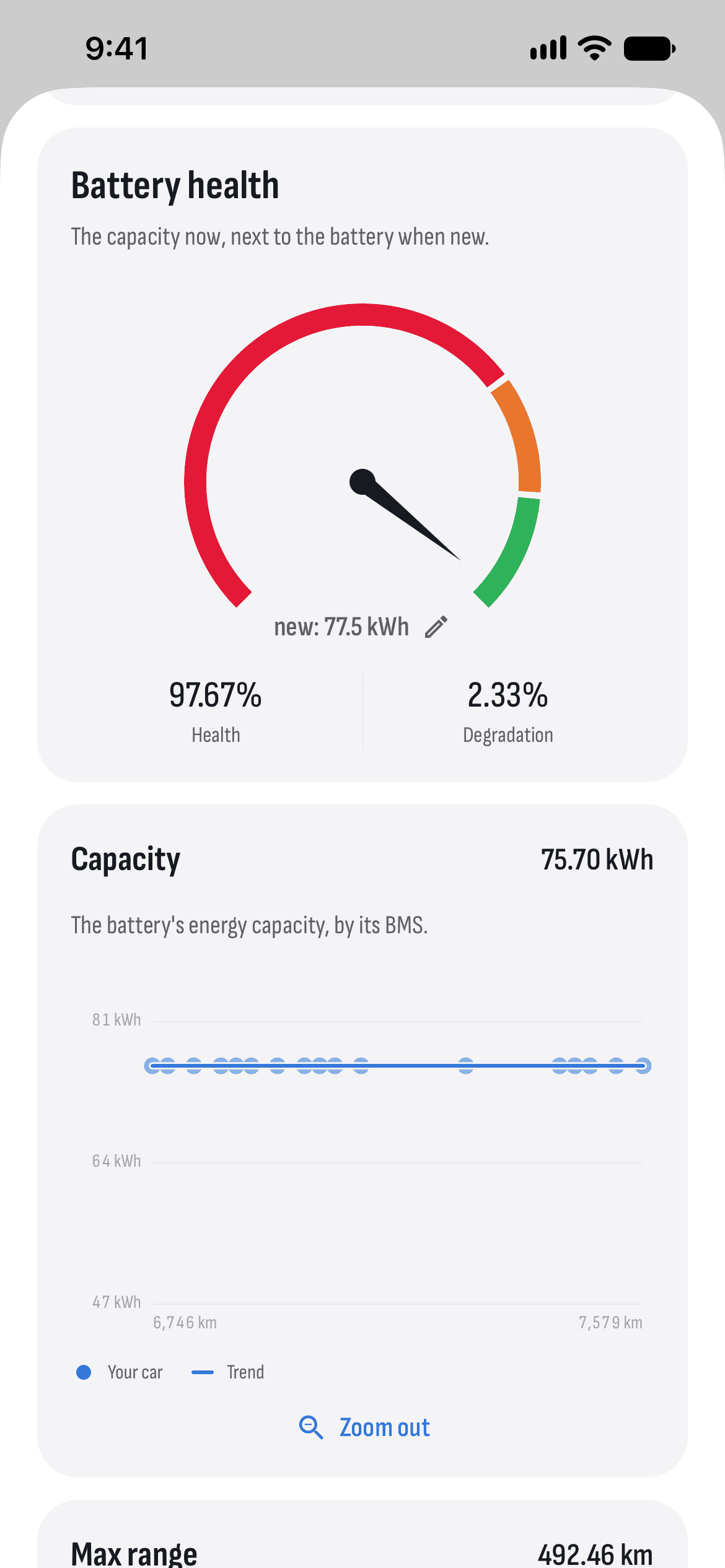
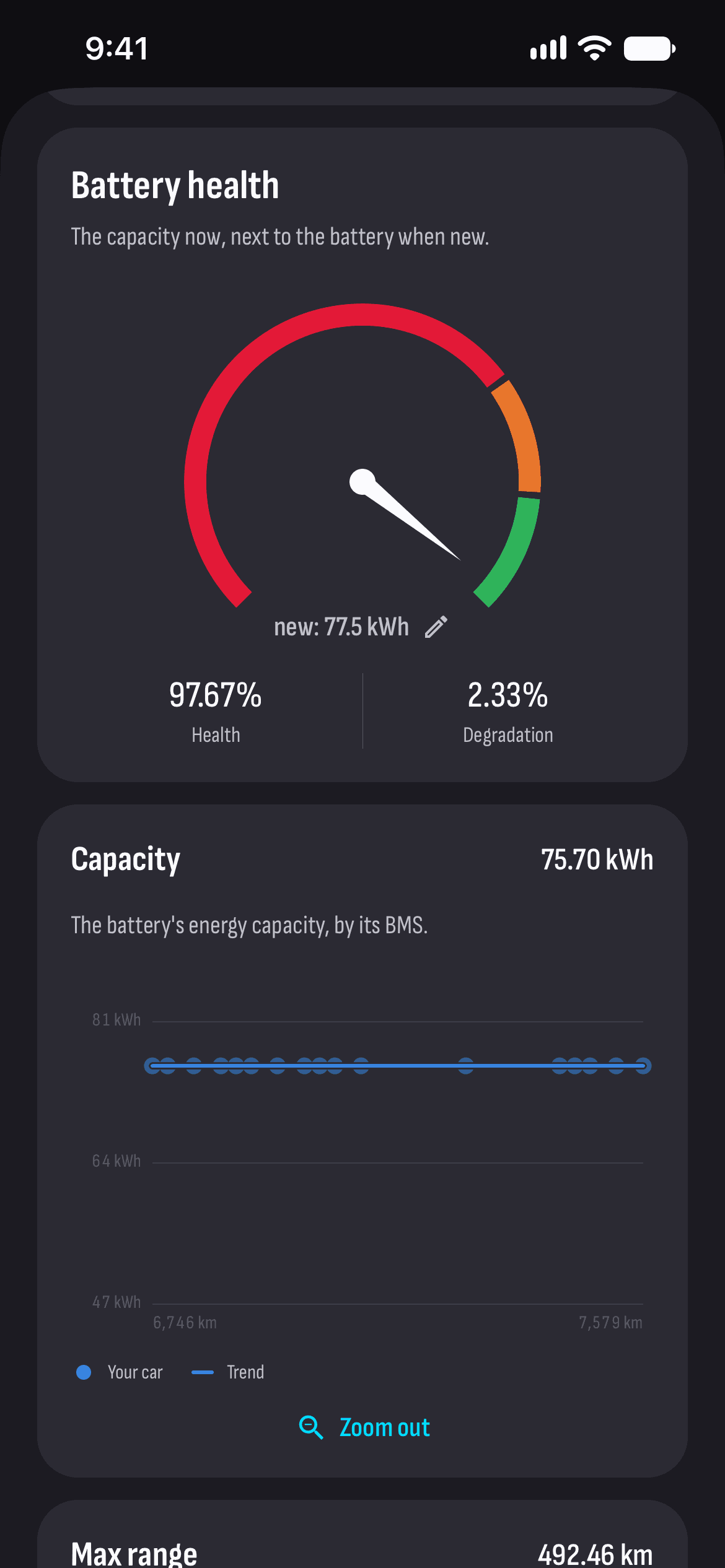
An estimate from the car’s BMS data, with a new point after every charge over 5 kWh.
Health and degradation in %
Today’s capacity next to the battery’s when new. You set the capacity when new yourself, since it differs by car and battery.
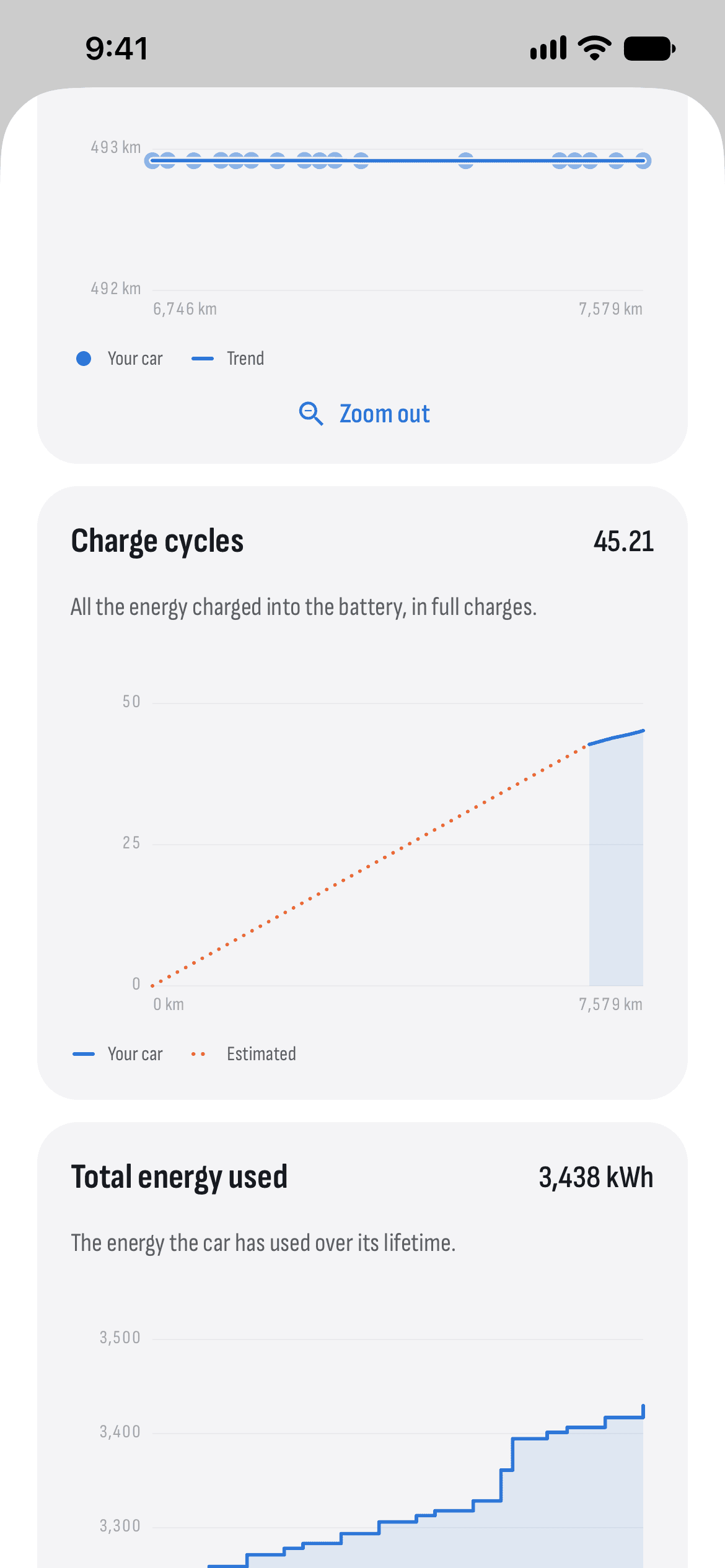
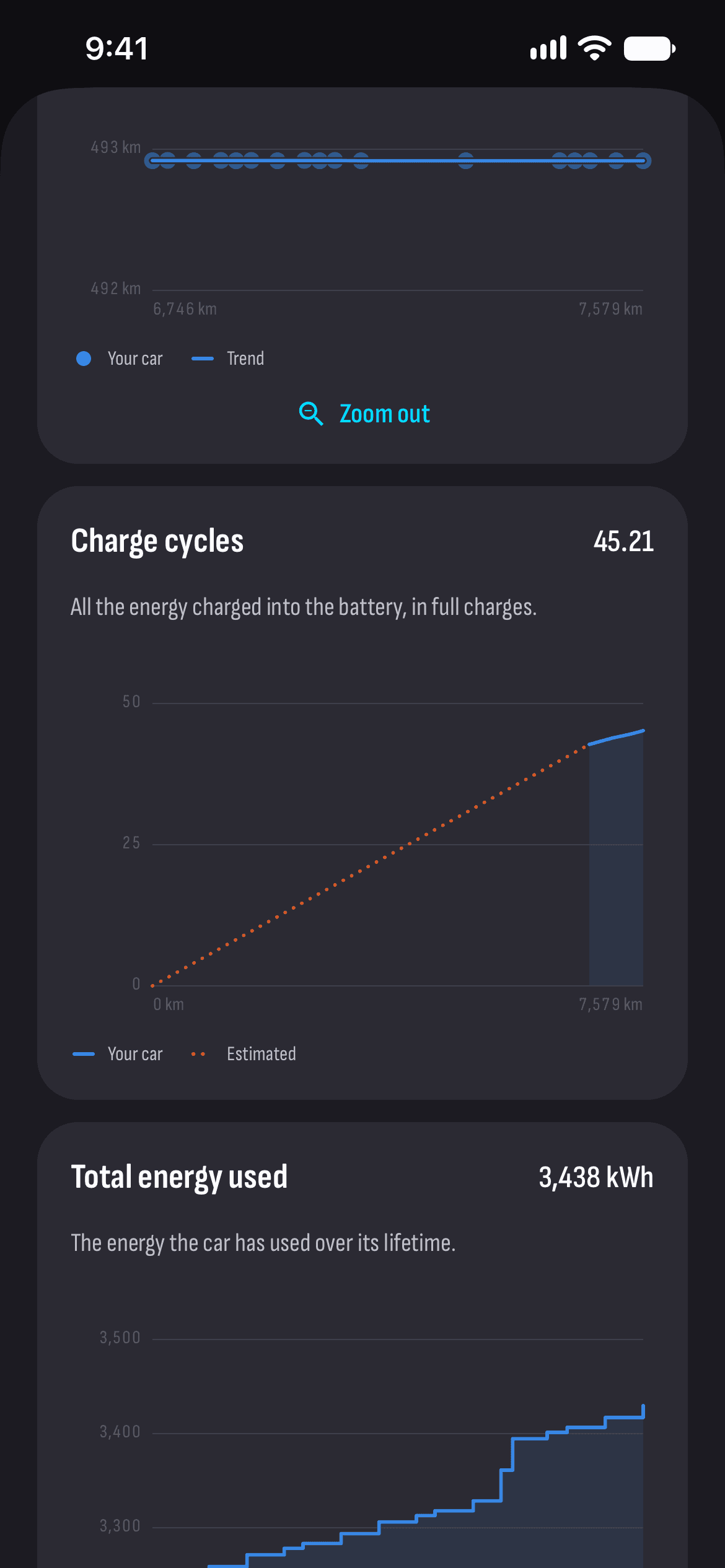
A trend by distance
Capacity and range at 100% against the odometer, with a rolling average, so you see the direction rather than single points.
Cycles and energy
How many full charge cycles the battery has done, and how much energy the car has used in its life.
The battery now
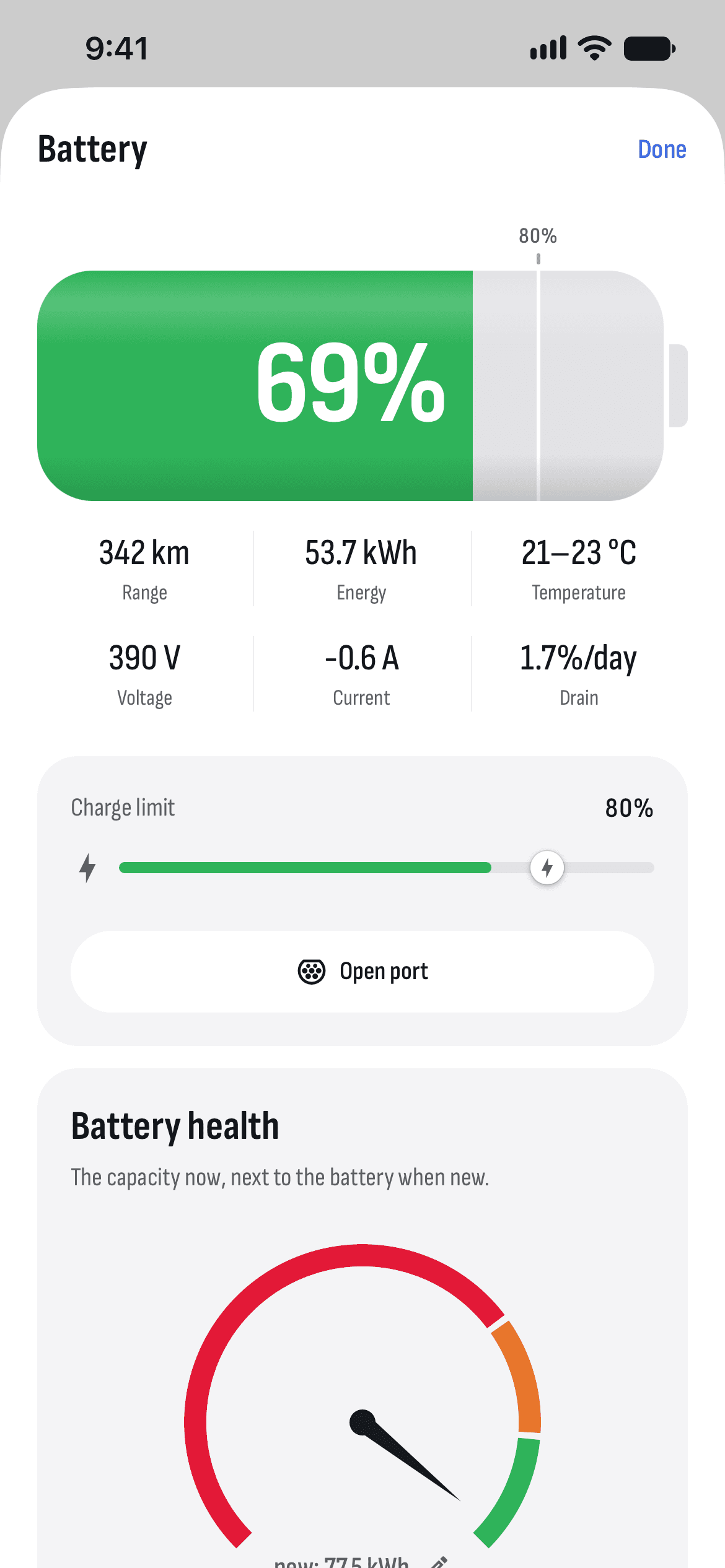
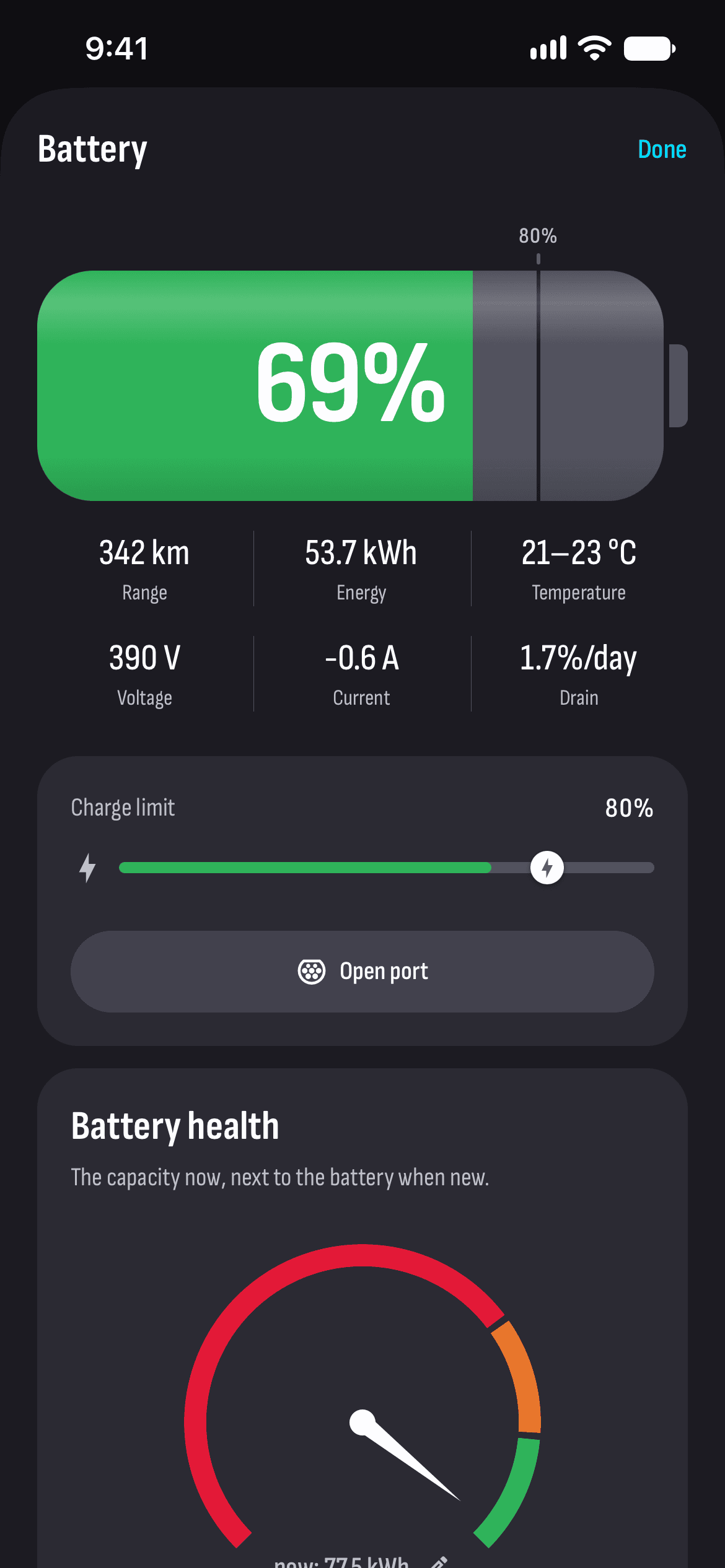
The charge to a hundredth of a percent while charging, the range, the energy in the battery and its temperature. You change the charge limit here too.
Drain while parked
How many percent a day the car loses without a charger, from the last week’s idles.
How it works
- 1
Connect your car
Sign in with Tesla and turn recording on, so the BMS data comes in.
- 2
Set the capacity when new
Type in your battery’s capacity when new, so the degradation is right.
- 3
Charge
Every charge over 5 kWh adds a new point to the charts.
Questions and answers
How does TesHub work out battery degradation?
It compares today’s capacity with the battery’s capacity when new. Capacity is estimated from the car’s BMS data after every charge over 5 kWh, and the figure shown is the average of those estimates. The more charges, the clearer the picture.
Why does the capacity jump from charge to charge?
Each estimate lands a little over or under the true value, depending on things like the battery’s temperature. Watch the trend over the kilometres, not a single point.
How often should I charge to 100%?
For everyday driving, keep the limit at 80–90% and go to 100% only before a long trip. Cars with an LFP battery are the exception: for them Tesla recommends 100% at least once a week.
How exact are the figures?
They’re estimates from the data the car gives, not a workshop measurement. Use them to follow how your battery changes over time.
Do I need TesHub Pro?
Yes, the battery and its history are part of TesHub Pro: €7.99 a month or €72 a year, with 14 days free, or €249 once. You get Pro in the app, through the App Store or Google Play.
More features
Get TesHub. Your Tesla, always at hand.
For iPhone and Android. Scan the code with your phone or pick your store.