Siri, widgets and shortcuts for your Tesla
Your car is a tap away without opening the app. On iPhone, TesHub has widgets, a Live Activity while charging, Control Center buttons and actions for Siri and Shortcuts. On Android, there are shortcuts on the app icon and links for automation apps.
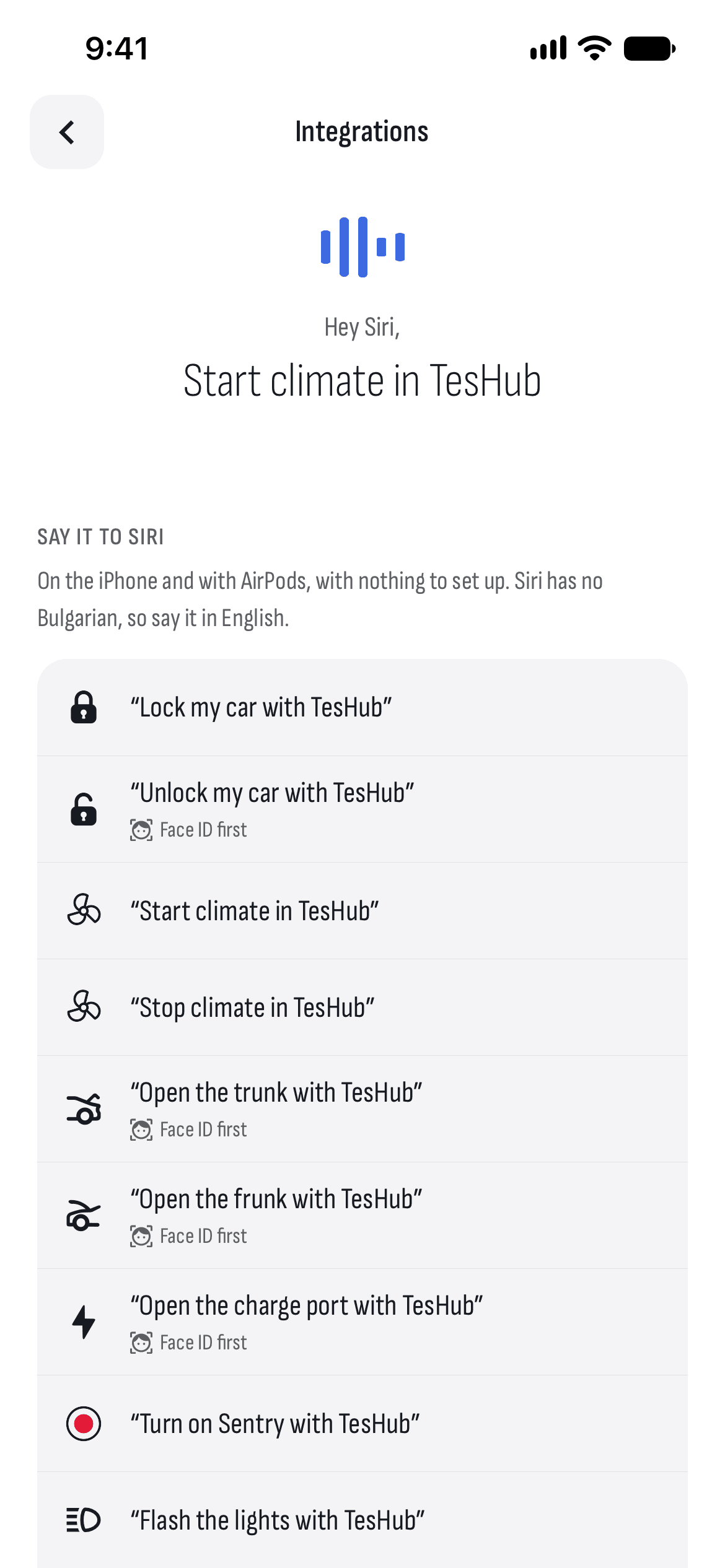
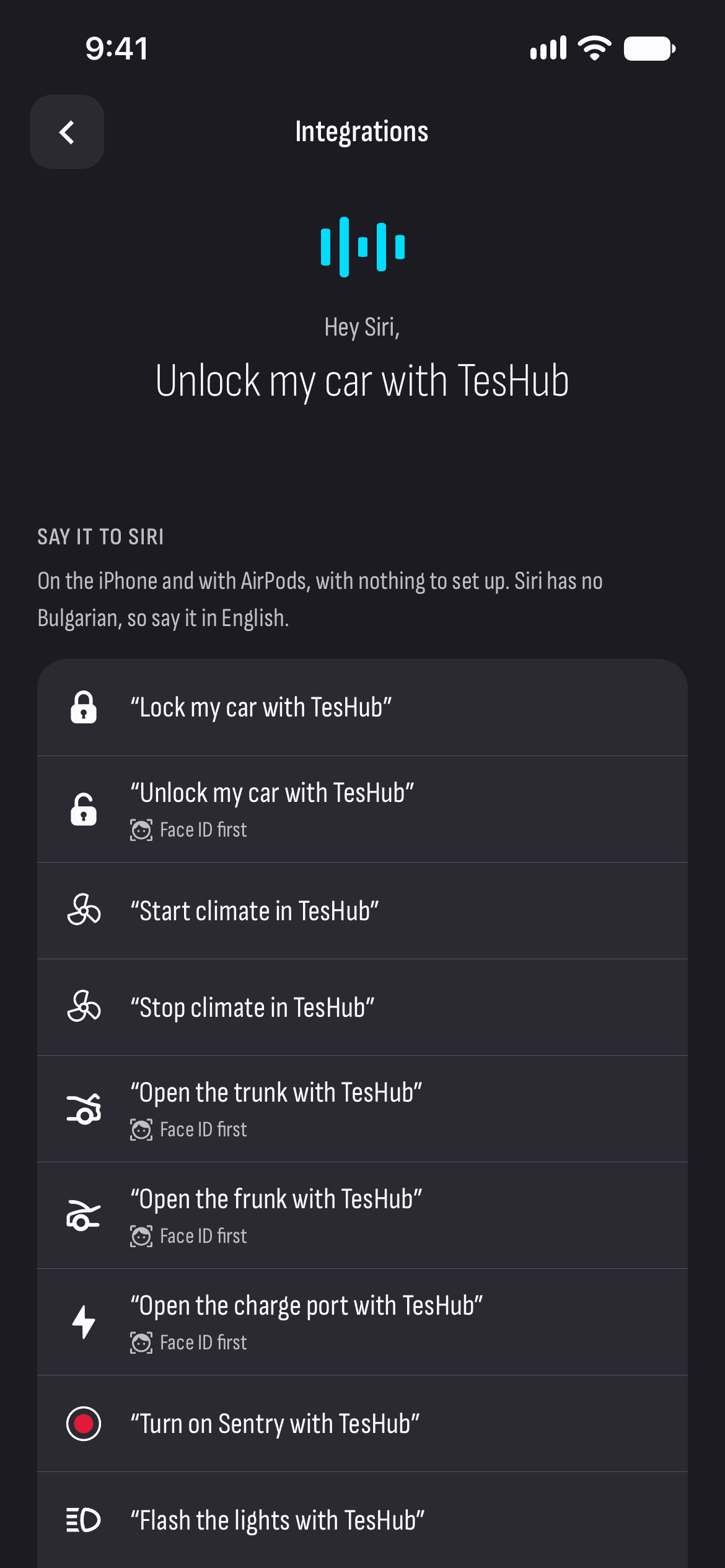
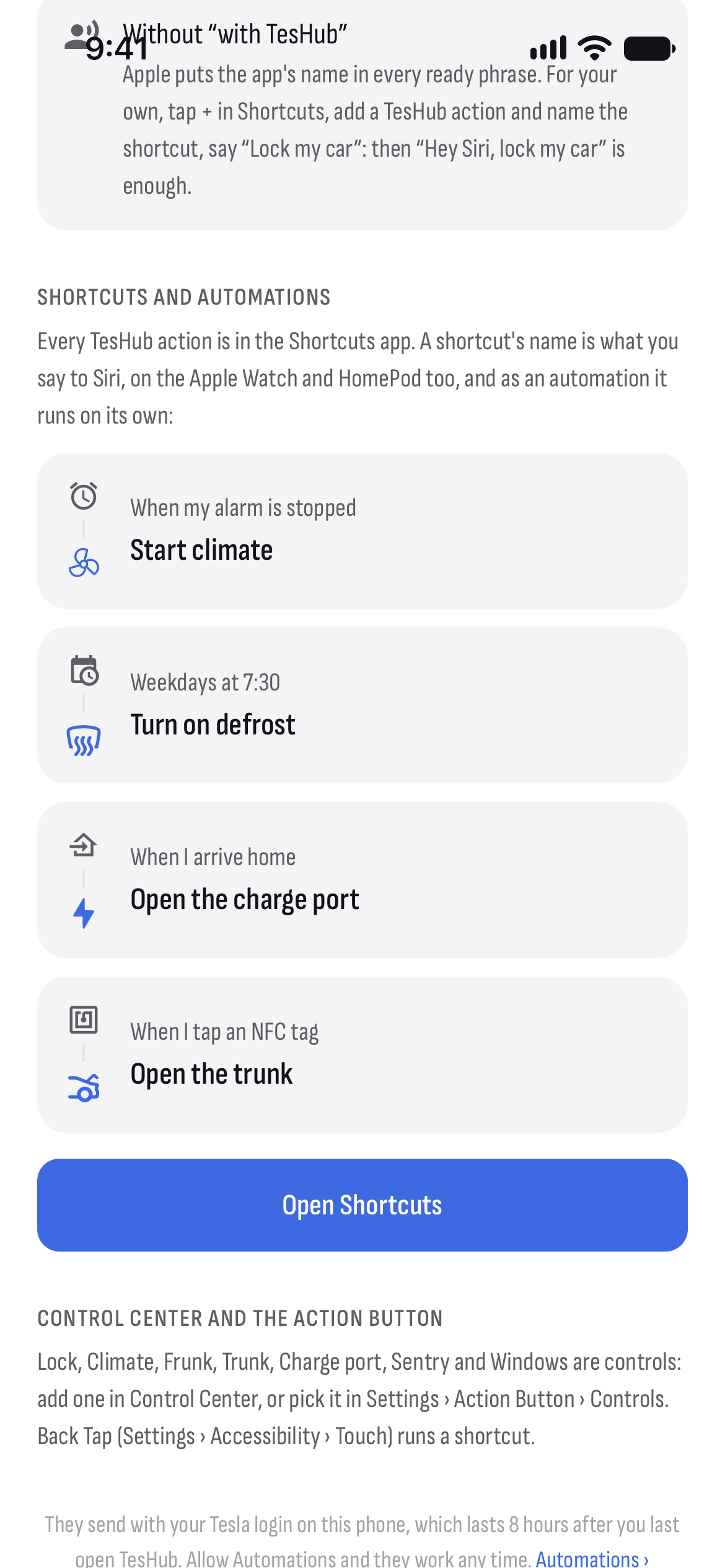
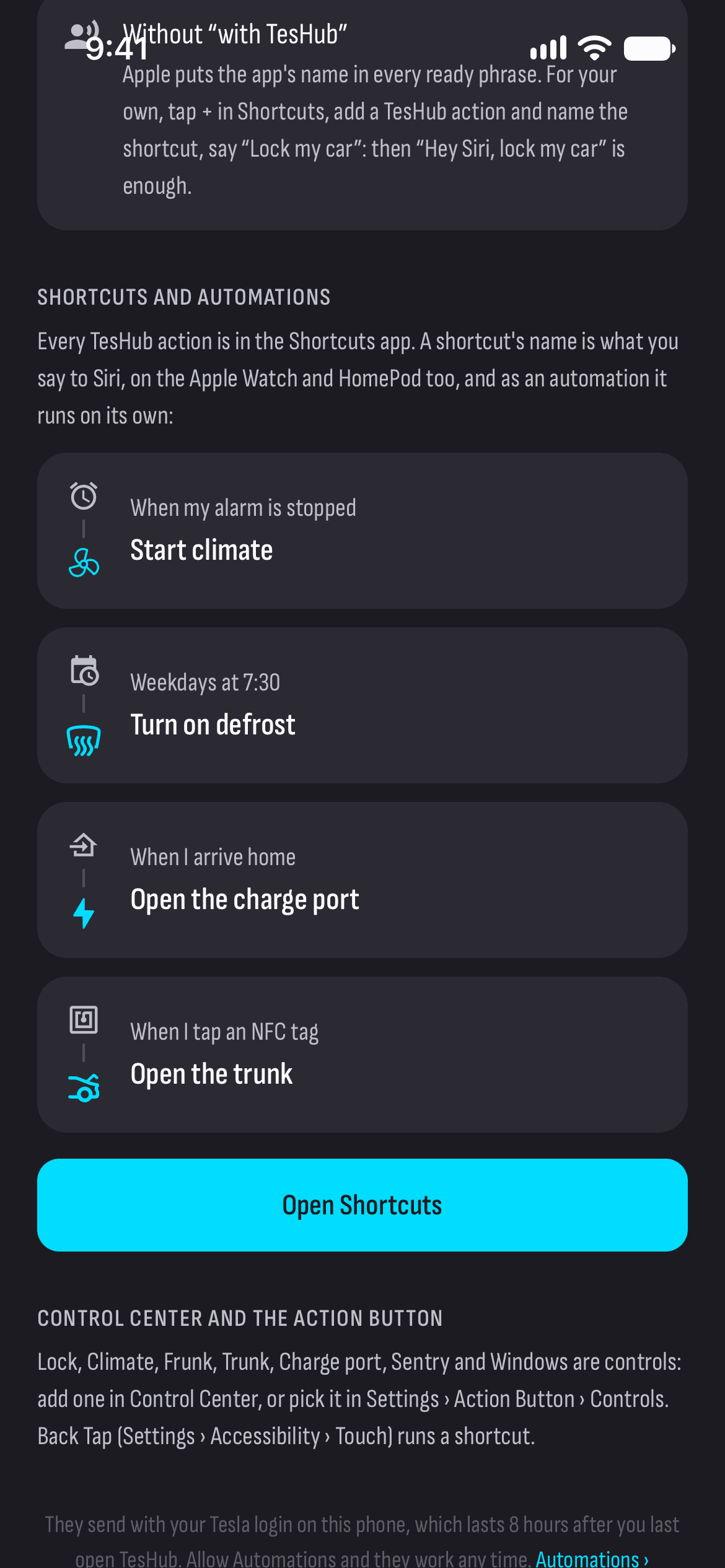
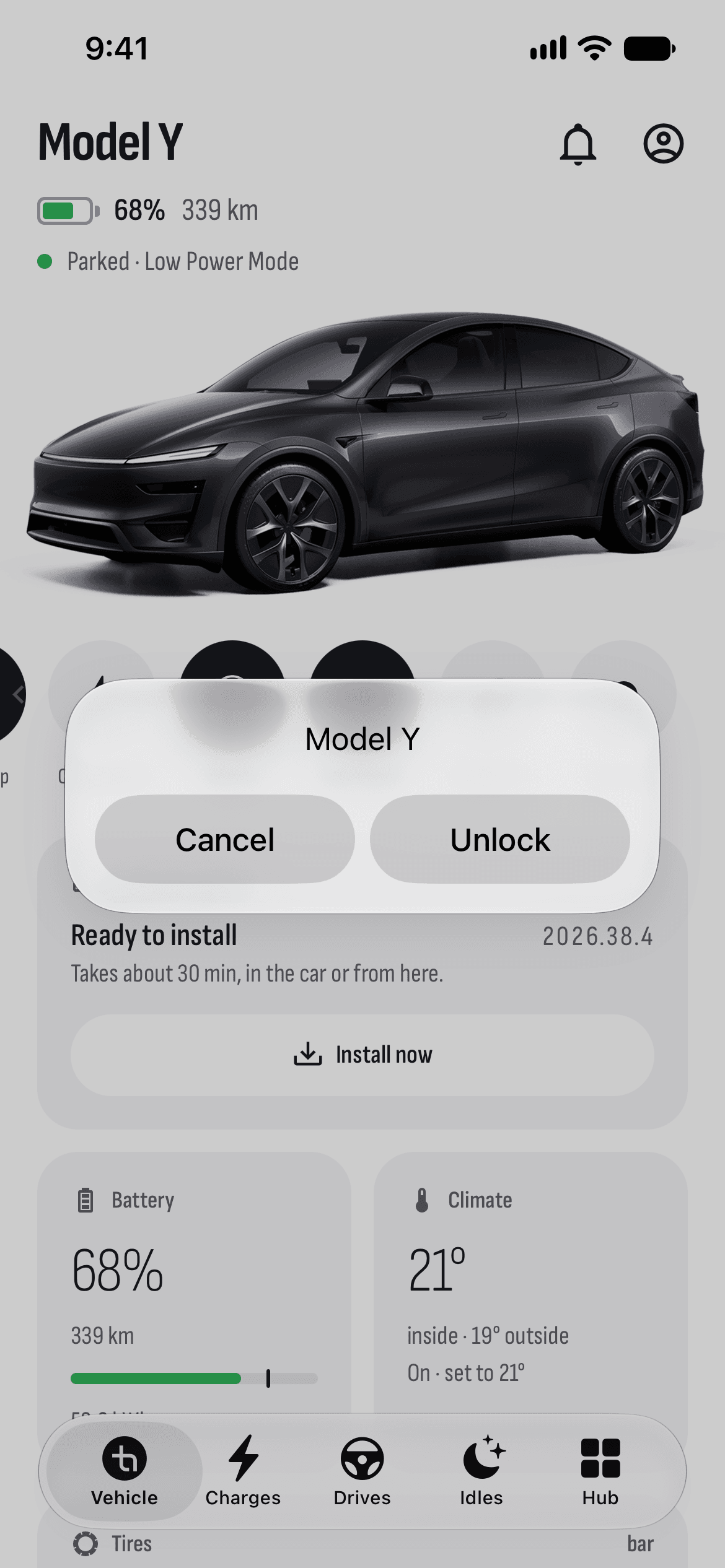
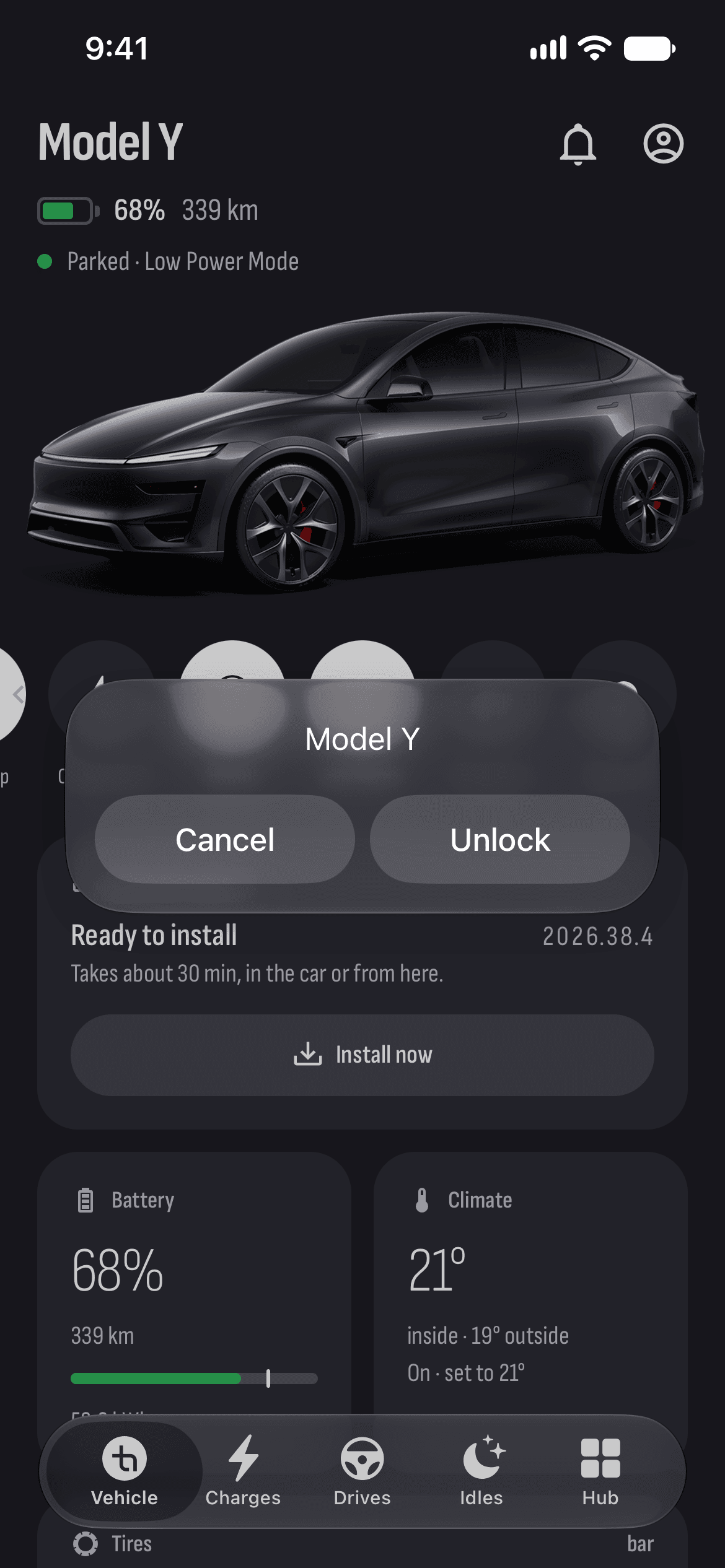
What you get
A charging widget
The charge, the limit and the power on the Home and Lock Screens, and while charging, a Live Activity on the Lock Screen and in the Dynamic Island.
A car widget
Your car with buttons for its commands, on the Home and Lock Screens.
Control Center and the Action button
Lock, climate, frunk, trunk, charge port, Sentry and windows as buttons in Control Center (iOS 18 and later) or on the Action button.
Siri and Shortcuts
Ready Siri phrases such as “Hey Siri, lock my car with TesHub”, and every TesHub action in the Shortcuts app, as automations too.
Android shortcuts
Hold the TesHub icon and pick a command, or drag one to the home screen as a one-tap button.
Links for automation apps
Tasker, MacroDroid, Automate or Samsung’s Modes and Routines open a link, and TesHub sends the command.
How it works
- 1
Connect your car
Sign in with Tesla and approve TesHub’s key.
- 2
Add a widget or a button
On the Home Screen, in Control Center or in the Shortcuts app.
- 3
Command without the app
One tap or one phrase, and the command goes to the car.
Questions and answers
Can I talk to my Tesla in Bulgarian?
Siri has no Bulgarian, so the ready phrases are in English. On iPhone you can try Vocal Shortcuts (Settings › Accessibility › Speech): record your own phrase in Bulgarian and link it to a TesHub shortcut.
Is there a widget for Android?
Not yet. On Android there are shortcuts on the app icon, and links that apps like Tasker and MacroDroid open on a schedule, at a place or with an NFC tag.
Do I need Face ID to unlock?
If your iPhone is locked, yes: commands that open the car ask for Face ID first.
Do they work if I haven’t opened TesHub for a while?
They send with your Tesla login on the phone, which lasts 8 hours after you last open TesHub. Allow automations and TesHub’s server keeps it fresh, so they work any time.
Do I need TesHub Pro?
Yes. Widgets, the Live Activity and Siri are part of TesHub Pro: €7.99 a month or €72 a year, with 14 days free, or €249 for life.
More features
Get TesHub. Your Tesla, always at hand.
For iPhone and Android. Scan the code with your phone or pick your store.