Tesla schedules: charge at night, warm car by morning
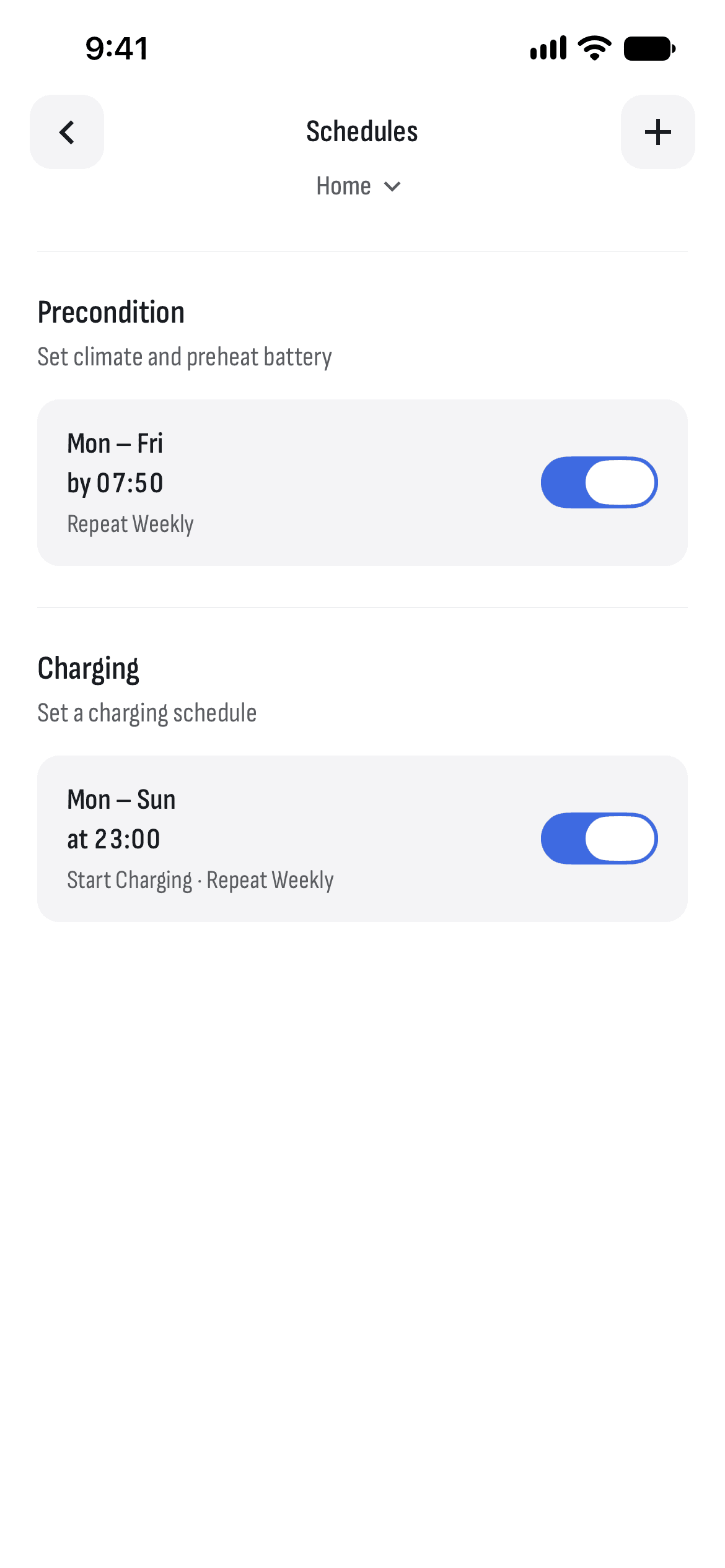
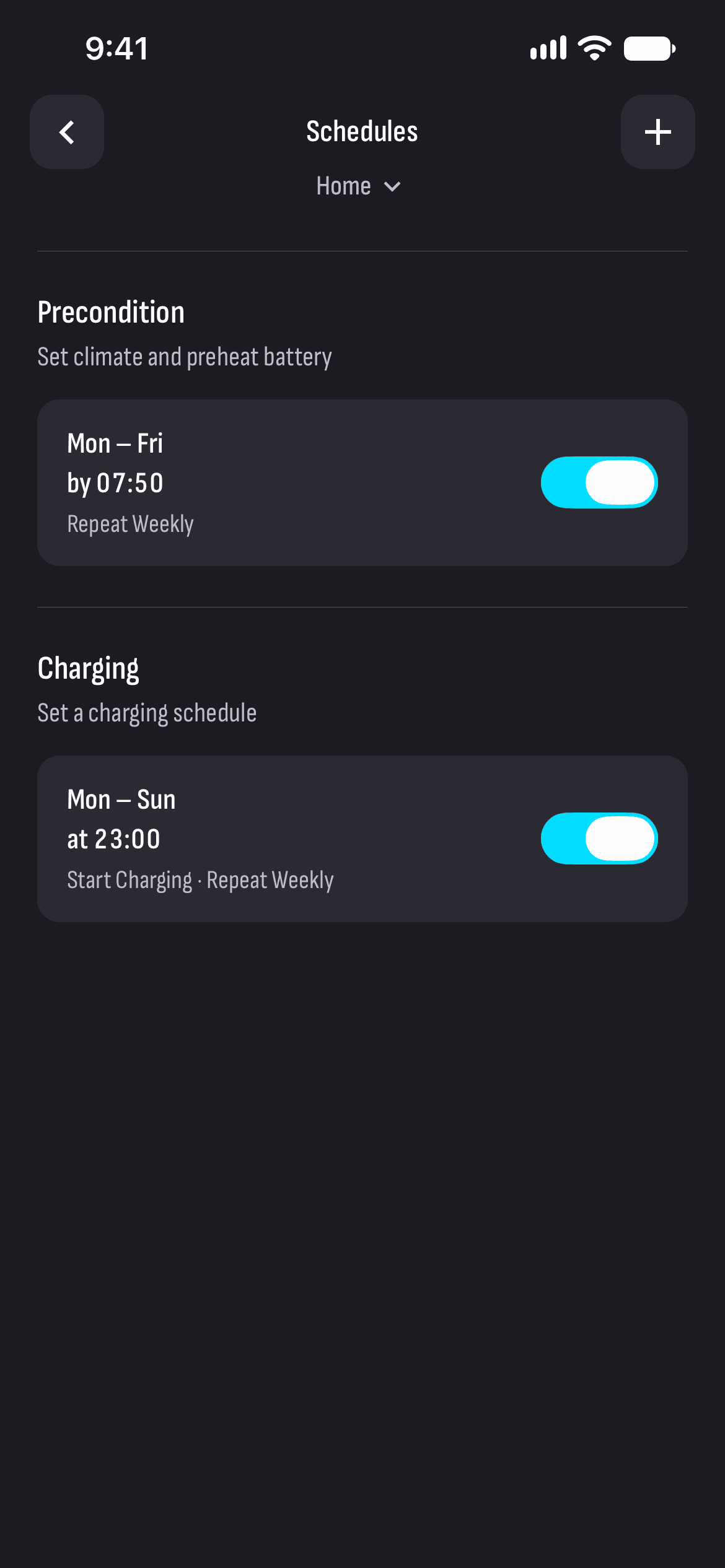
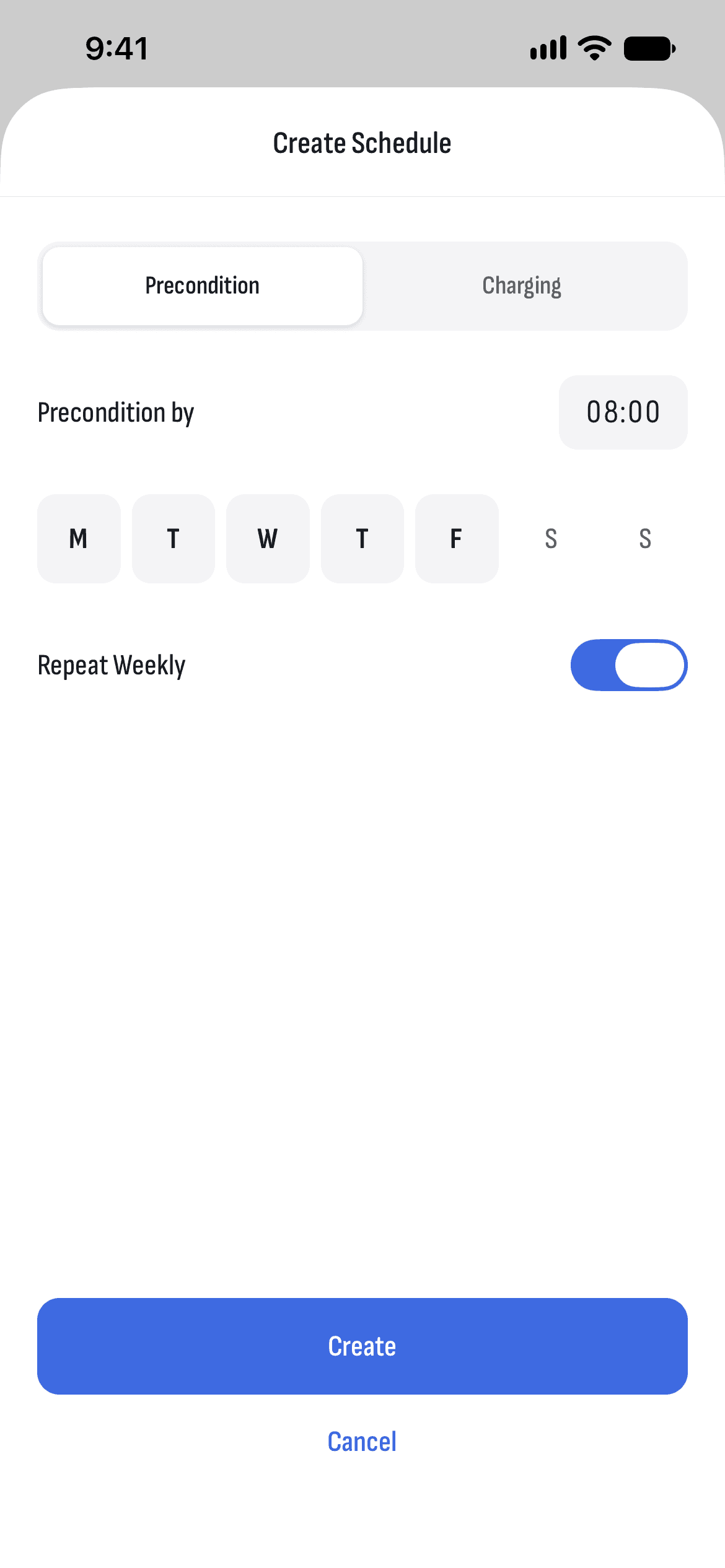
Schedules live in the car itself: it charges and gets ready on its own, even with your phone switched off. In TesHub you see them by place, each with its own switch, and add a new one with +.
What you get
The schedule is in the car
The car keeps its schedules and runs them by itself, with no phone and no TesHub server involved.
Ready by the time you pick
Preconditioning warms or cools the cabin and preheats the battery, so the car is ready when you leave.
Charging by the clock
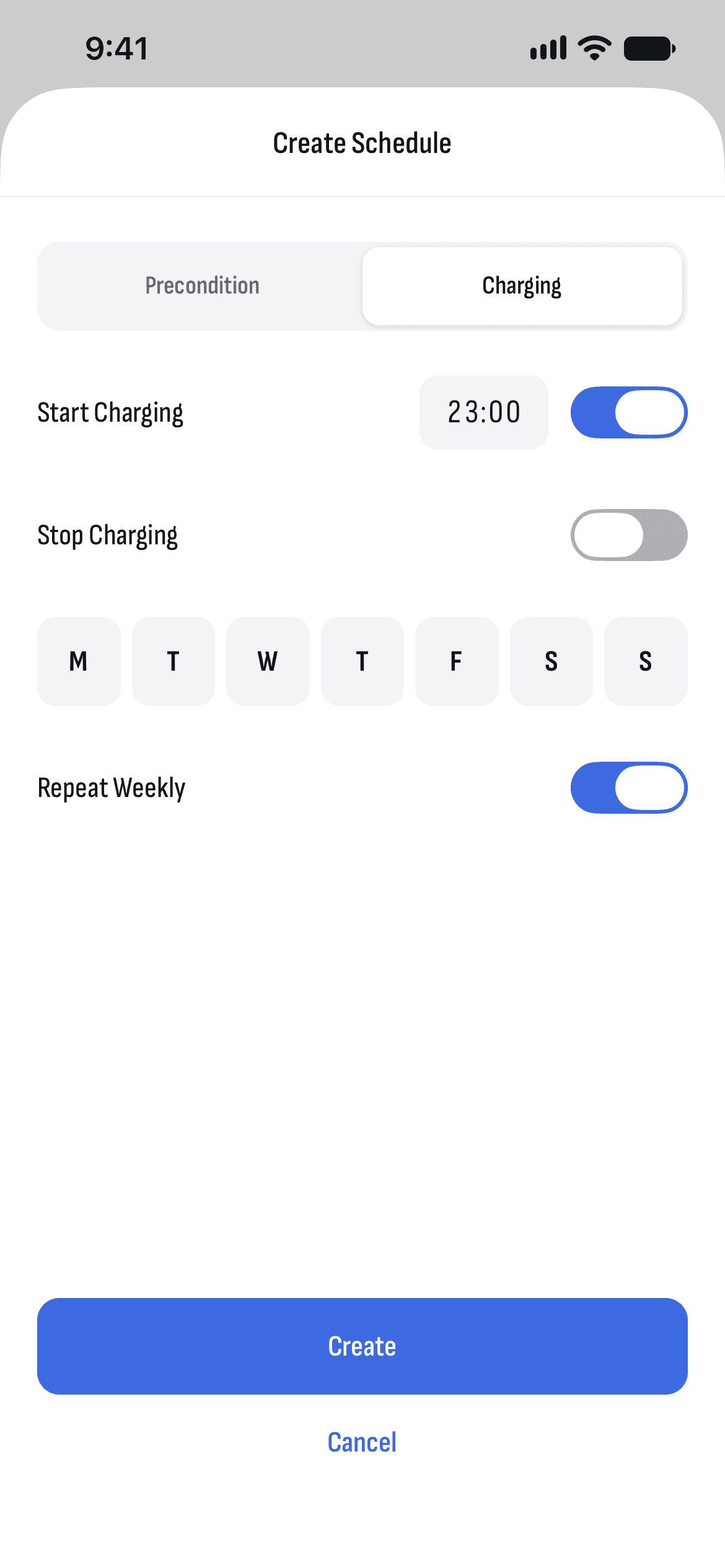
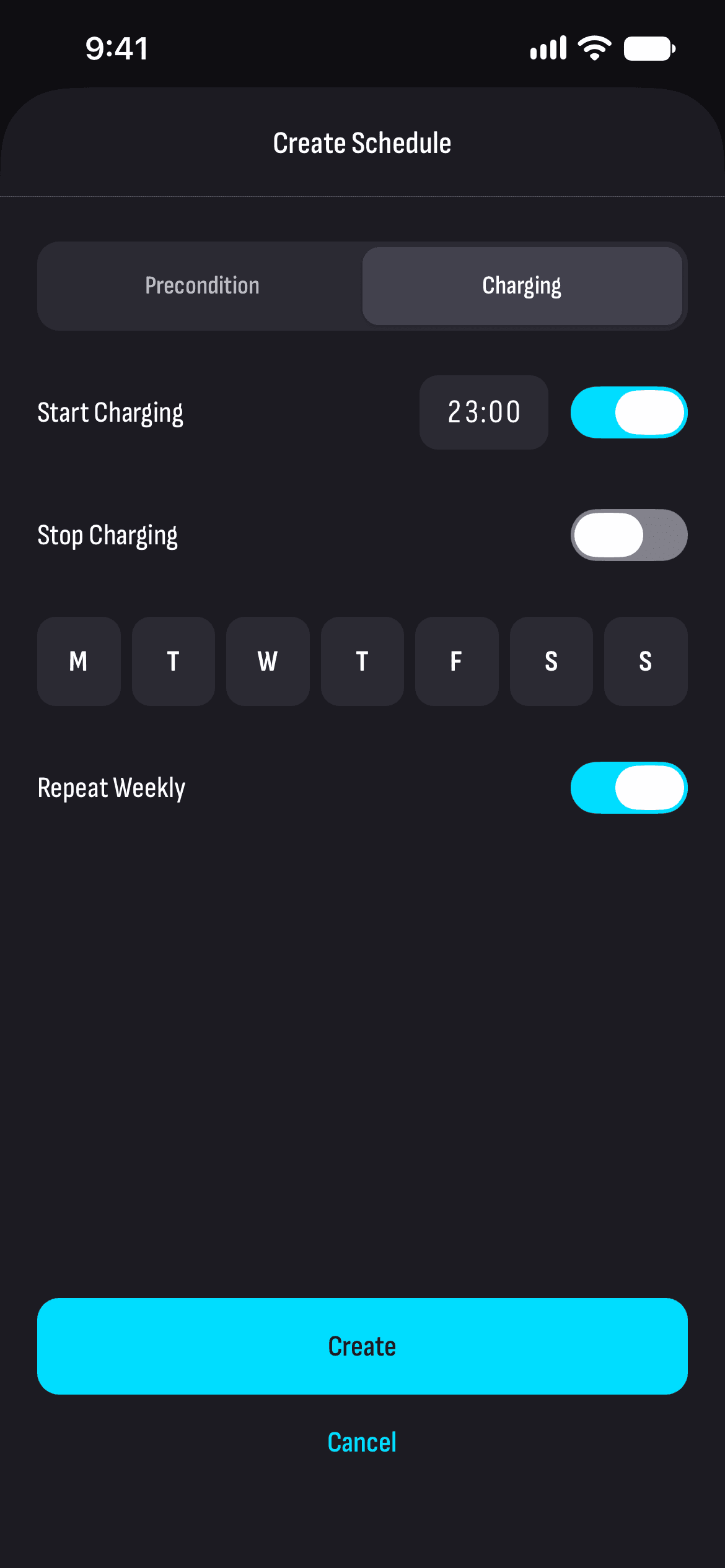
When charging starts and stops — say from 23:00, when the night rate starts in summer.
Days of the week
Weekdays, weekends or just once: a schedule repeats every week on the days you pick.
By place
Each schedule works at the place it was made for, and places carry your tags’ names — Home, Work.
How it works
- 1
Open Schedules
From the menu under the car.
- 2
Pick a place
Where the car is now, or another place with schedules.
- 3
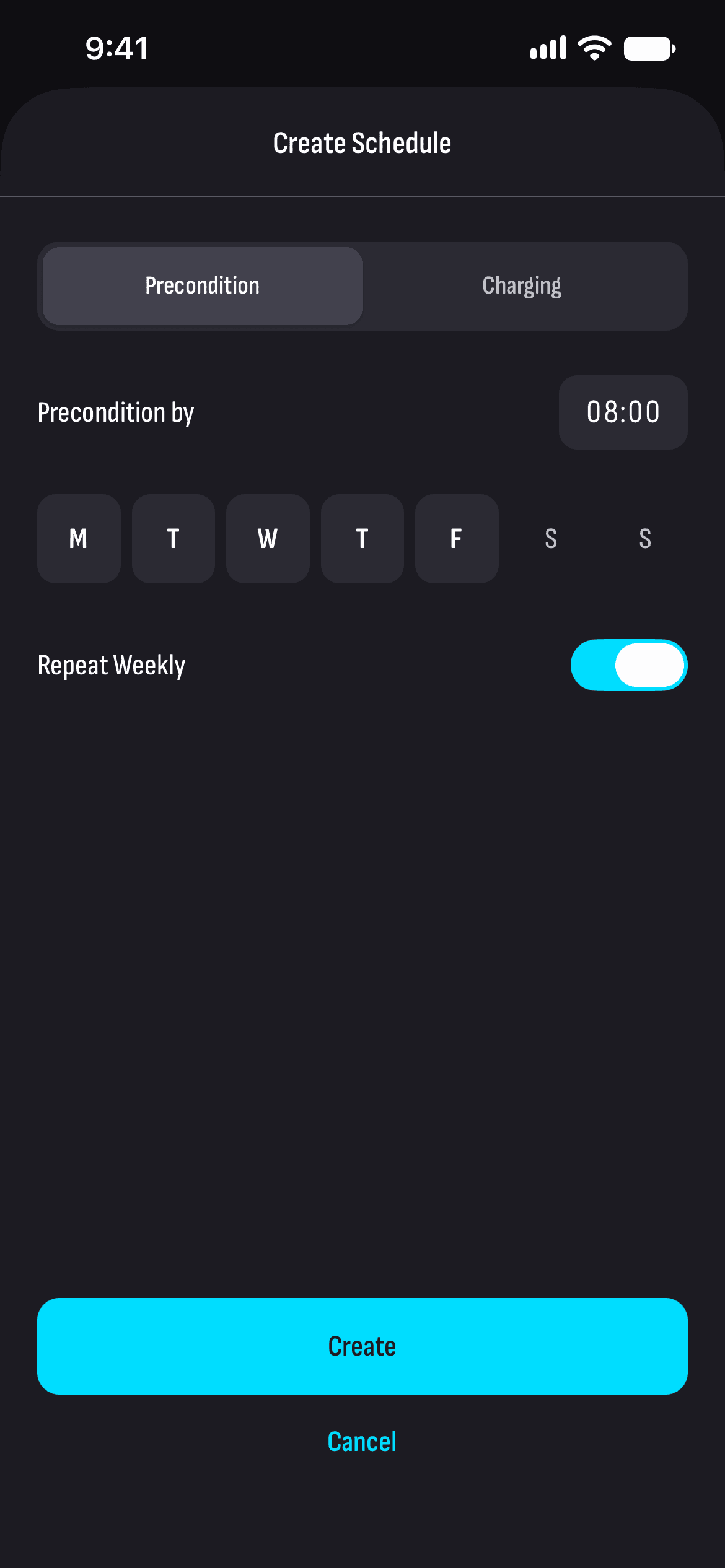
Add a schedule
Preconditioning or charging, the time and the days of the week.
Questions and answers
How do I charge my Tesla on the night rate?
With a charging schedule that starts with the night rate: from 22:00 in winter or from 23:00 in summer. The car starts by itself, and TesHub prices the part in the night hours at the night rate.
Do schedules work with my phone switched off?
Yes. Schedules are kept in the car itself, and it runs them on its own without asking your phone or TesHub’s server.
Why does a schedule work in only one place?
That’s how Tesla’s schedules work: each is tied to the place it was made for, so you can have different ones at home and at work. TesHub groups them by place.
How are they different from automations?
Schedules are in the car and are for charging and preconditioning. Automations run on TesHub’s server and react to events too — the car parking, driving off or being plugged in.
Do I need TesHub Pro?
Yes. Schedules, like everything to do with your car, are part of TesHub Pro: €7.99 a month or €72 a year, with 14 days free, or €249 once.
More features
Get TesHub. Your Tesla, always at hand.
For iPhone and Android. Scan the code with your phone or pick your store.