Tesla maintenance: tires, warranty and recalls
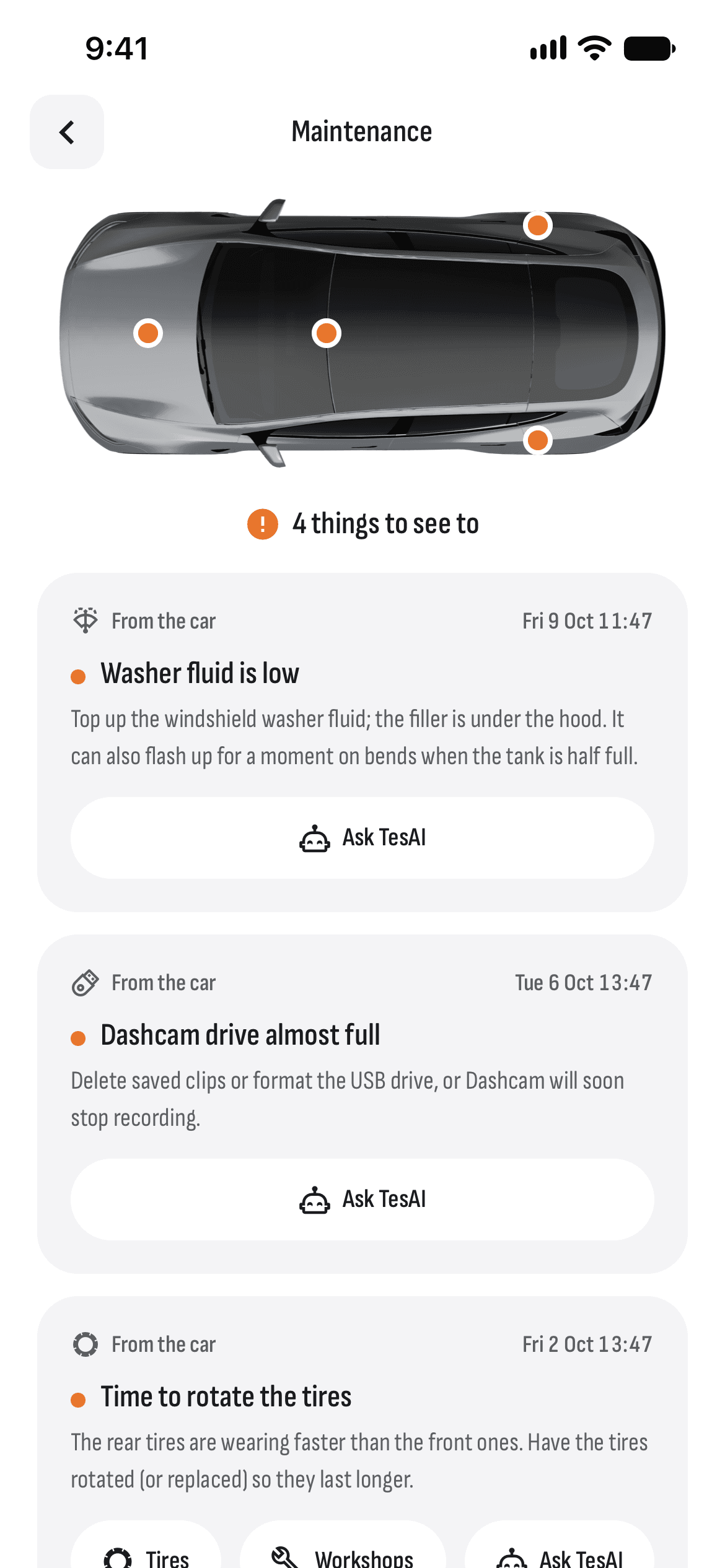
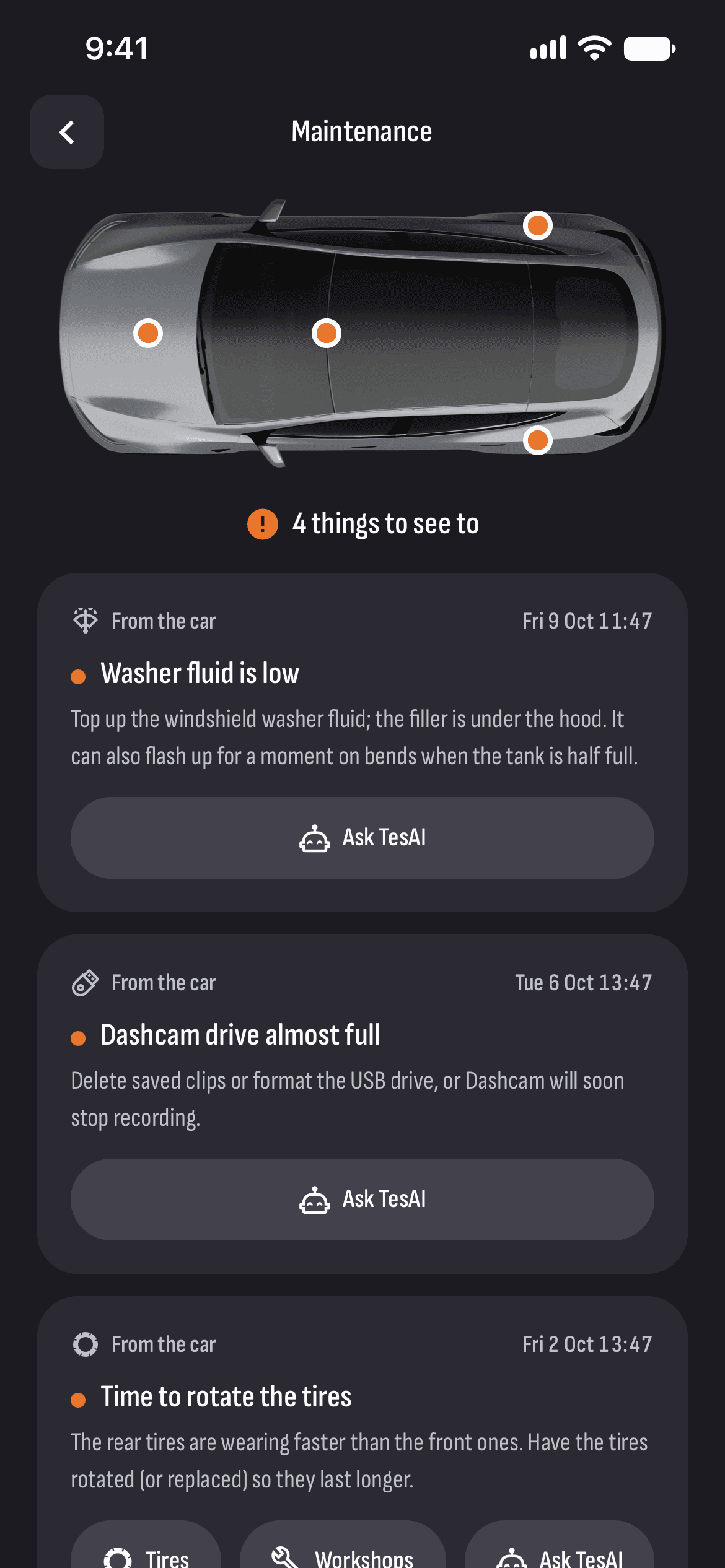
The car tells you when something needs attention, but its messages are easy to miss. TesHub gathers them in one place, most urgent first: the tires, the car’s messages, software and warranties. None of it wakes the car.
What you get
Tires
A flat or low tire, a pressure sensor that has gone quiet, and when the next rotation is due.
The car’s messages
Washer fluid, the 12 V battery, the lights, the key fob battery and the other messages that ask for something — with how urgent each is.
New software
When an update is ready, whether it’s waiting for Wi-Fi, and how long installing it will take.
Your warranty
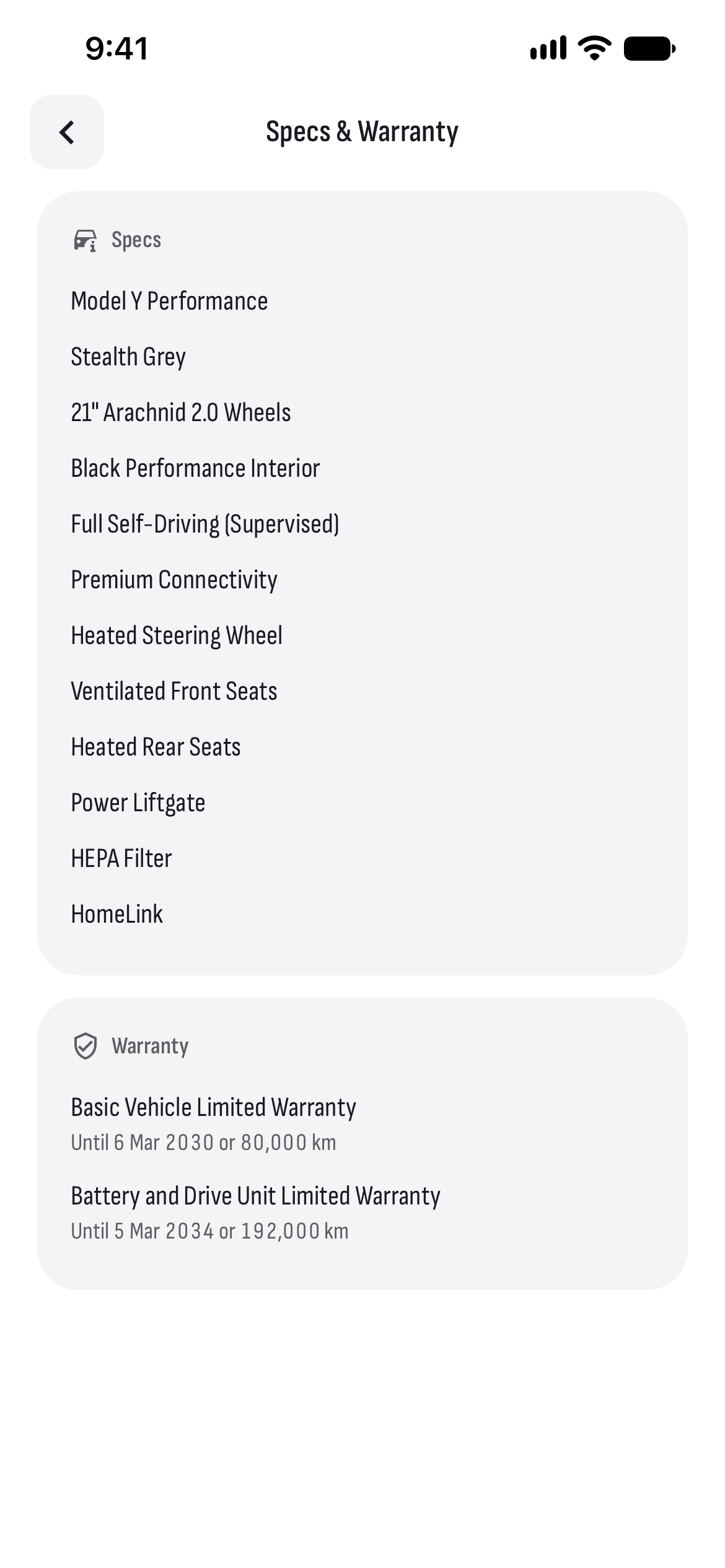
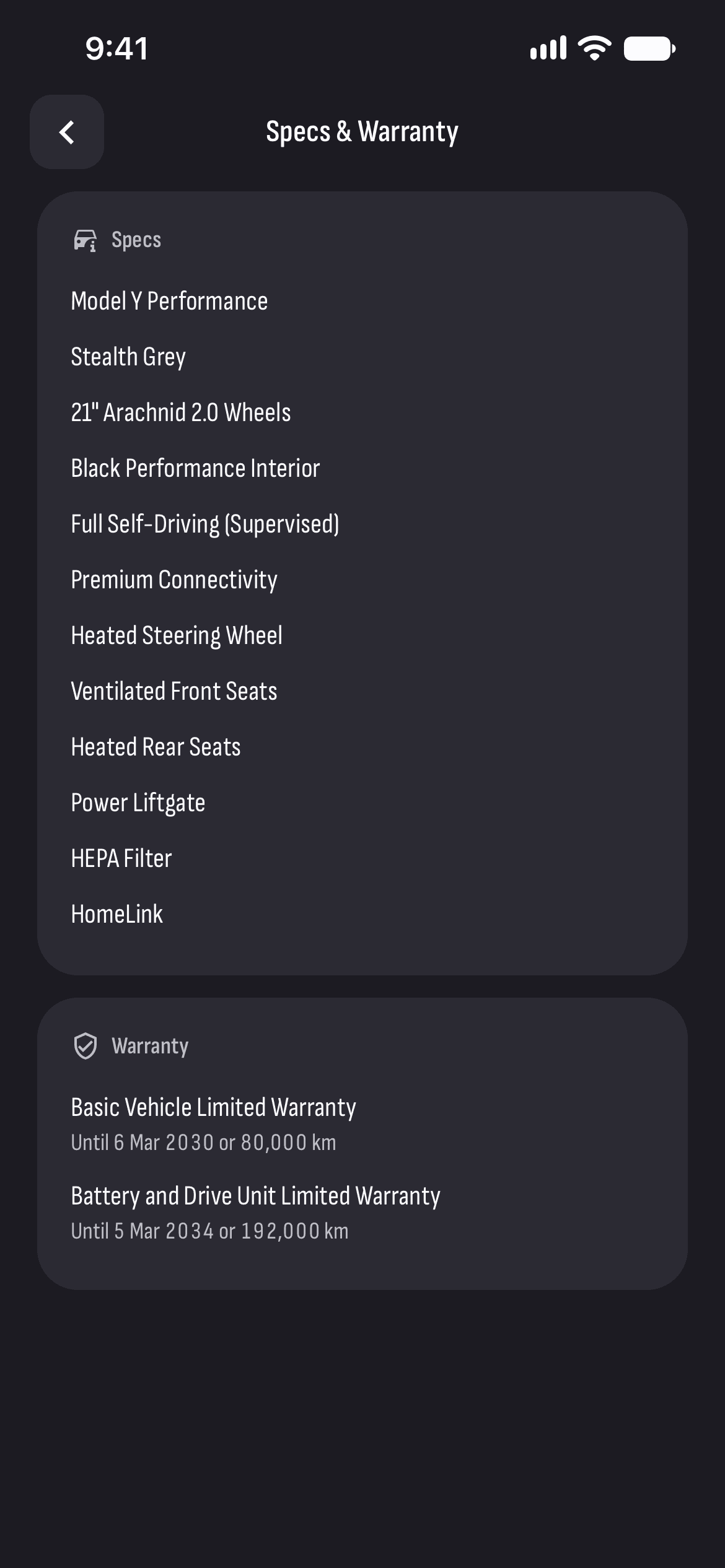
A reminder half a year or 5,000 km before a warranty ends, so you can have anything that bothers you looked at in time.
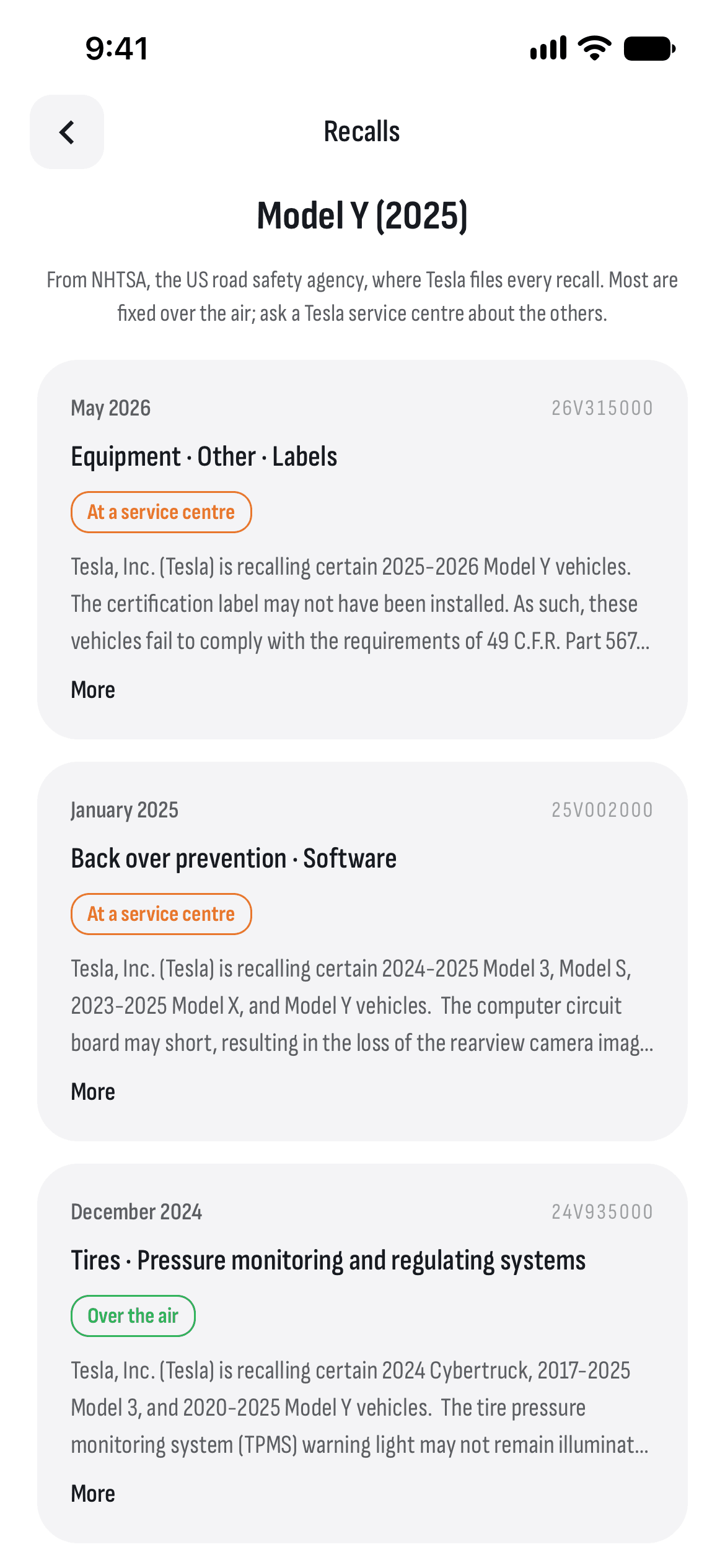
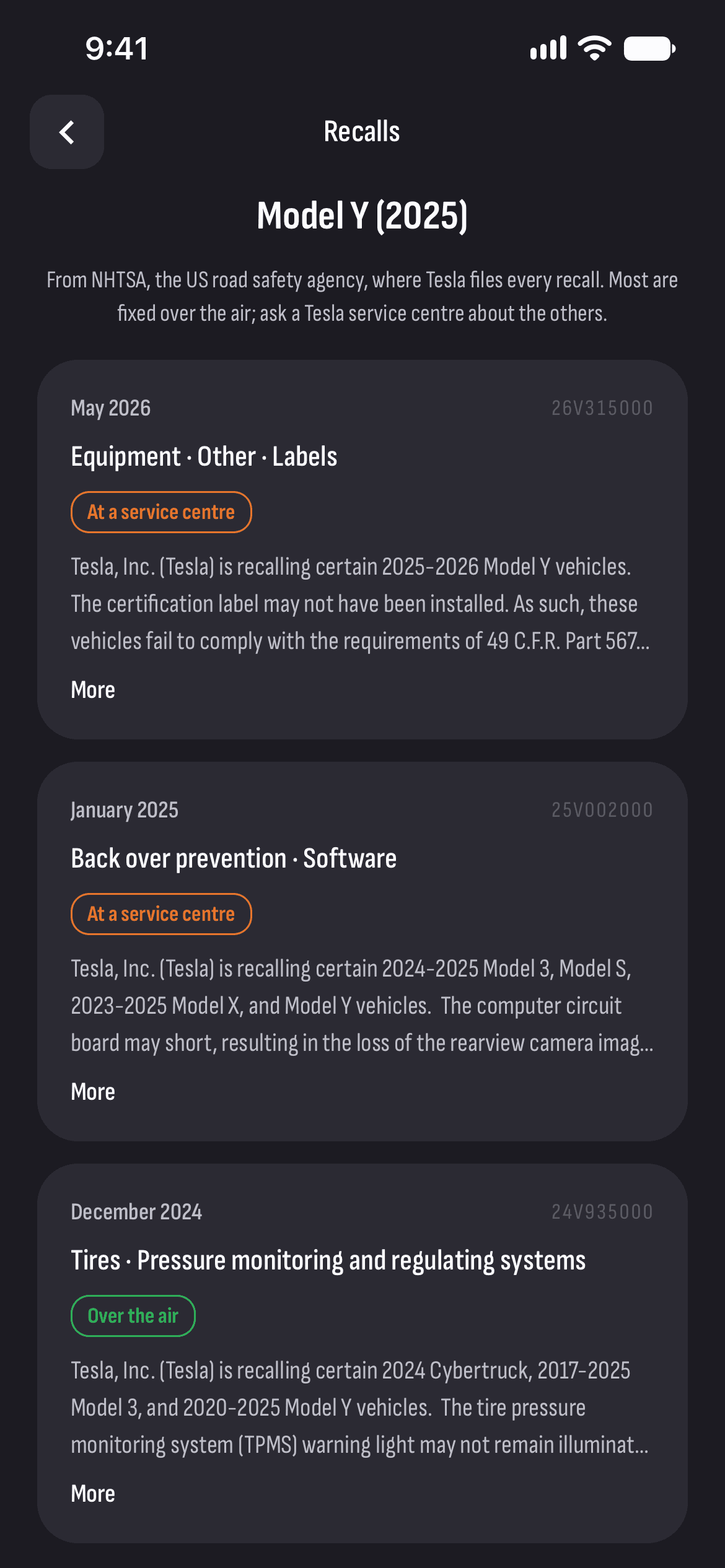
Recalls
The recalls for your car’s model and year, from NHTSA’s database.
Workshops
From here you reach the workshops in Bulgaria that work on Teslas, on a map.
How it works
- 1
Connect your car
Sign in with Tesla in TesHub.
- 2
Open Maintenance
From the menu under the car: the things to see to, most urgent first.
- 3
See what to do
Each one says what it is, what to do and where to go.
Questions and answers
Does checking wake the car?
No. Maintenance uses the car’s last reading and the lists on Tesla’s server, so the car isn’t woken.
Do NHTSA recalls apply to cars in Europe?
Not always. The recalls come from NHTSA, the US road safety agency, and are looked up by model and year, so they may not apply to your car. Most are fixed over the air; ask a Tesla service centre about the others.
When does my Tesla’s warranty end?
Specs & Warranty shows every warranty on the car: the date and the distance it runs to, and how much is left. Half a year or 5,000 km before the end, TesHub reminds you under Maintenance.
Do I need TesHub Pro?
Yes, maintenance is part of TesHub Pro, like everything to do with your car: €7.99 a month or €72 a year with 14 days free, or €249 for life.
More features
Get TesHub. Your Tesla, always at hand.
For iPhone and Android. Scan the code with your phone or pick your store.