Tesla alerts and warnings, explained in plain words
The car’s messages come as codes like VCFRONT_a361. TesHub puts them into plain words: what each one means and what to do. Every one has an Ask TesAI button, and notifications on your phone tell you when charging finishes or Sentry sounds the alarm.
What you get
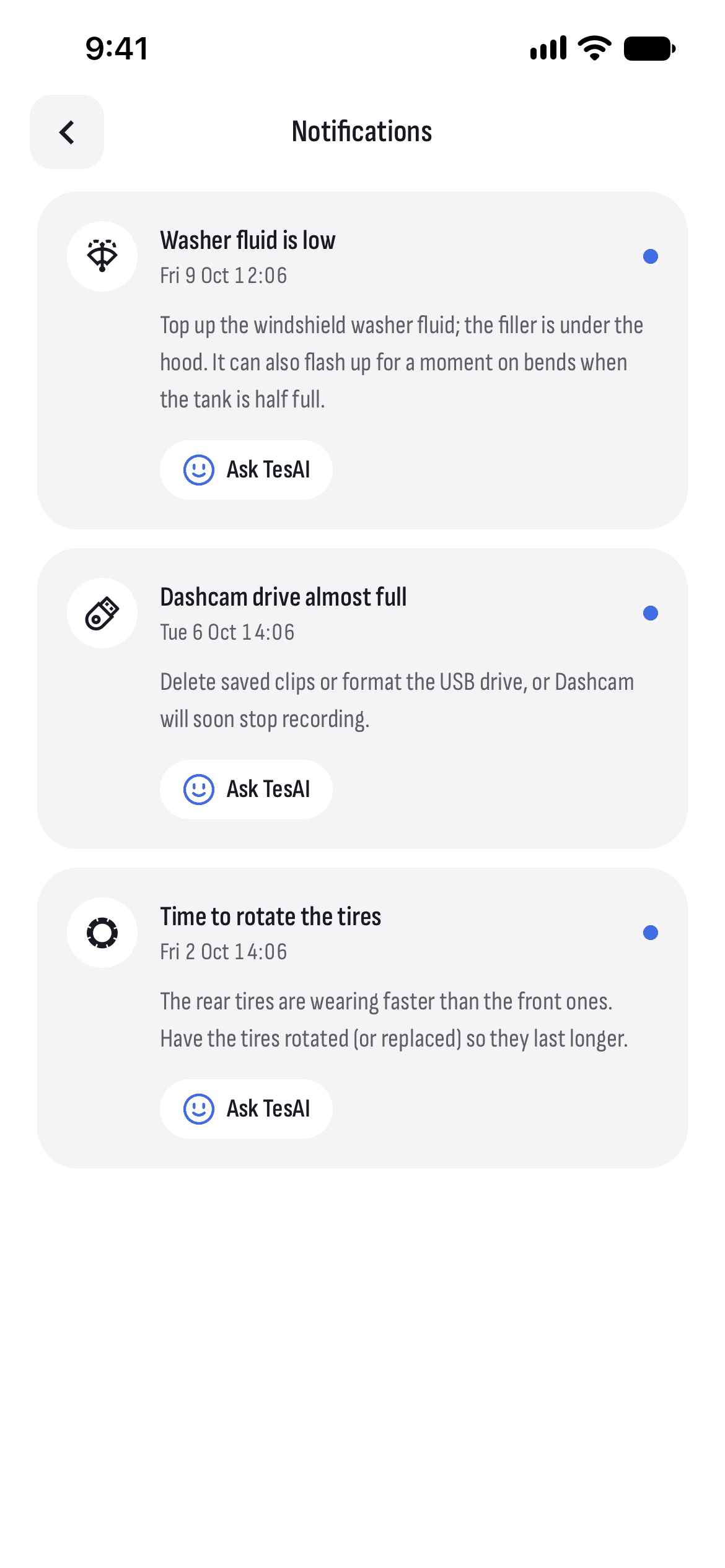
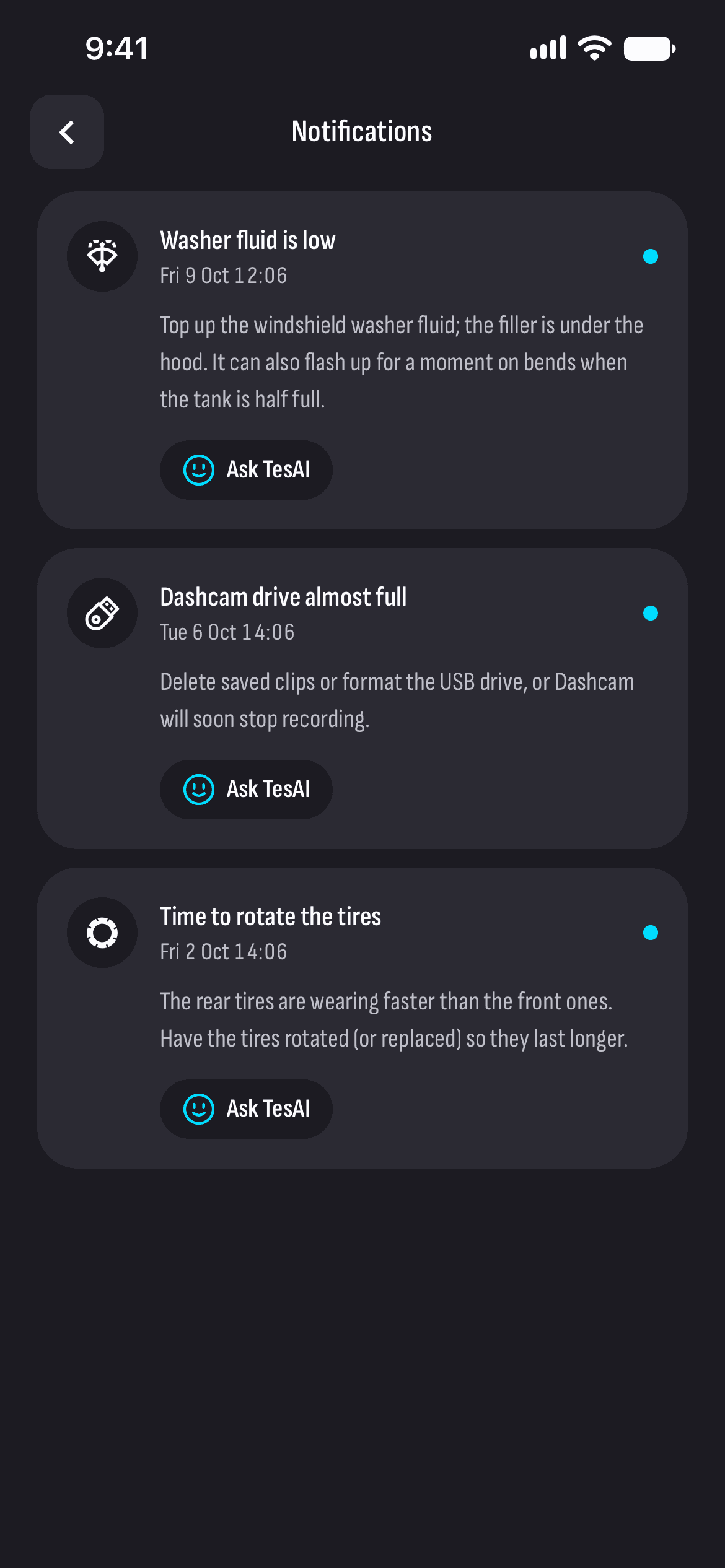
In plain words
The car’s most common messages with what they mean and what to do, and for the rarer ones, which part of the car they come from.
Ask TesAI
Under every message, one button opens TesAI with a question about exactly that.
No repeats
New ones carry a dot, and a message that keeps coming shows once, with how many times it came.
Charging notifications
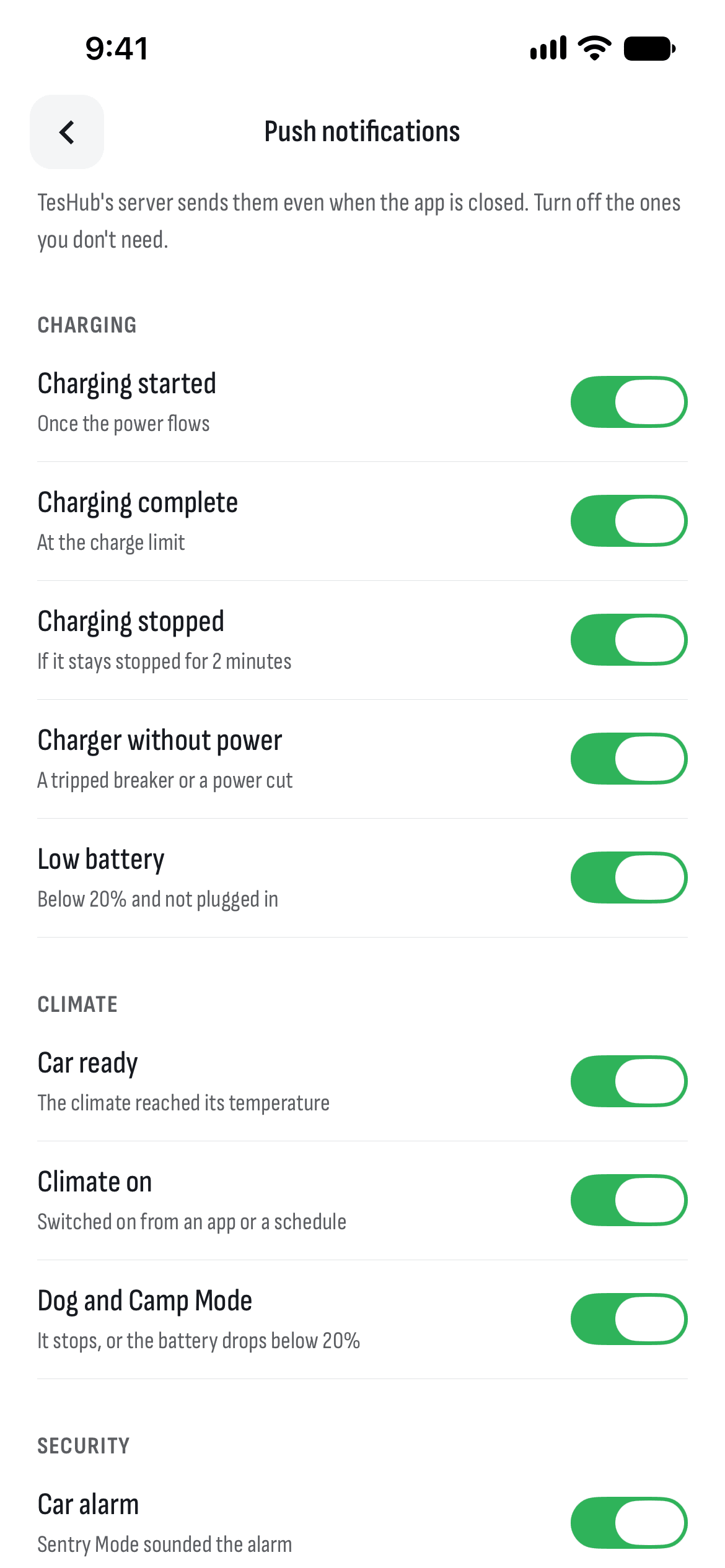
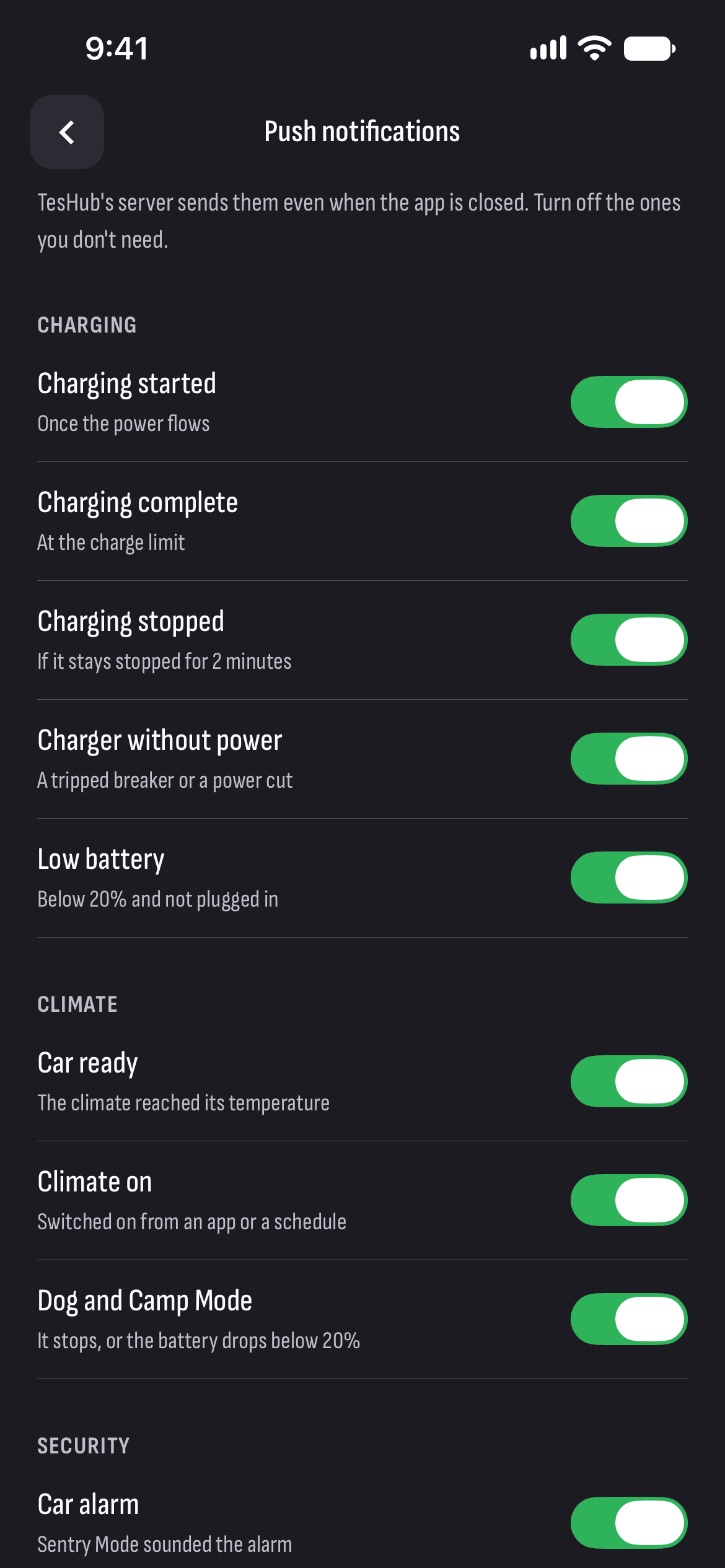
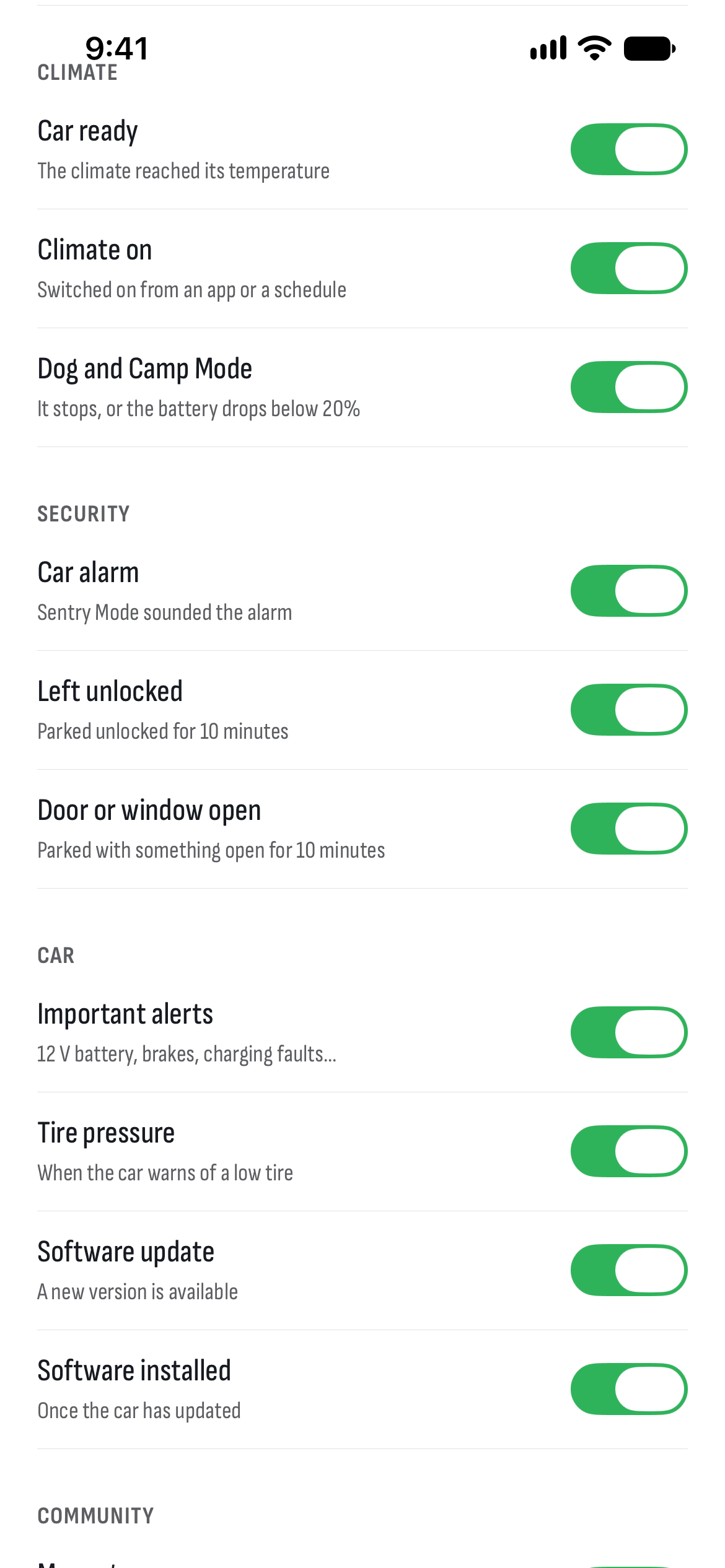
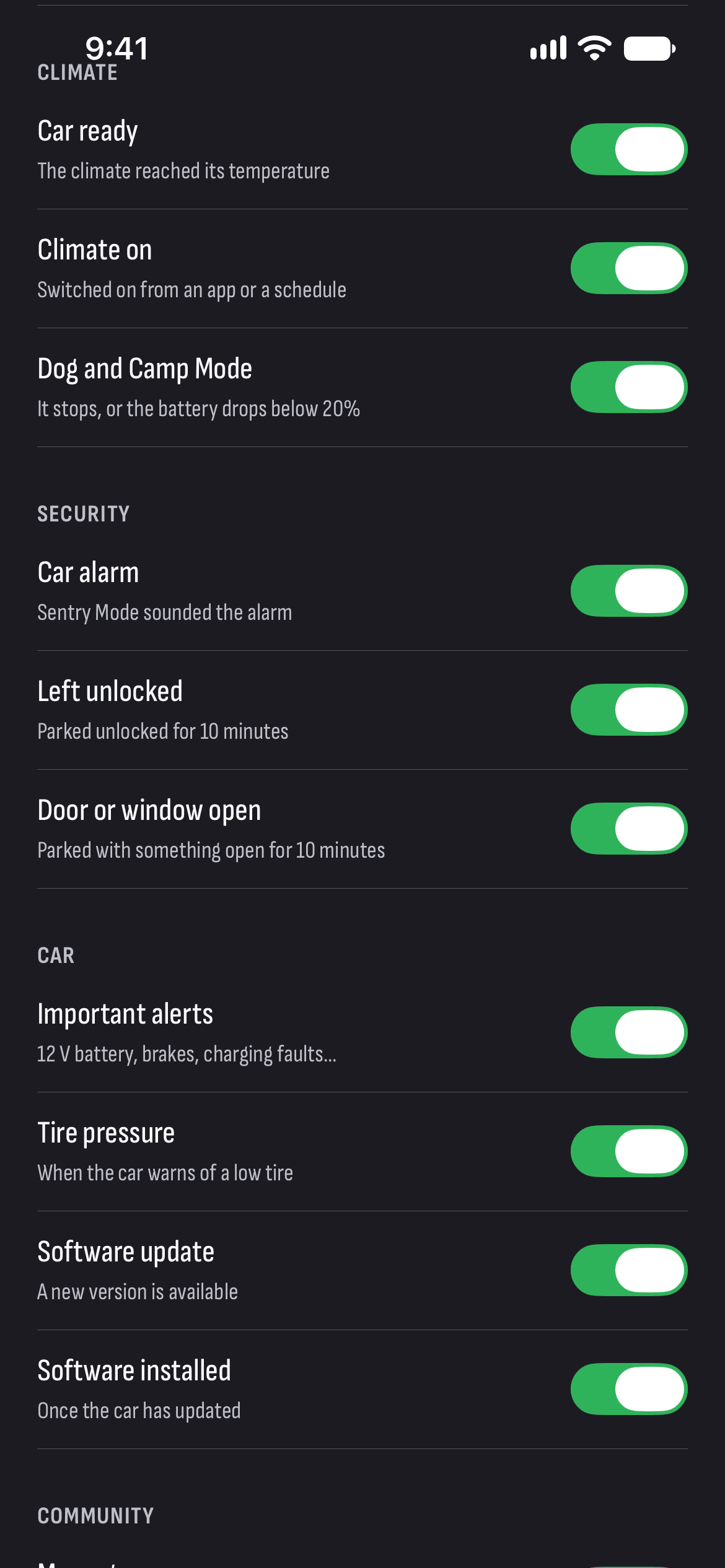
When charging starts, finishes or stops, when the charger loses power and when the battery drops below 20%.
Security notifications
When Sentry sounds the alarm, or the car stands unlocked or with a door or window open for 10 minutes.
The car and its software
Important warnings, low tire pressure and new software. Turn each kind of notification off on its own.
How it works
- 1
Connect your car
Sign in with Tesla and turn recording on, so the car’s notifications can come through.
- 2
Allow notifications
Let TesHub send notifications to your phone.
- 3
Open the bell
On the Vehicle tab, the bell leads to the car’s messages, explained.
Questions and answers
What does the warning on my Tesla’s screen mean?
Open Notifications — the bell on the Vehicle tab. Every recent message from the car is explained there, with what to do, and if it’s still unclear, tap Ask TesAI.
Does checking the messages wake the car?
No. Messages are read from Tesla’s list without waking the car.
When do notifications reach my phone?
TesHub’s server sends them from the data the car sends, even with the app closed. Some come only if the state lasts: charging stopped for 2 minutes, or the car unlocked for 10 minutes.
What should I do about a brake or steering warning?
Pull over somewhere safe and call Tesla Roadside Assistance (+359 2 492 5455) or 112. Don’t rely on an app in an emergency.
Do I need TesHub Pro?
Yes, the explanations and notifications from your car are part of TesHub Pro: €7.99 a month or €72 a year with 14 days free, or €249 for life. TesAI answers 5 questions a day for free.
More features
Get TesHub. Your Tesla, always at hand.
For iPhone and Android. Scan the code with your phone or pick your store.