Themes and backgrounds: your Tesla app, your way
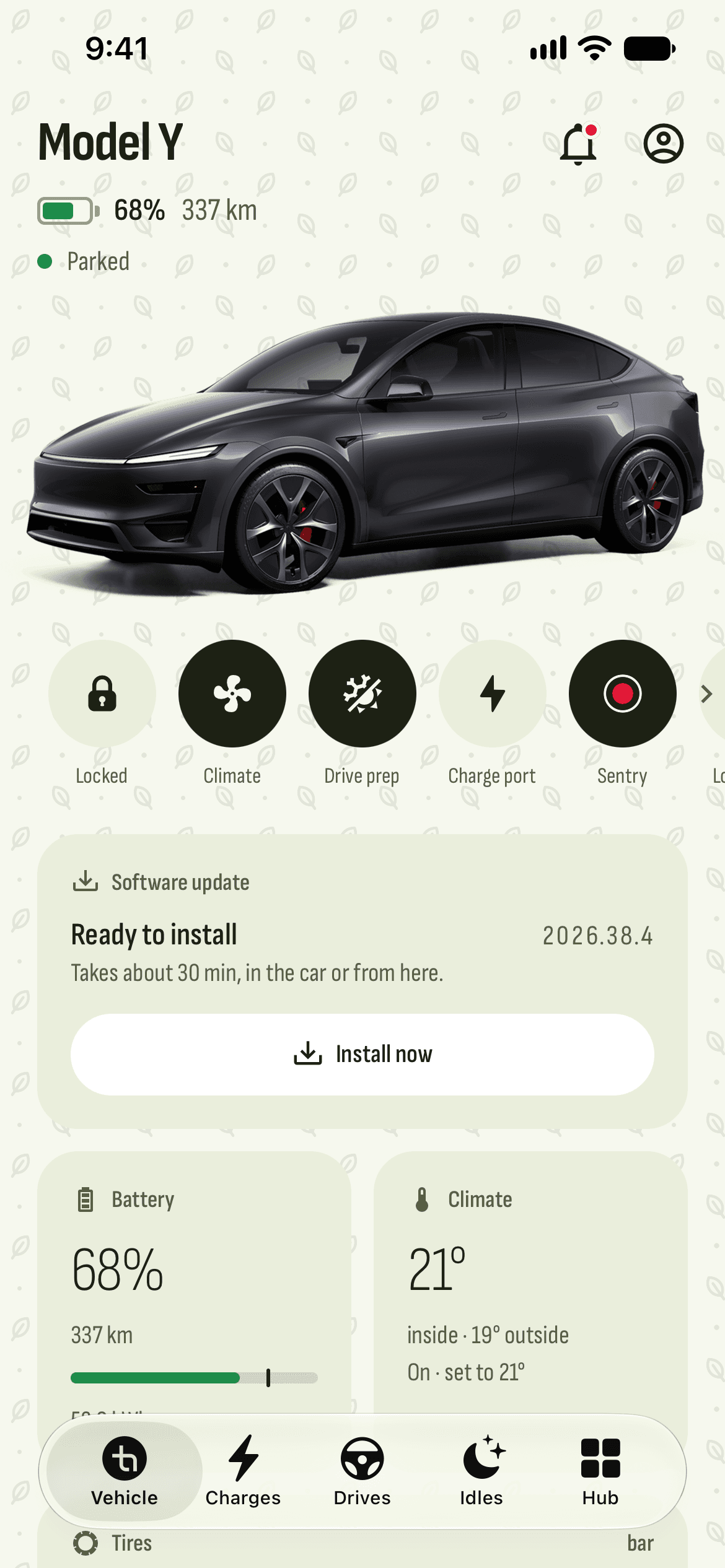
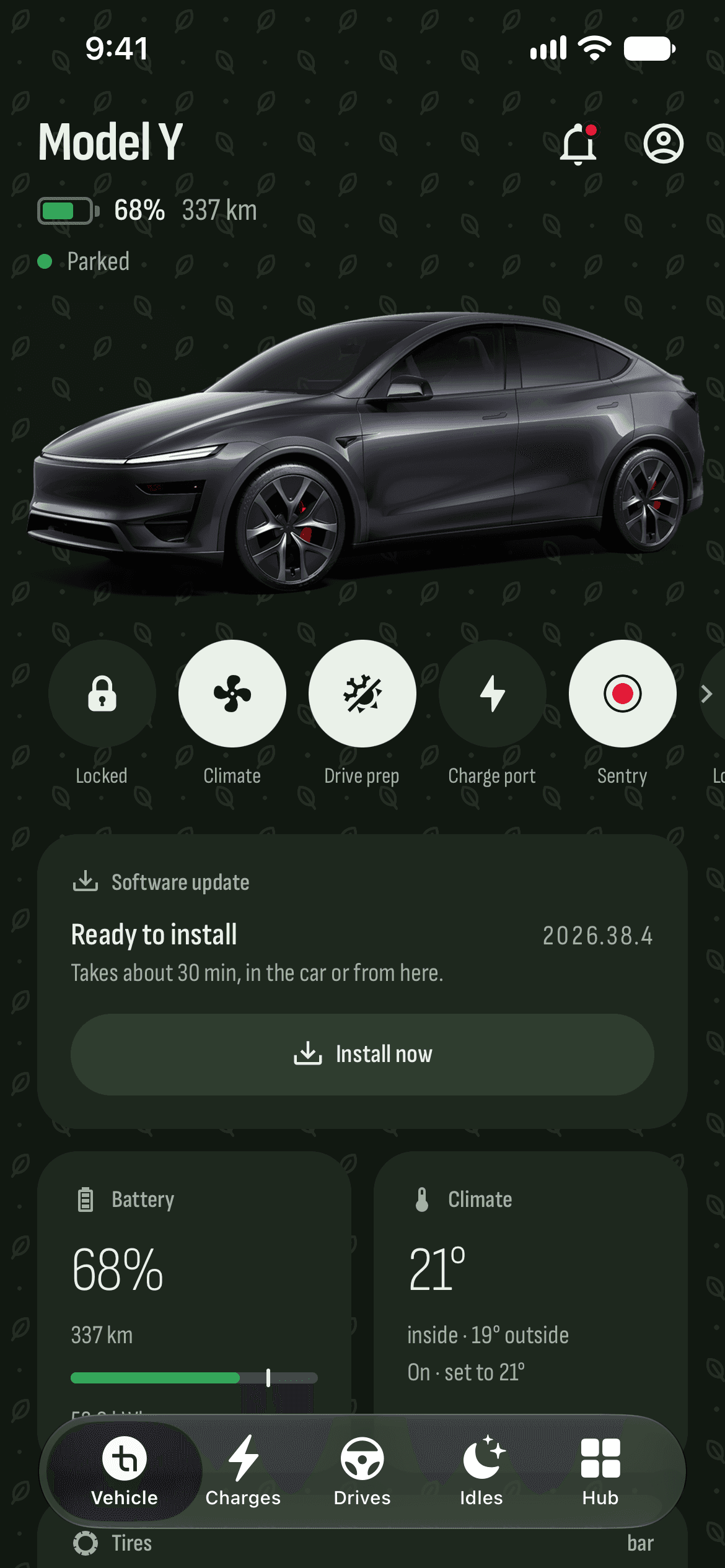
The app you open every day should be one you like. Pick light, dark or your phone’s theme, one of the color themes, or make your own. Then add a pattern or a background behind the pages, and a font that reads well.
What you get
More than twenty color themes
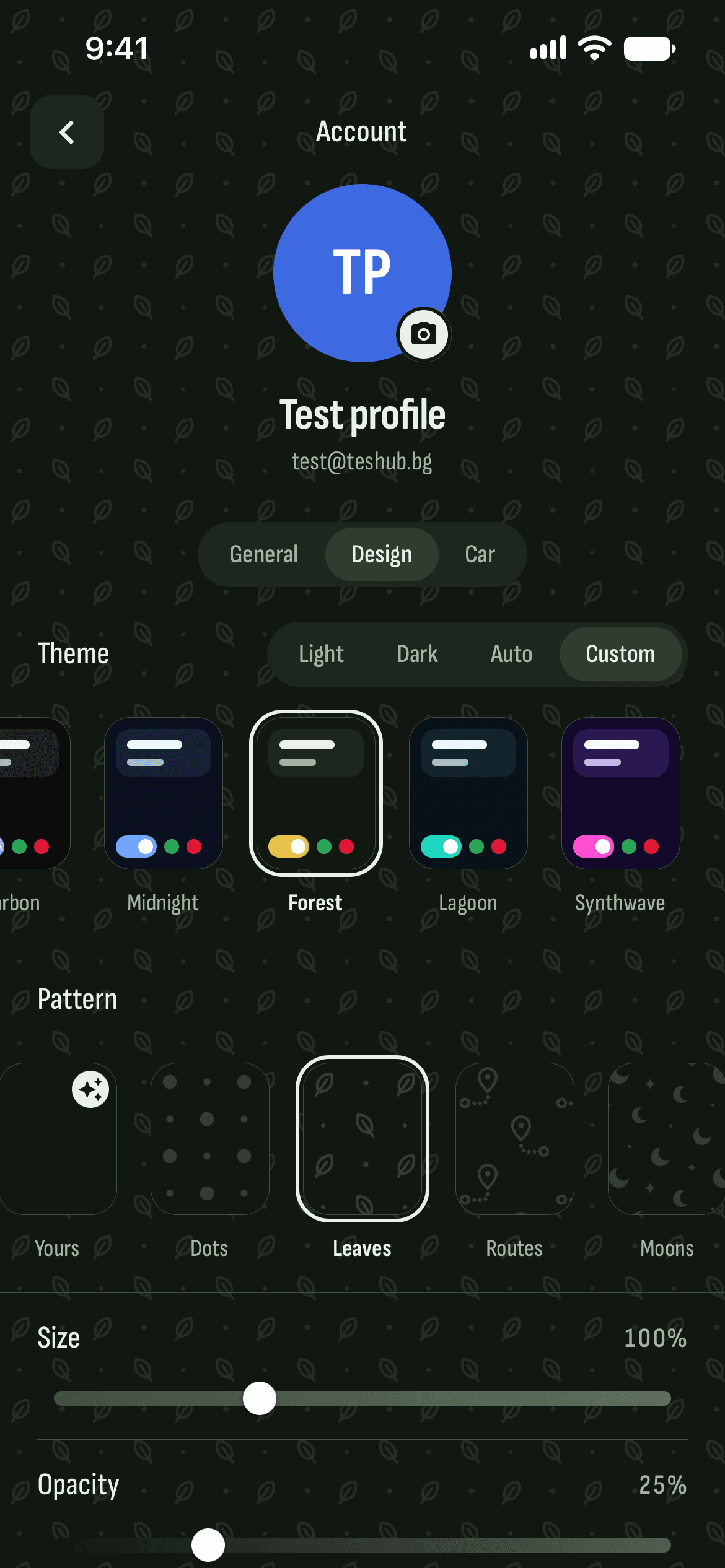
Light and dark — from Olive and Princess to Galaxy and Ruby, contrast-checked. The new ones come with their own pattern or background, and with Christmas the car turns into Santa’s sleigh.
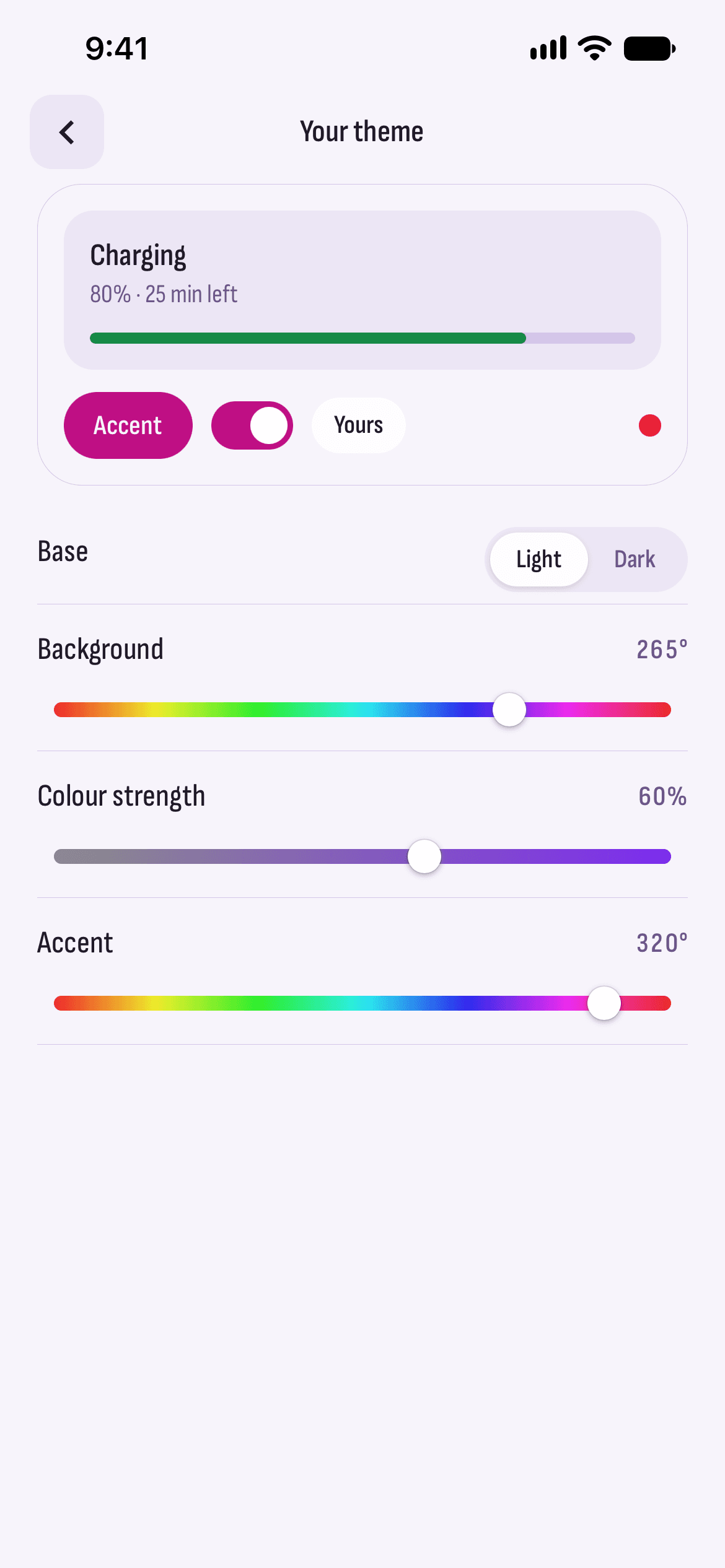
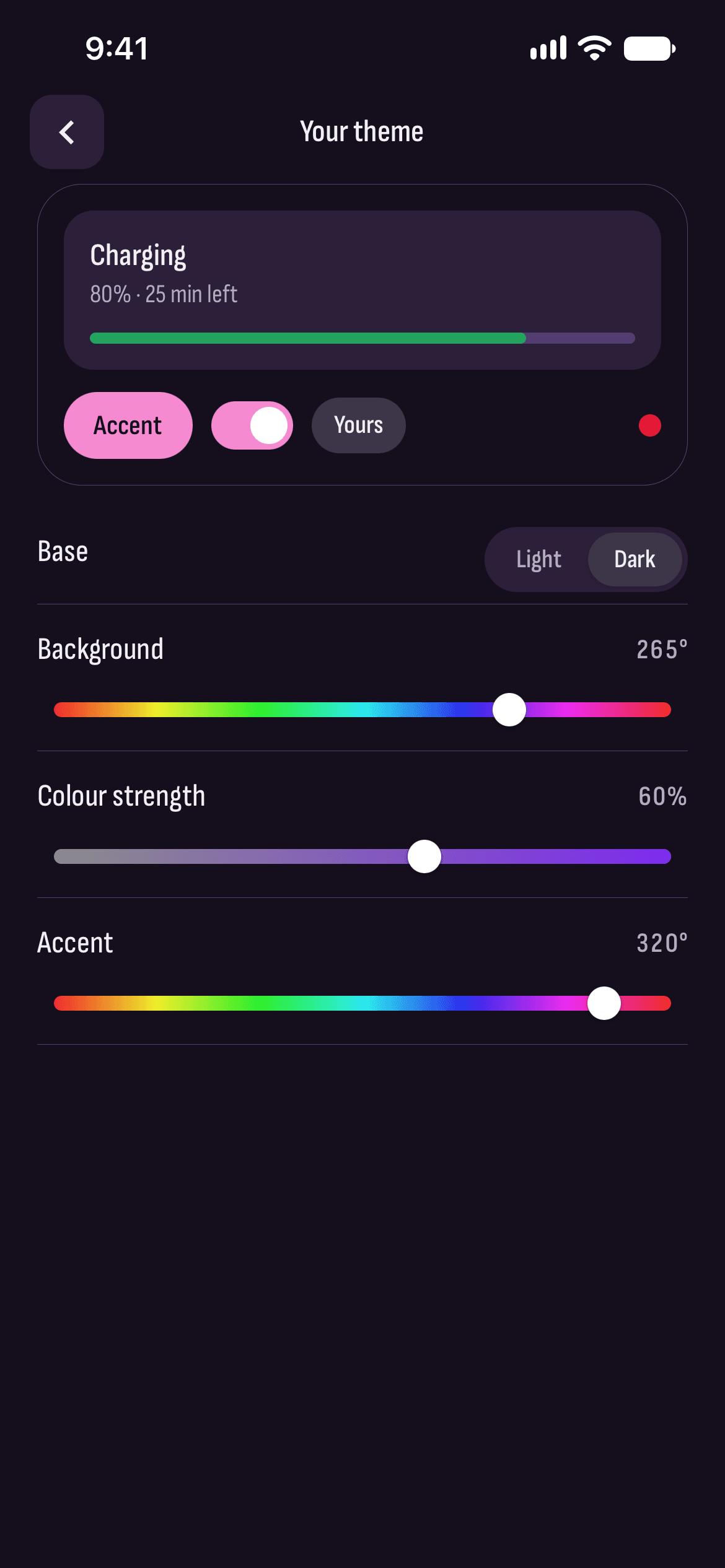
A theme of your own
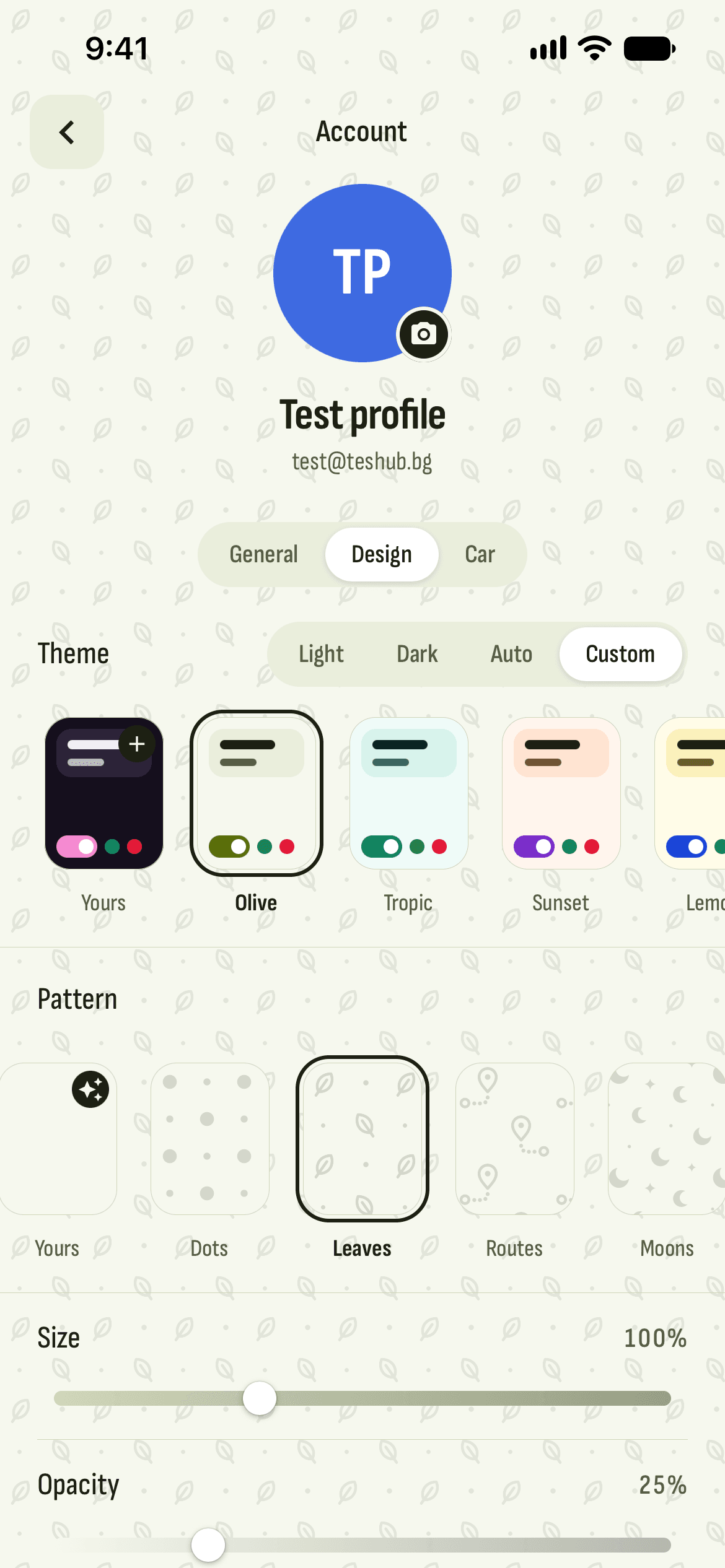
A light or dark base, a background color, its strength and an accent. Everything else follows.
Patterns and backgrounds
More than twenty patterns and twenty backgrounds — from Dots and Butterflies to Marble and Galaxy — up to 400% large, in the strength and colour you like.
Drawn by AI
Describe a pattern or a background in a few words, and AI draws it. Only your words go to OpenAI for this.
Ten fonts with Cyrillic
All of them write Bulgarian well, and text comes in normal, large or larger.
Your home page
Arrange the widgets and the menu on the Vehicle tab, and hide what you don’t need.
How it works
- 1
Open Account
The icon at the top right of every tab.
- 2
Pick Design
Theme, pattern or background, font and text size.
- 3
Done
The whole app changes its look at once.
Questions and answers
Is there a dark theme?
Yes: light, dark or automatic like your phone, plus dark color themes like Galaxy and Ruby.
Do I need Pro for themes?
No. Themes, patterns, backgrounds and fonts are under Account → Design for everyone with a TesHub account.
What goes to OpenAI when I draw with AI?
Only the words you type, and only once you agree. There’s a limit on drawings per day, and a new drawing replaces the last one.
Do all the fonts support Cyrillic?
Yes, all ten fonts have the Bulgarian letters.
More features
Get TesHub. Your Tesla, always at hand.
For iPhone and Android. Scan the code with your phone or pick your store.