Tesla security: Sentry, Valet and PIN to Drive
Everything that guards your car is on one page. Turn Sentry on before you walk away, switch on Valet Mode when you hand the key to someone else, and cap the top speed. You invite a new driver from there too.
What you get
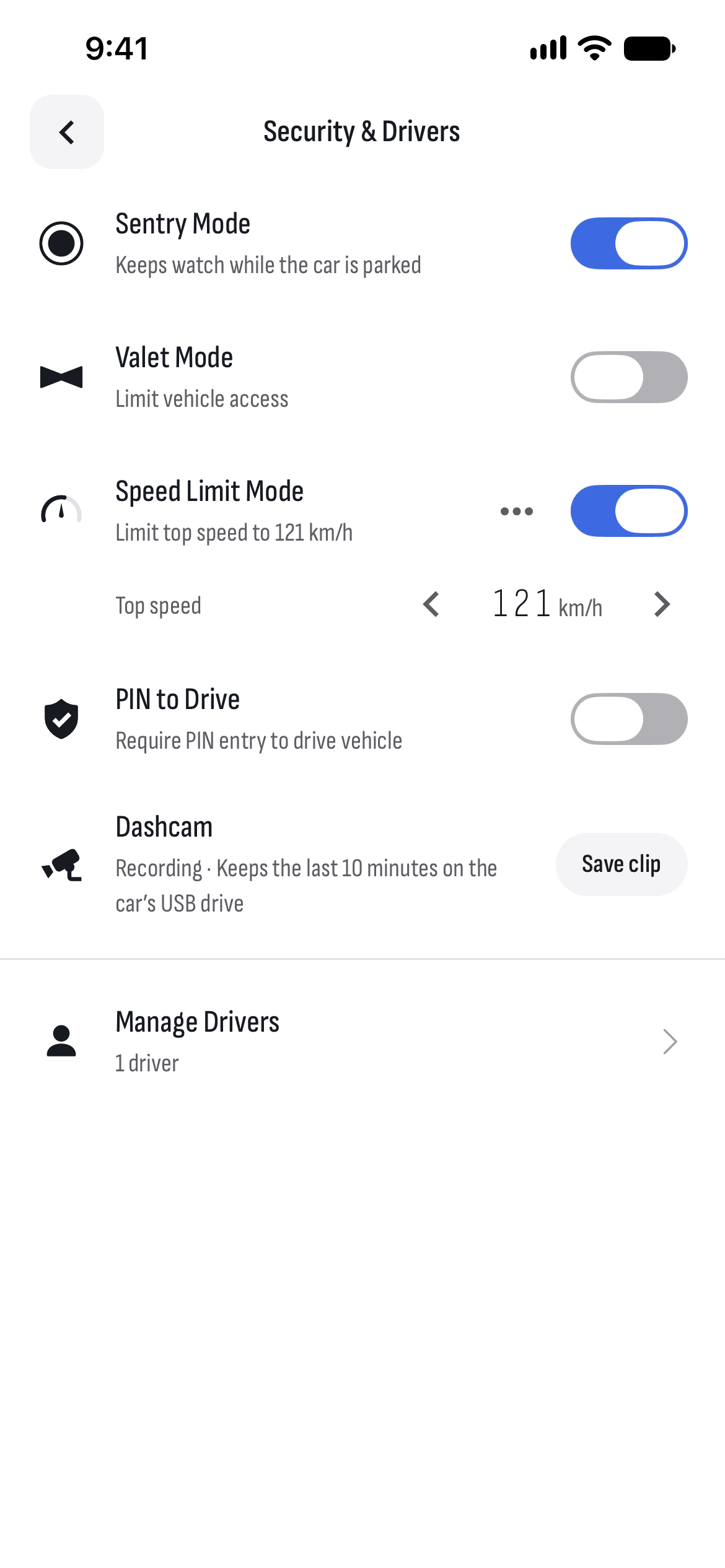
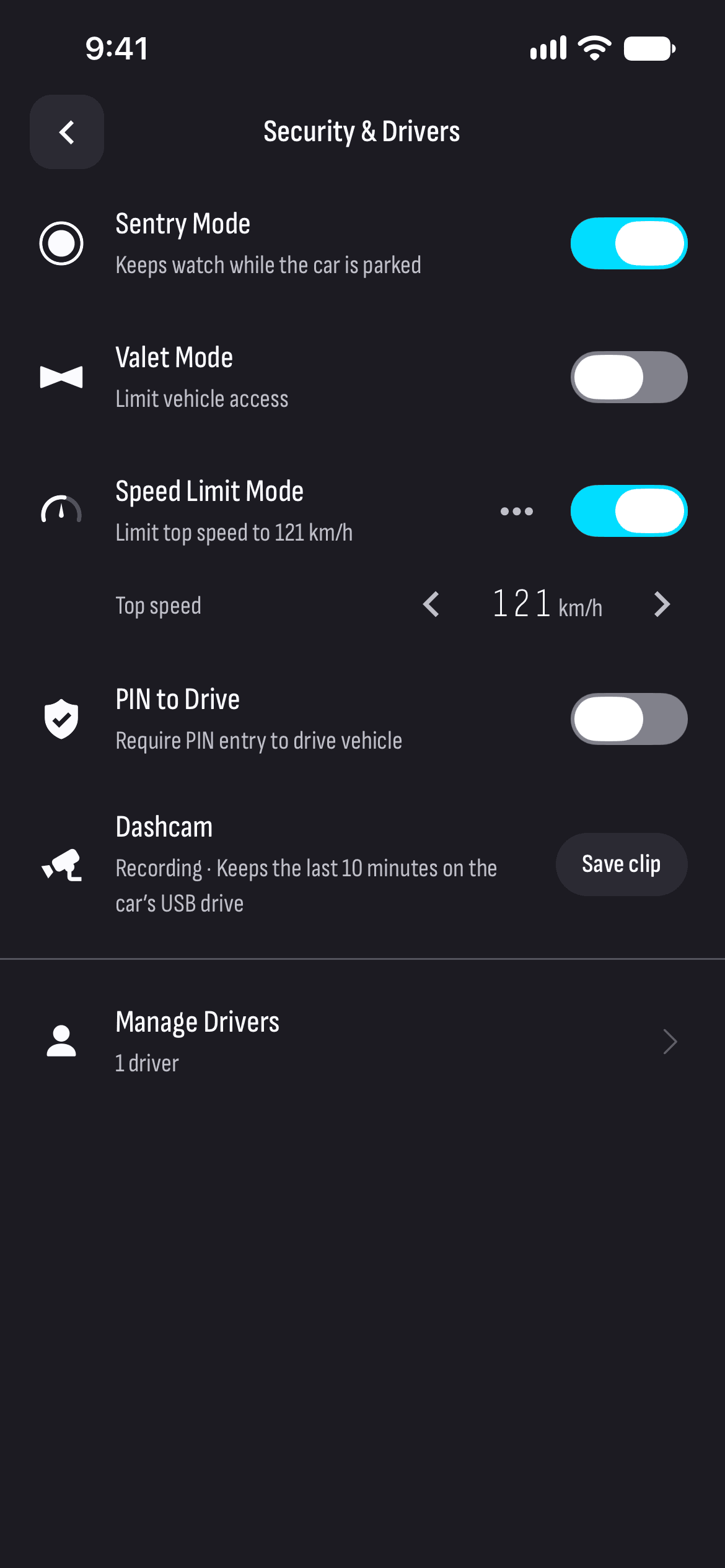
Sentry
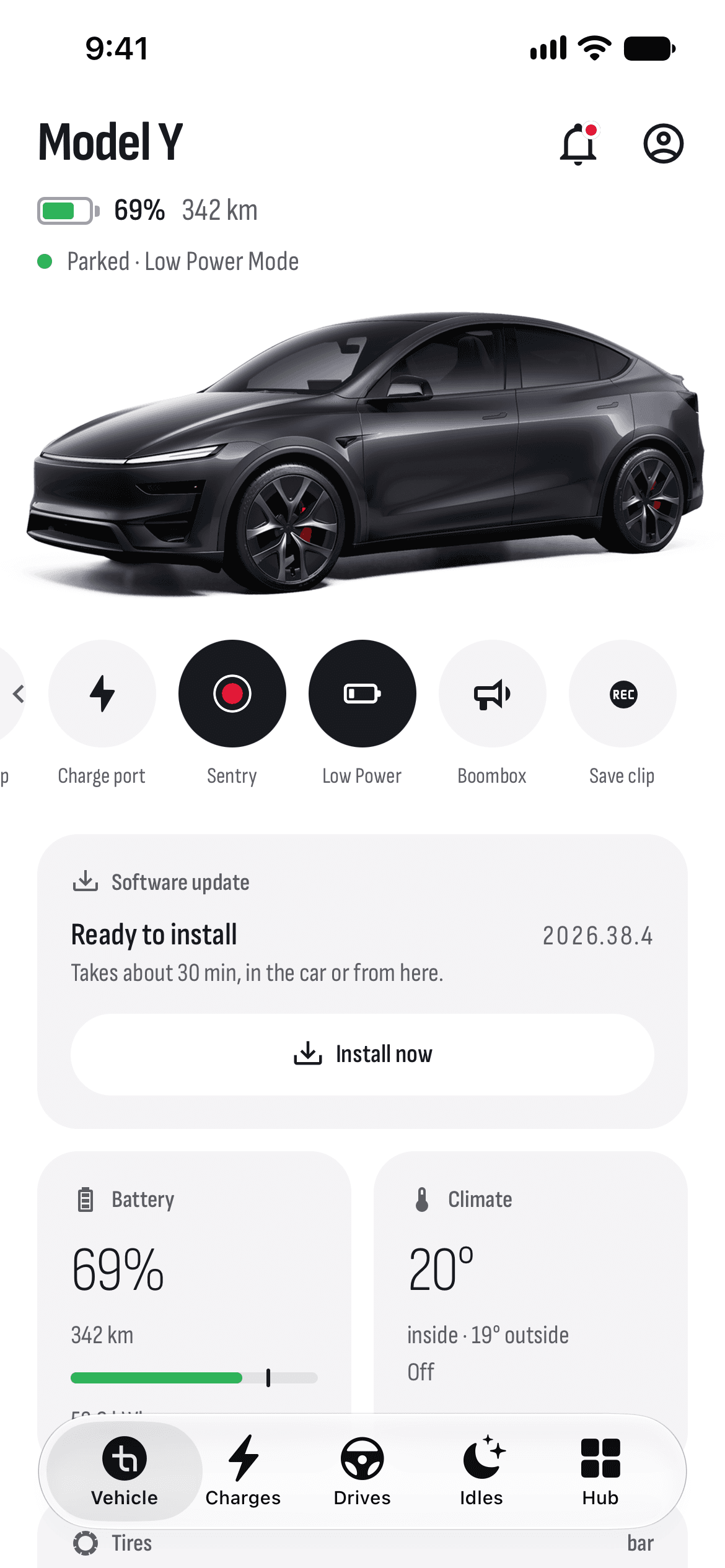
Turn Sentry Mode on and off: it keeps watch while the car is parked.
Valet Mode
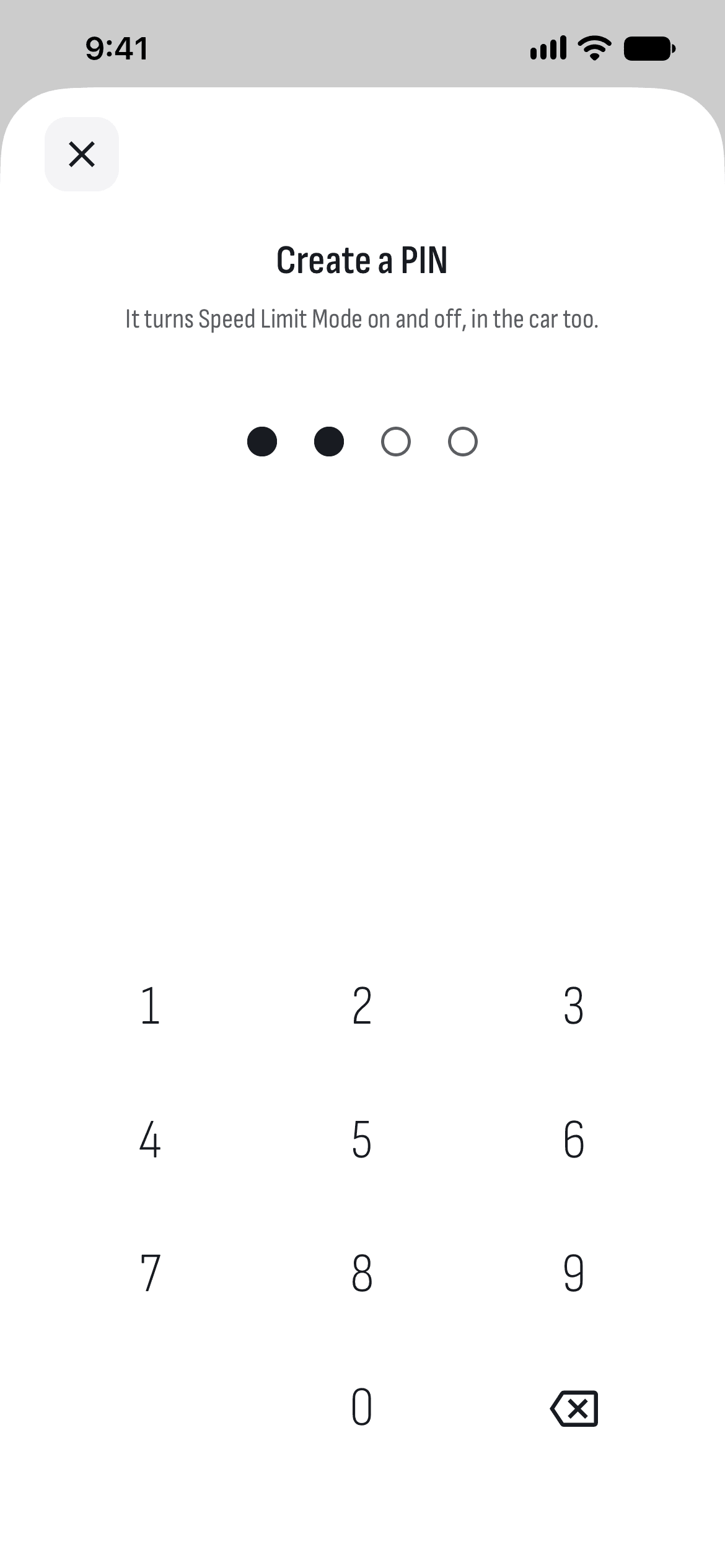
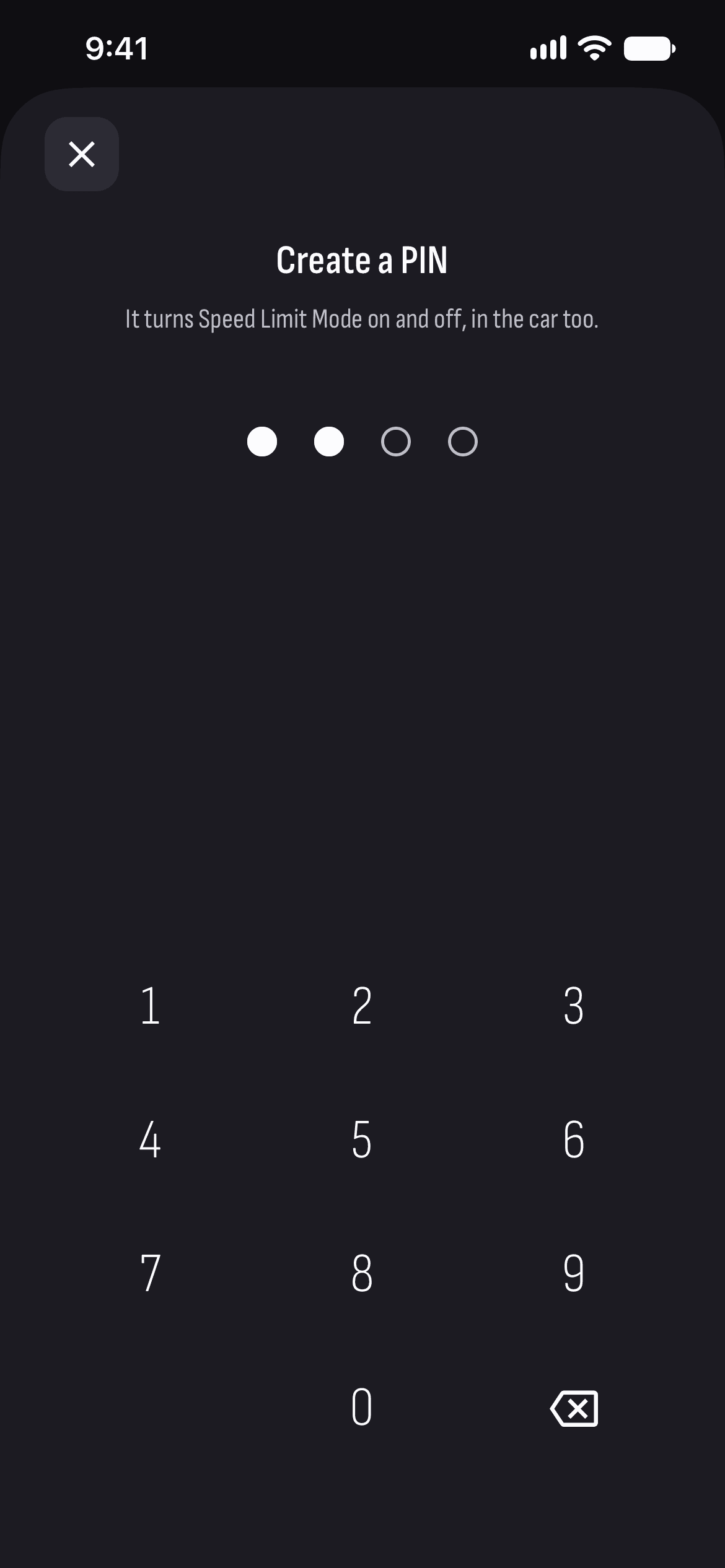
Limits access to the car when you leave it with someone else. The PIN you pick turns it off from the car too.
Speed Limit Mode
Set the top speed and turn the limit on with a PIN — in the car too.
PIN to Drive
Where the car reports it, turn on PIN to Drive: the car asks for a four-digit code before it moves.
Drivers
See the car’s drivers and invite a new one with a link for the Tesla app, which works once, for 24 hours.
Dashcam clip
Where the car supports it, save the dashcam’s last 10 minutes to its USB drive.
How it works
- 1
Connect your car
Sign in with Tesla and approve TesHub’s key.
- 2
Open Security & Drivers
From the menu under the car.
- 3
Turn on what you need
For Valet, the speed limit and PIN to Drive, you pick a four-digit PIN.
Questions and answers
Does Sentry drain the battery?
Yes. Sentry keeps the car awake, and an awake car uses far more energy. Idles shows how much the car lost and how long it slept.
What does Valet Mode do?
It limits access to the car when you leave it with someone else. You turn it on from TesHub, and off from there or with the PIN in the car.
Can I remove a driver from TesHub?
Not yet: TesHub shows the drivers and invites new ones. You remove a driver in the Tesla app.
Can I watch the dashcam footage?
No. Tesla’s Fleet API gives other apps no access to the recordings, so you watch them in the car. TesHub can only save the last 10 minutes, where the car supports it.
Do I need TesHub Pro?
Yes. Security, like everything to do with your car, is part of TesHub Pro: €7.99 a month or €72 a year, with 14 days free, or €249 for life.
More features
Get TesHub. Your Tesla, always at hand.
For iPhone and Android. Scan the code with your phone or pick your store.