Tesla trip planner: chargers on the way, charge on arrival
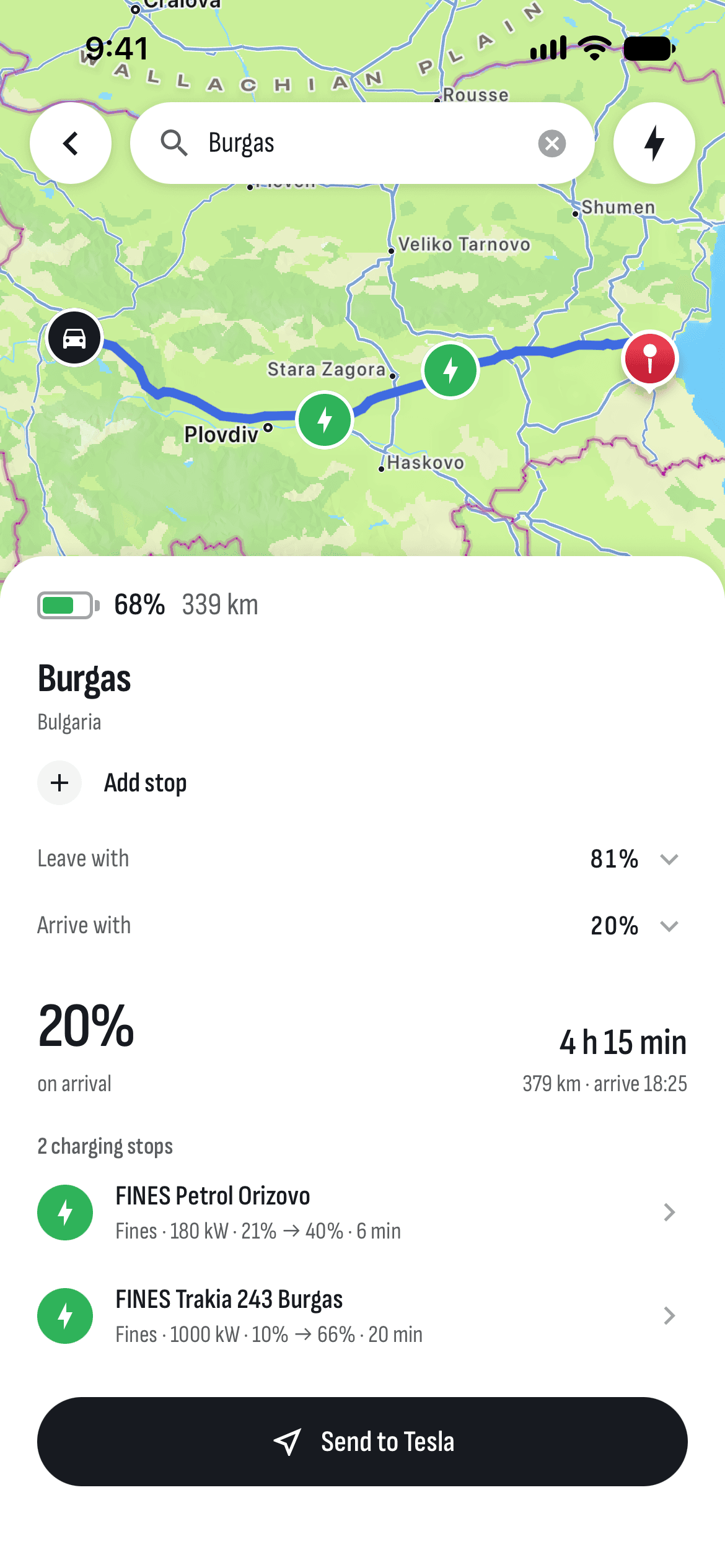
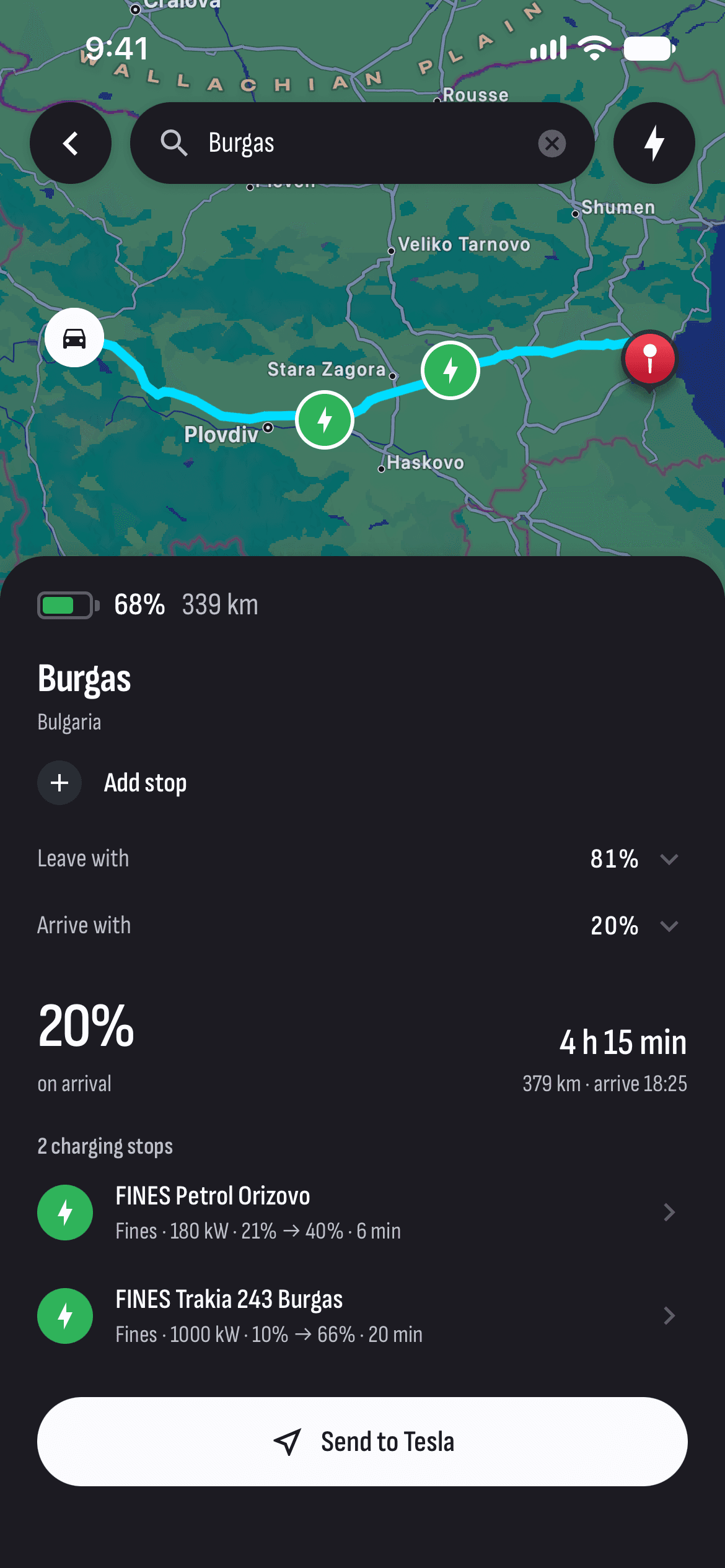
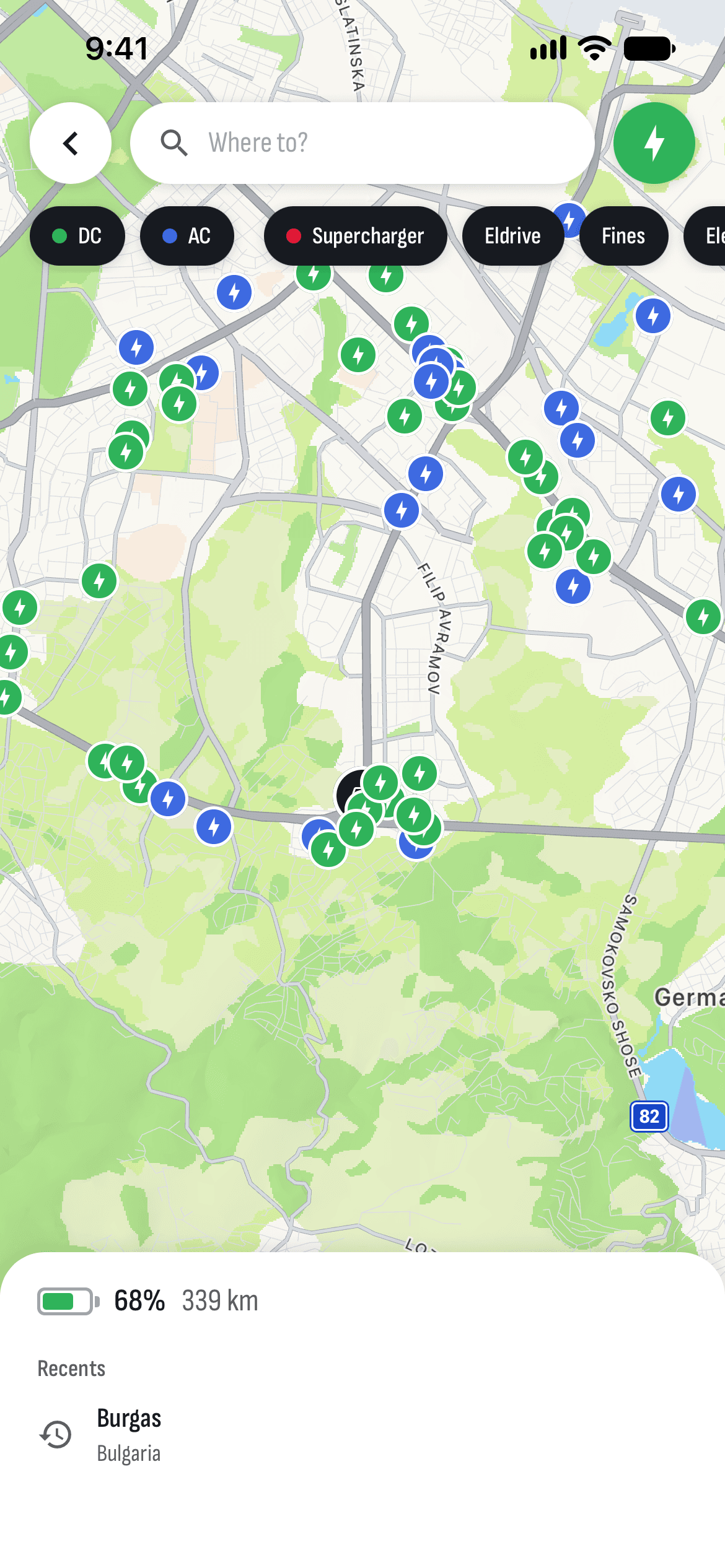
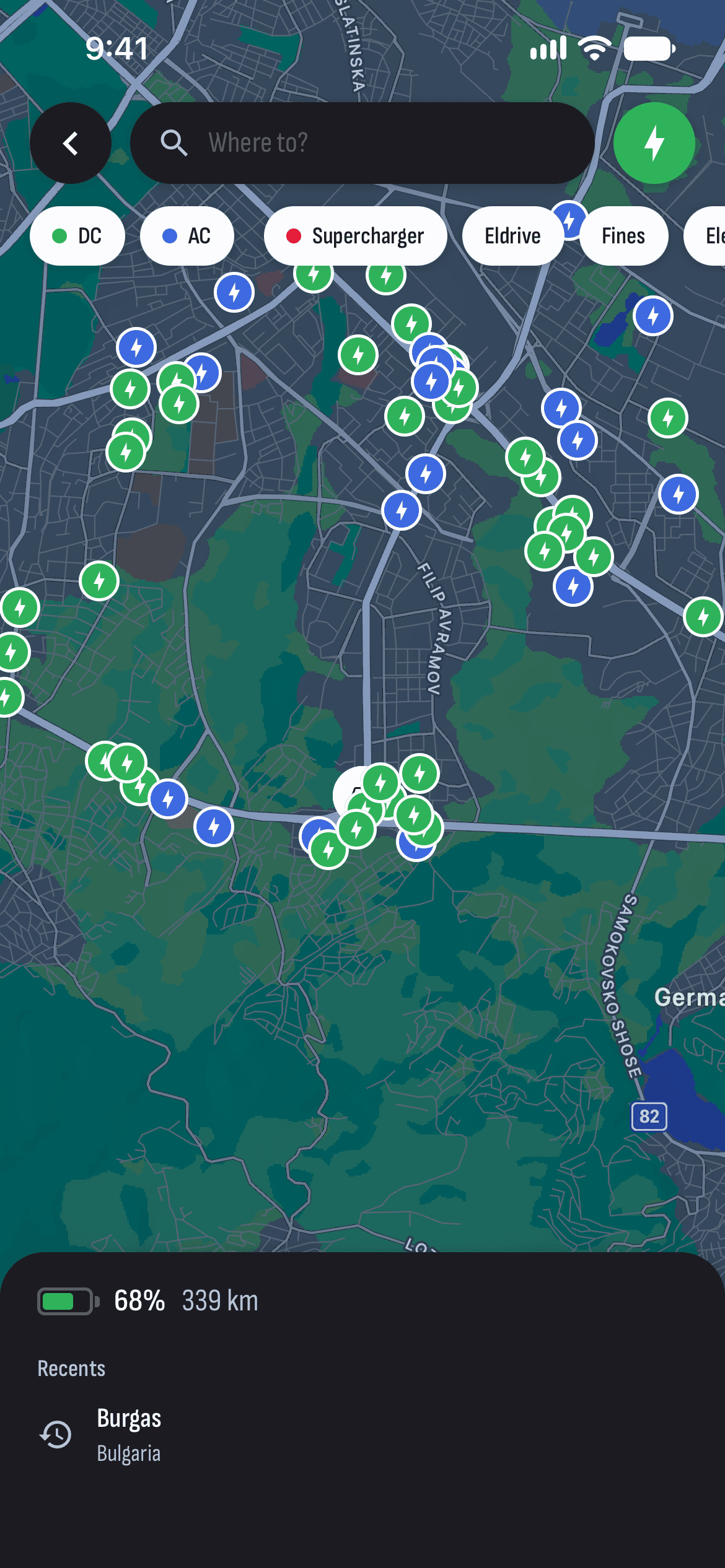
Type where you’re going and TesHub works out the road, the time and the charge you’ll arrive with. If that’s not enough, it suggests where to charge on the way — at a Supercharger or at a charger in Bulgaria. Then send the destination to the car’s navigation.
What you get
Charge on arrival
How much charge you’ll arrive with, from the road, the climbs, the speed and the cold, tuned to how you drive.
Chargers on the way
When the charge won’t last, it plans stops at Superchargers and at Eldrive, Fines, Electrip and Voltspot chargers, with how long to charge at each.
Leave with, arrive with
Set the charge you leave with and the charge you want to arrive with.
Stops on the way
Add stops, and they fall into the order you pass them.
Send to Tesla
The destination goes straight into the car’s navigation.
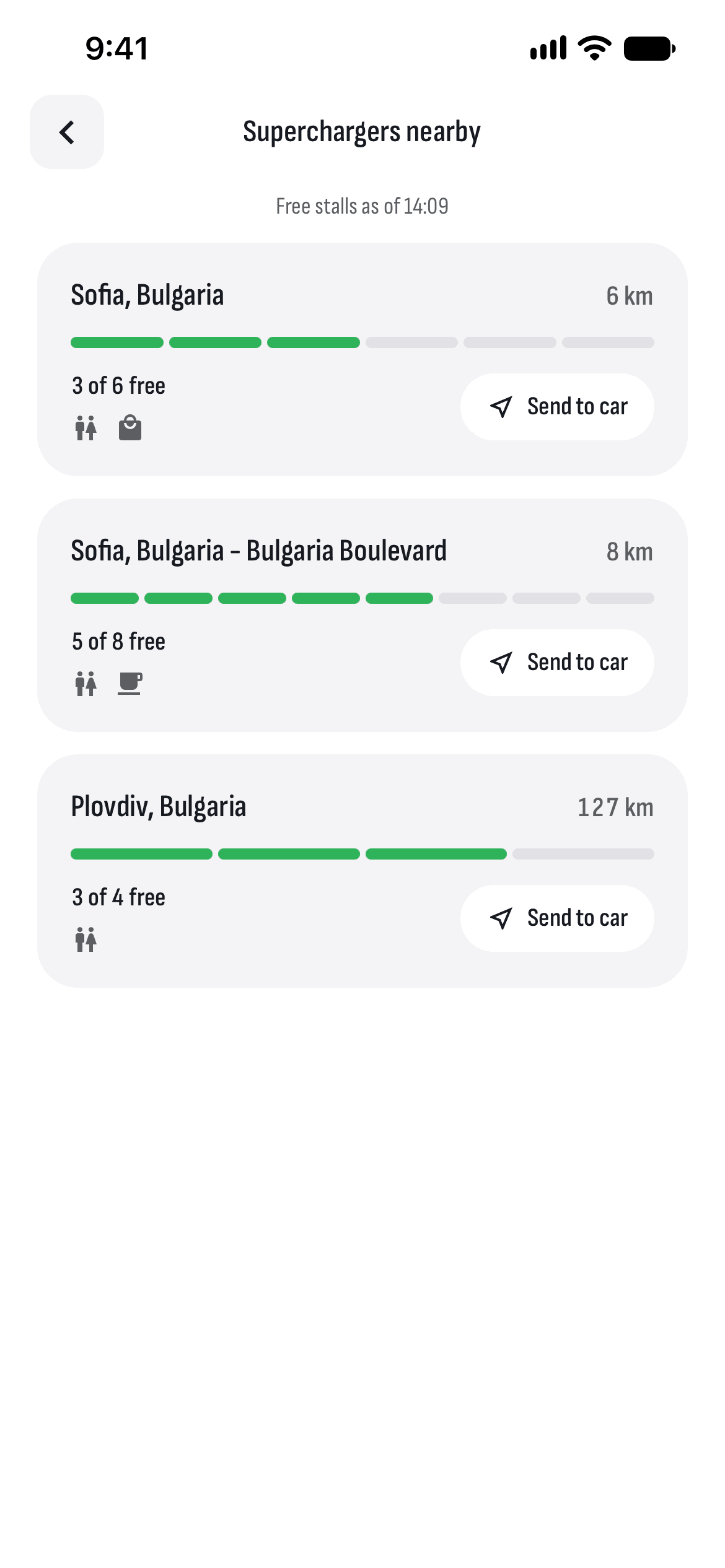
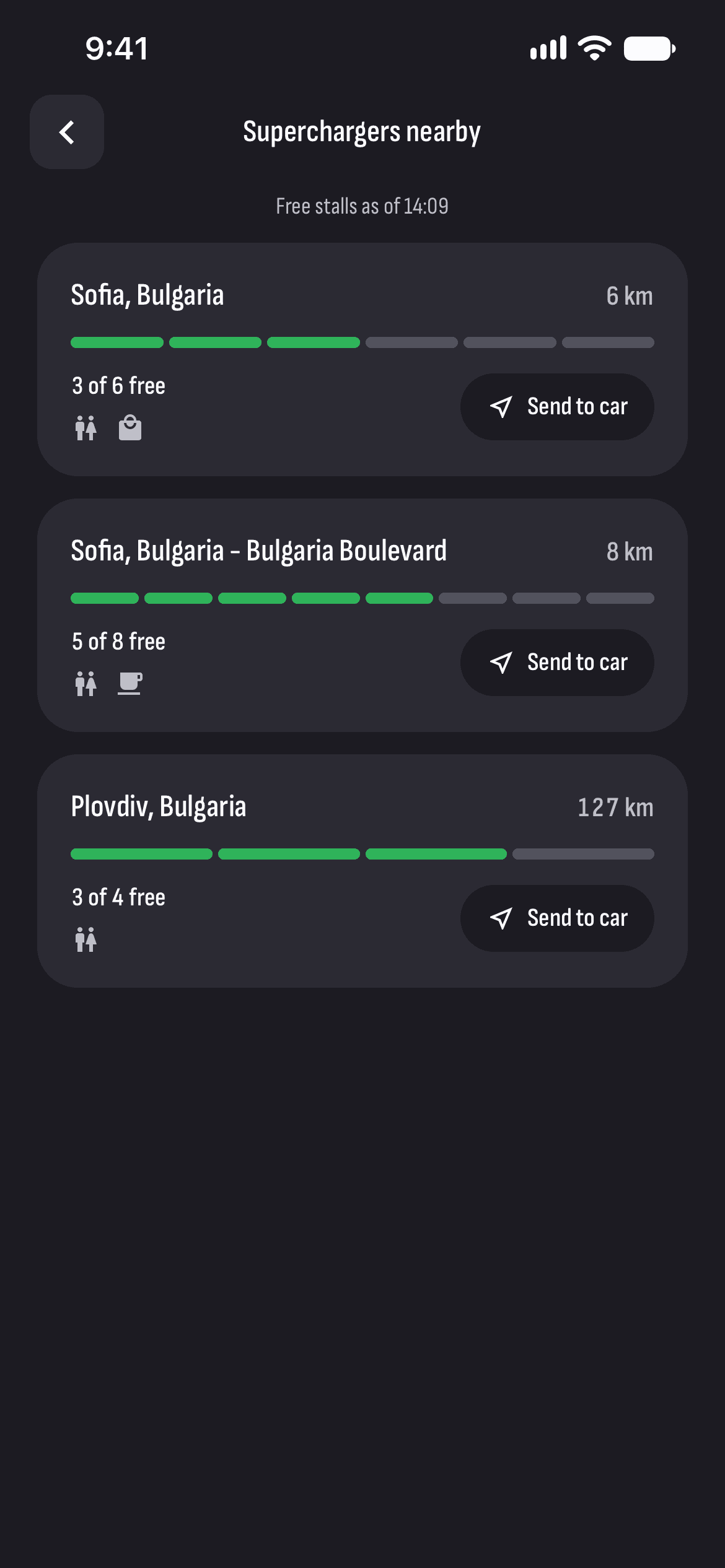
Free stalls nearby
The Superchargers around the car and how many stalls are free now, while the car is awake.
How it works
- 1
Type where to
Or pick a recent place, or a charger on the map.
- 2
See the plan
The road, the time, the charge on arrival and charging stops if you need them.
- 3
Send to Tesla
And go: the car’s navigation takes it from there.
Questions and answers
Which chargers does TesHub show?
Tesla’s Superchargers and the chargers of Eldrive, Fines, Electrip and Voltspot, from their public lists. The lists come from the networks themselves, so a station may sometimes be missing.
How accurate is the charge on arrival?
It’s an estimate from the road, the speed, the climbs and the outside temperature, tuned to your recent drives. Follow the car’s navigation and the road signs: the plan is approximate.
Does TesHub send the route to the car?
Yes. Send to Tesla puts the destination into the car’s navigation, which takes you there.
Do I need TesHub Pro?
Yes. Trips, like everything to do with your car, are part of TesHub Pro: €7.99 a month or €72 a year, with 14 days free, or €249 for life.
More features
Get TesHub. Your Tesla, always at hand.
For iPhone and Android. Scan the code with your phone or pick your store.